Shadowban Scanner has been updated to v4.0
Shadowban Scanner has been updated to version 4.0. This release features a major design overhaul along with several new features aimed at improving usability.
A full list of changes is available on the GitHub Releases page.
Table of Contents
🎨Improved design
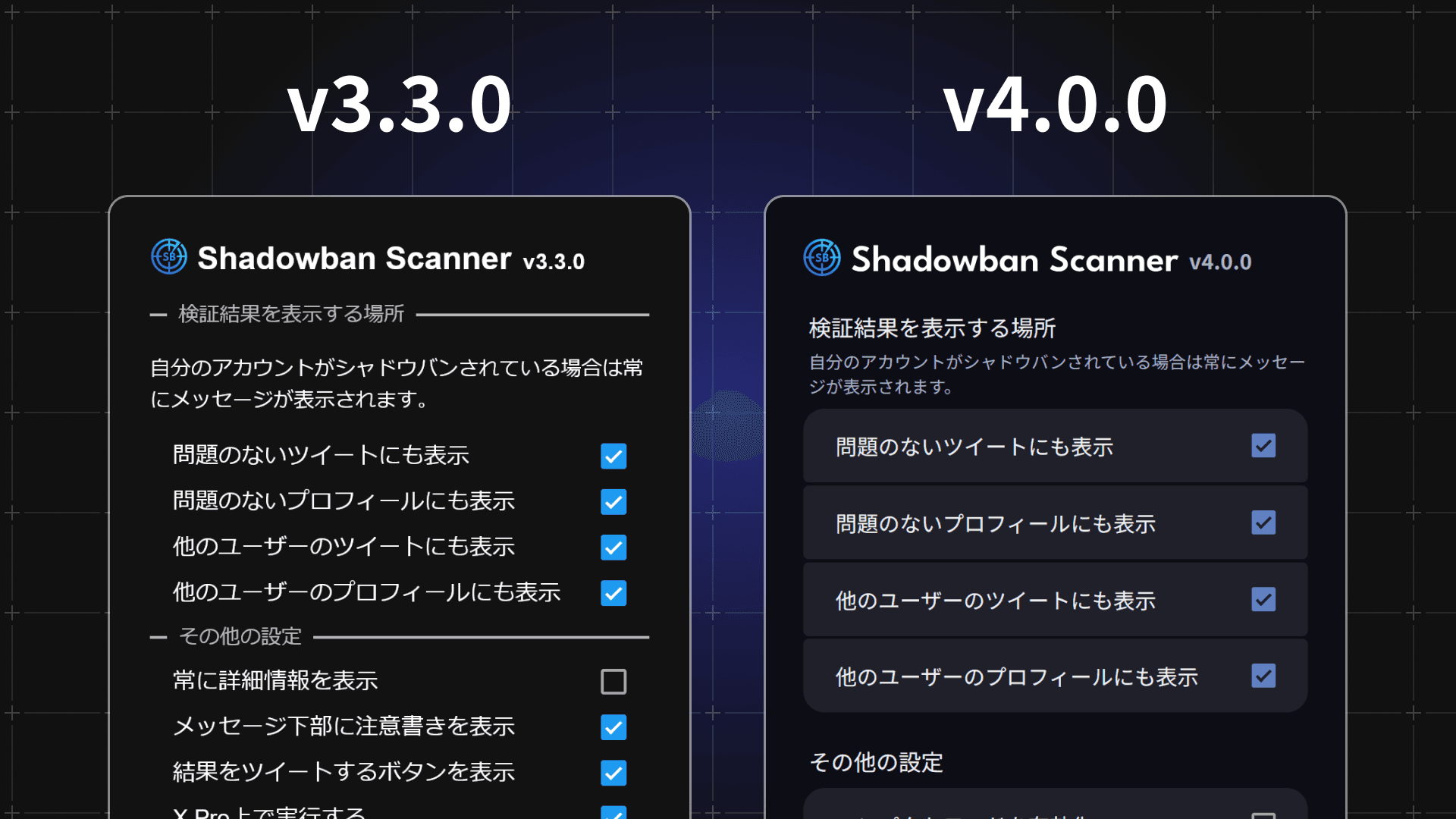
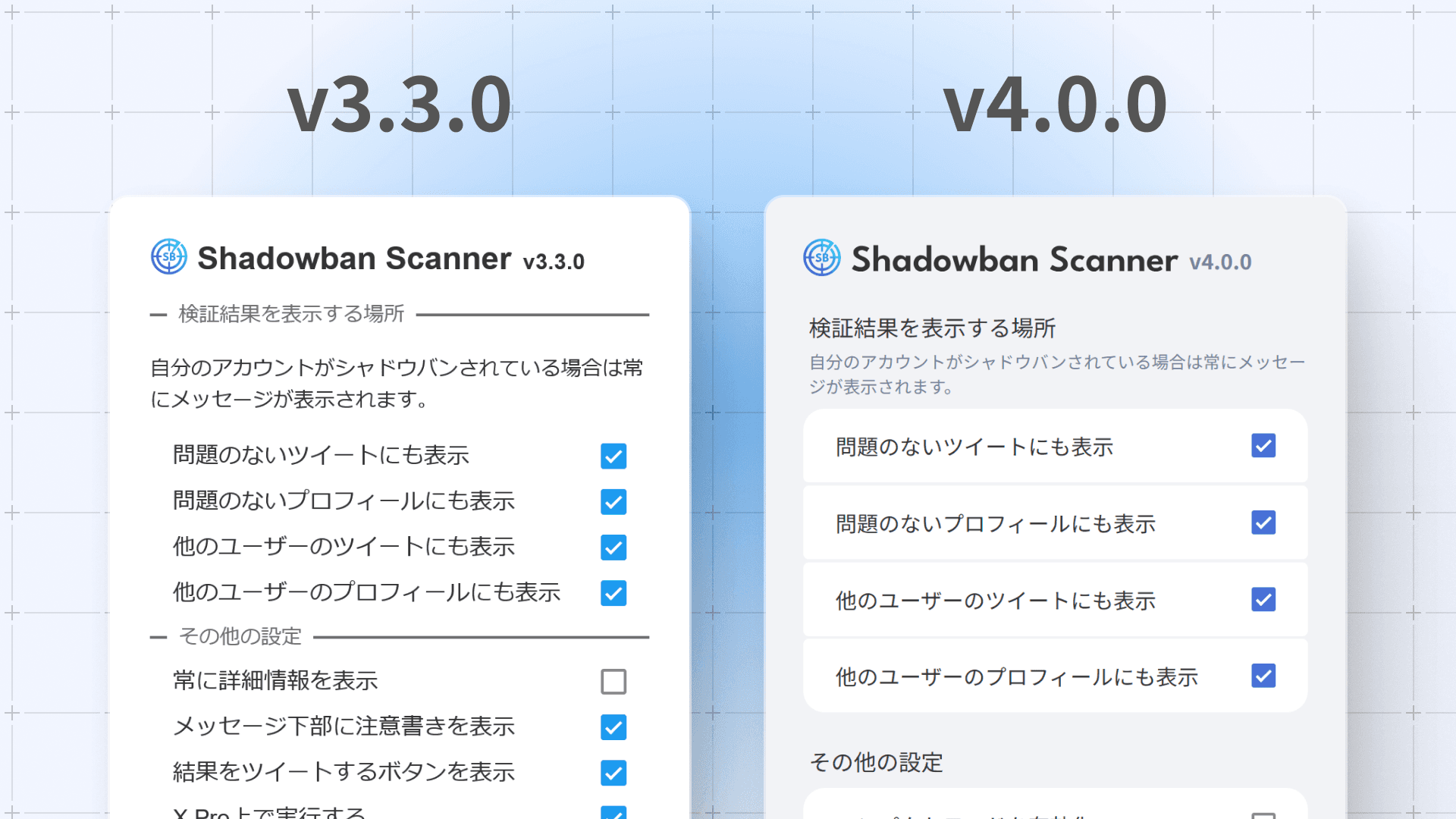
The design of the Shadowban Scanner settings page has been modernized.
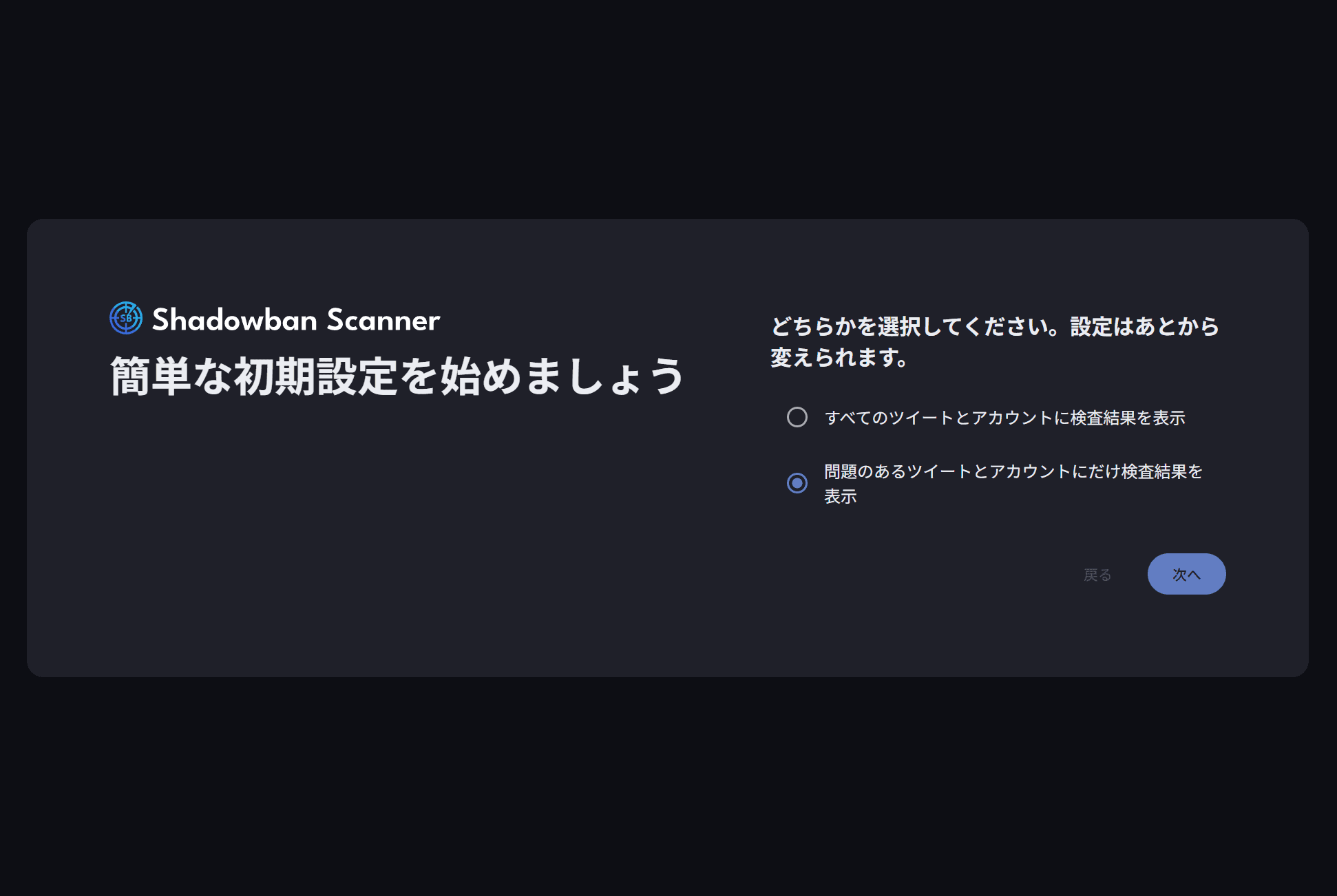
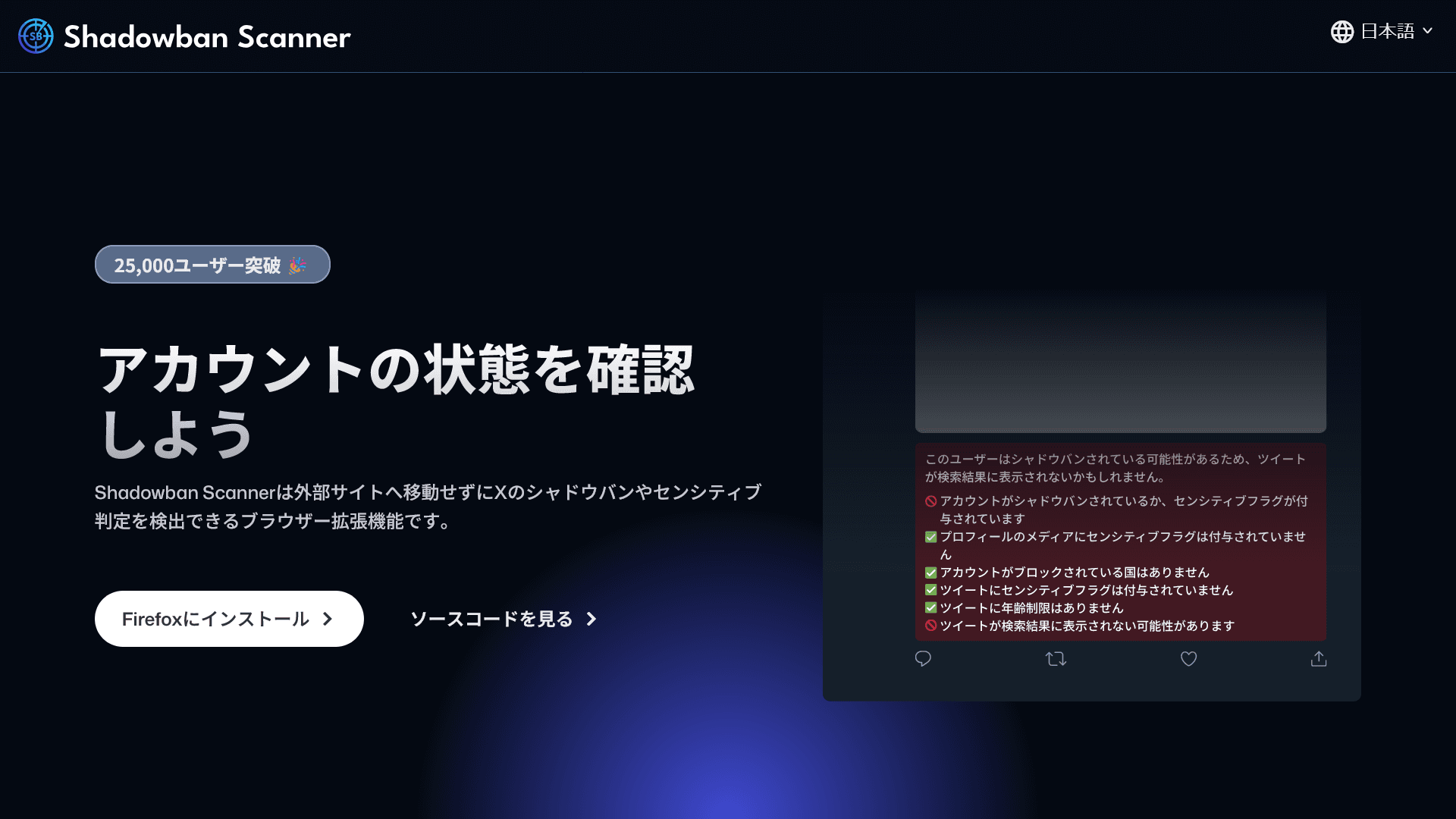
Accessibility has been improved throughout the app, and the official website has also been redesigned. In addition, the background colors of the messages shown on posts and profiles have been adjusted, and the initial setup page is now easier to read.
🗜️Added Compact Mode
In response to feedback that displaying messages on every post made timelines harder to read, we've added a new Compact Mode.
In Compact Mode, a colored line is shown on the left edge of each post to indicate its status while viewing the timeline.
A green line means no issues were detected, while a red line indicates that some kind of issue was found.
Of course, your message display settings still apply — for example, if you’ve set messages to appear only on your own posts, then the status line will only appear on your posts.
You can still click on any post to view detailed information, just like before. Compact Mode is off by default and can be enabled from the settings page.
🔍"Show More" Now Available on Profile Pages
Previously, detailed information could be accessed via the “Show More” button on messages, but not on messages displayed on profile pages.
With this update, we've added the “Show More” button to messages shown on profile pages as well, making it easier to check detailed account status information.
🖌️Added Color Accessibility Mode
To make Shadowban Scanner more accessible to a wider range of users, we’ve added a Color Accessibility Mode.
When enabled, some color schemes within the extension are adjusted to improve visibility. You can turn on this mode from the settings page.
📝Other Improvements
- Improved English translations
- Enabled sharing of scan results in Japanese
- Adapted to recent changes in X's platform specifications
- Added Simplified Chinese translation (Thanks to @flower-elf!)
🤝Support the Project
Shadowban Scanner is a personal project developed in my spare time, but maintaining and improving it takes a significant amount of effort.
If you’d like to support the development, you can do so via Buy Me a Coffee or GitHub Sponsors. Both recurring and one-time donations are available — please choose the option that suits you best.
Even just following my X (Twitter) or leaving a rating and review on the extension store really helps keep the motivation going for future development.
If you're skilled in programming or interested in contributing translations, feel free to join the project on GitHub!
Share this article
Follow us for updates
Adding us to your preferred sources on Google makes it easier to find our articles on Google. Also, be sure to follow us on X and our RSS feed.


Next articles
-1.png&w=1080&q=75)
I've been using JavaScript more than my native language since birth. I am nowhere and everywhere on the internet.
I build web apps and browser extensions in TypeScript as a web frontend programmer. I released Shadowban Scanner, a tool that detects shadowbans on X, and Restore Link Card, a tool that brings back link cards. Media outlets in Japan and abroad covered both tools. For iGEM 2023, I built the Wiki for Team Japan-United and helped the team win the Grand Prize. On my blog, I cover news about X and social media, test and troubleshoot bugs, and share frontend development insights.