How to use tsrs as the TypeScript language server in Zed
In this guide, I'll explain how to configure Zed to use tsrs, a Rust port of the TypeScript compiler, as its TypeScript language server.
Table of Contents
What is tsrs?
tsrs is a Rust port of the TypeScript 7 compiler developed and released by VoidZero, the company behind Oxlint and Oxfmt, in collaboration with Cloudflare. According to the official blog post, tsrs runs up to 8 times faster than TypeScript 7.0 while using 70% less memory.
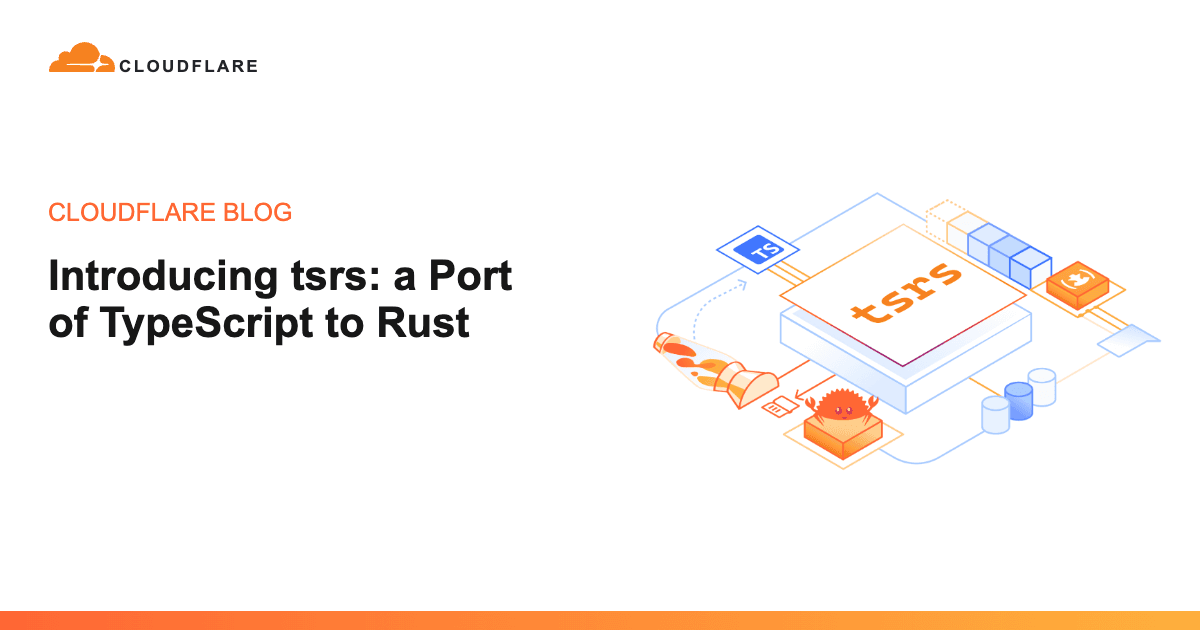
The tsrs and TypeScript development teams are collaborating, and they are incorporating some of the optimizations from tsrs into the official Go implementation of TypeScript.
How to use tsrs as the TypeScript language server in Zed
To use tsrs as your TypeScript language server in Zed, install the TypeScript Language Server extension, which supports the Go implementation of TypeScript.

After installing the extension, configure Zed to use it as the TypeScript language server.
{ "languages": { "TypeScript": { "language_servers": ["!vtsls", "!typescript-language-server", "typescript-ls", "..."] }, "TSX": { "language_servers": ["!vtsls", "!typescript-language-server", "typescript-ls", "..."] }, "JavaScript": { "language_servers": ["!vtsls", "!typescript-language-server", "typescript-ls", "..."] } }}Next, install tsrs globally on your system.
npm install -g tsrsThen, configure Zed to use tsrs as the TypeScript Language Server executable.
{ "lsp": { "typescript-ls": { "binary": { "path": "path/to/tsrs", "arguments": ["--lsp", "--stdio"] } } }, "languages": { "TypeScript": { "language_servers": ["!vtsls", "!typescript-language-server", "typescript-ls", "..."] }, "TSX": { "language_servers": ["!vtsls", "!typescript-language-server", "typescript-ls", "..."] }, "JavaScript": { "language_servers": ["!vtsls", "!typescript-language-server", "typescript-ls", "..."] } }}If you manage tsrs with mise, use the following configuration instead.
{ "lsp": { "typescript-ls": { "binary": { "path": "mise", "arguments": ["exec", "--", "tsrs", "--lsp", "--stdio"] } } }, "languages": { "TypeScript": { "language_servers": ["!vtsls", "!typescript-language-server", "typescript-ls", "..."] }, "TSX": { "language_servers": ["!vtsls", "!typescript-language-server", "typescript-ls", "..."] }, "JavaScript": { "language_servers": ["!vtsls", "!typescript-language-server", "typescript-ls", "..."] } }}You can now use tsrs as the TypeScript language server in Zed.
Verification details and sources
Verification environment
- OS: Windows 11
- Zed: Version 1.28.1
- tsrs: Version 0.23.0-ts7.1.0-beta
Verification details
WindowsとWSL環境でZedのTypeScript言語サーバーとして、miseで管理しているtsrsを指定して日常的にコーディングし、動作を確認しました。
Last verification date
Changelog
I used tsrs, managed through mise, as Zed's TypeScript language server for daily coding on both Windows and WSL and confirmed that it worked.
Reference links
Share this article
Follow us for updates
Adding us to your preferred sources on Google makes it easier to find our articles on Google. Also, be sure to follow us on X and our RSS feed.


Related articles

I've been using JavaScript more than my native language since birth. I am nowhere and everywhere on the internet.
I build web apps and browser extensions in TypeScript as a web frontend programmer. I released Shadowban Scanner, a tool that detects shadowbans on X, and Restore Link Card, a tool that brings back link cards. Media outlets in Japan and abroad covered both tools. For iGEM 2023, I built the Wiki for Team Japan-United and helped the team win the Grand Prize. On my blog, I cover news about X and social media, test and troubleshoot bugs, and share frontend development insights.