
Use passkeys with Payload CMS through payload-passkey
I released payload-passkey, a plugin that lets you sign in to Payload CMS without a password by using a passkey. In this article, I cover the plugin’s features and setup process.

Table of Contents
Why I built it
Payload CMS is an excellent CMS, but its built-in authentication supports email addresses and passwords. If you want two-factor authentication or passkeys, you need a third-party plugin.
I had been using Payload TOTP, a plugin that adds TOTP-based two-factor authentication. After you enter your email address and password on the standard Payload CMS login screen, Payload TOTP takes you to another screen where you enter a one-time password.
Payload TOTP worked well for me, and I used it for some time. Over time, though, I grew tired of opening an authenticator app and entering a one-time password each time I logged in.
I started looking into passkeys. I could not find a Payload CMS plugin focused on passkeys, so Better Auth was the main option.
I had the following requirements:
- Keep Payload CMS’s existing authentication strategy for compatibility and visual consistency
- Work alongside Payload TOTP
- Use Payload CMS’s default authentication strategy for passwords, Payload TOTP for TOTP, and Better Auth for passkeys
- Allow login with either (email address AND password AND TOTP) OR a passkey
Several plugins let developers use Better Auth with Payload CMS, but none matched my use case:
- @delmaredigital/payload-better-auth: Replaces the entire login screen
- payload-auth: Had no documentation at the time
- payload-auth-plugin: Appeared to support passkeys as an experimental feature, but the relevant code was commented out, so the plugin did not support them
None of these plugins met my requirements.
I then found that @delmaredigital/payload-better-auth exports its Better Auth database adapter as a separate module. That gave me a way to wrap the adapter and build a plugin that met my requirements. I built payload-passkey around that approach.
payload-passkey features
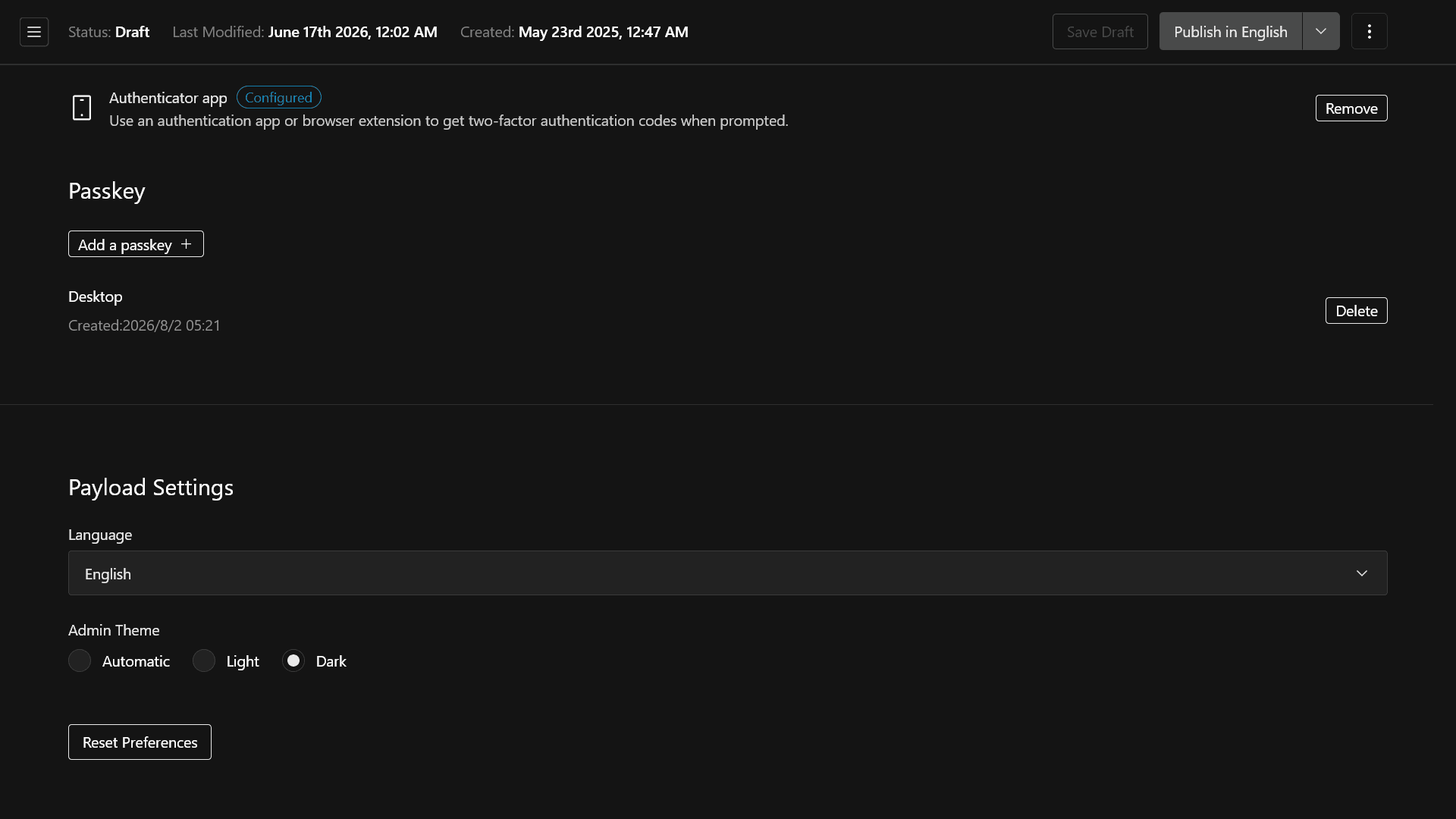
With payload-passkey, you can add a passkey login button to Payload CMS’s default login screen and manage passkeys from the account management screen. The plugin includes the following features:
- A passkey login button on Payload CMS’s default login screen
- Passkey management from the account management screen
- Automatic token refresh when you enable it in Payload CMS
- Compatibility with Payload TOTP
- Passkey autofill support
- i18n support
- A design that uses Payload CMS UI components and fits into the dashboard
After you enable payload-passkey, you will see a passkey login button on the login screen, as shown below.
![Screenshot showing a [Login with a passkey] button added to the bottom of the Payload CMS login screen](/_next/image/?url=%2Fapi%2Fmedia%2Ffile%2Fpayload-passkey-login-screen.png&w=3840&q=75)
You will also see a section for managing passkeys on the account management screen.
How to use payload-passkey
First, install the package.
pnpm add payload-passkeyNext, set the BETTER_AUTH_SECRET environment variable to a random string with at least 32 characters.
BETTER_AUTH_SECRET=your-secret-key-longer-than-32-charactersAdd payload-passkey as a plugin in payload.config.ts. Set userCollection to the slug of the collection that stores your user data. Set modelName to the value of userCollection with the trailing s removed.
import { buildConfig } from "payload";import { payloadPasskey } from "payload-passkey";
const config = buildConfig({ collections: [ { slug: "users", auth: true, fields: [...], }, ], plugins: [ payloadPasskey({ rpID: "your-domain.example.com", rpName: "Example App", origin: "https://your-domain.example.com", modelName: "user", userCollection: "users", baseURL: "https://your-domain.example.com", secret: process.env.BETTER_AUTH_SECRET, trustedOrigins: ["https://your-domain.example.com"], generateId: "serial", firstUserAdmin: true, enablePasskeyAutofill: true }) ]});
export default config;If you want to use payload-passkey with Payload TOTP, configure the plugins as follows.
import { buildConfig } from "payload";import { payloadPasskey } from "payload-passkey";
const config = buildConfig({ collections: [ { slug: "users", auth: true, fields: [...], }, ], plugins: [ payloadPasskey({ enableTotpCompatibility: true, rpID: "your-domain.example.com", rpName: "Example App", origin: "https://your-domain.example.com", modelName: "user", userCollection: "users", baseURL: "https://your-domain.example.com", secret: process.env.BETTER_AUTH_SECRET, trustedOrigins: ["https://your-domain.example.com"], generateId: "serial", firstUserAdmin: true, enablePasskeyAutofill: true }), // `payloadTotp()` must be called after `payloadPasskey()`; // otherwise, the collection generated by payload-passkey won't be protected by Payload TOTP. payloadTotp({ collection: "users", totp: { issuer: "Example App" } }) ]});
export default config;Run the database migrations, and you can start using passkeys with Payload CMS.
npm run payload migrate:createnpm run payload migrateConclusion
I released payload-passkey so you can add passkey support while keeping Payload CMS’s default authentication strategy and compatibility with Payload TOTP.
You can find the source code on GitHub. If you find a bug, please open an issue or send a PR.
Share this article
Follow us for updates
Adding us to your preferred sources on Google makes it easier to find our articles on Google. Also, be sure to follow us on X and our RSS feed.


Related articles
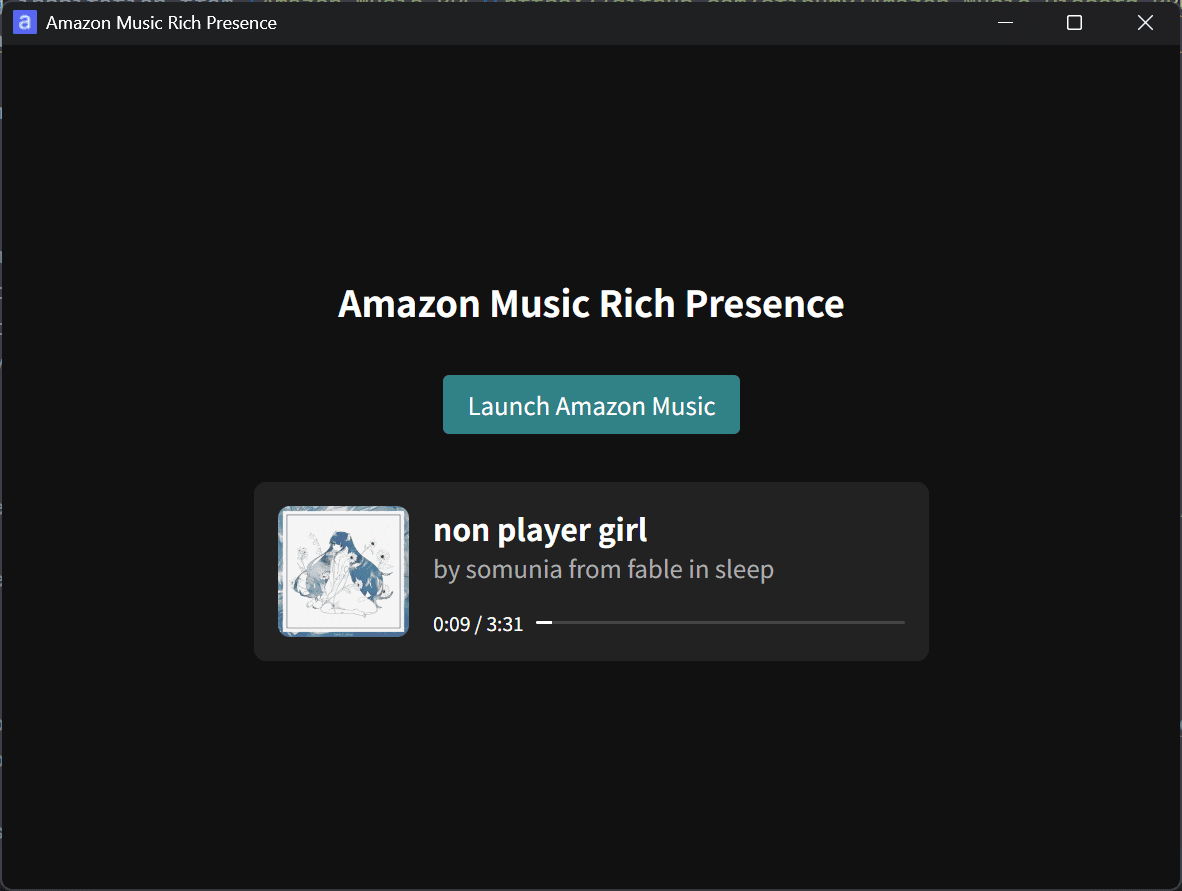
- I released Amazon Music Rich Presence to show your current Amazon Music track on Discord
- How to disable Dark Reader on your website
- X web app get much faster as migration to TanStack Router and Tailwind begins
- How to fix Oxlint slowing down TypeScript in VS Code and Zed
- X’s web app will get faster. Head of product says load times will drop by 90%
-1.png&w=1080&q=75)
I've been using JavaScript more than my native language since birth. I am nowhere and everywhere on the internet.
I build web apps and browser extensions in TypeScript as a web frontend programmer. I released Shadowban Scanner, a tool that detects shadowbans on X, and Restore Link Card, a tool that brings back link cards. Media outlets in Japan and abroad covered both tools. For iGEM 2023, I built the Wiki for Team Japan-United and helped the team win the Grand Prize. On my blog, I cover news about X and social media, test and troubleshoot bugs, and share frontend development insights.





![[Search Engine Selector]というアプリからの通知のスクリーンショット。[ブラウザと検索サービスを選択]というタイトルで、本文には[ウェブページを表示しリンクを開くアプリと、検索サービスアプリを選択してください]と書かれている。通知の下部には[アプリを選択してください]というボタンが表示されている](/_next/image/?url=%2Fapi%2Fmedia%2Ffile%2Fandroid-search-engine-selector-notification.png&w=3840&q=75)
![Screenshot of Discord's settings page, with the [Show my message content from discoverable channels on web pages] option highlighted by a red border in the [Data & Privacy] section.](/_next/image/?url=%2Fapi%2Fmedia%2Ffile%2Fdiscord-message-visibility-setting-english.png&w=3840&q=75)


