
How to update Bun itself
This article explains how to update Bun, an all-in-one tool that can run, build, and test JavaScript and TypeScript.
This article does not explain how to update project dependencies using Bun, but instead explains how to update Bun itself.
How to update Bun
To update Bun, run the following command in the environment where Bun is installed.
bun upgradeIf a newer version of Bun than the one currently installed is available, it will be updated to the latest version.
If the update fails for some reason, you can update to the latest version of Bun by running the installation command listed on the official Bun website.
When updating using this method, you do not need to uninstall Bun; simply running the installation command will update it to the latest version.
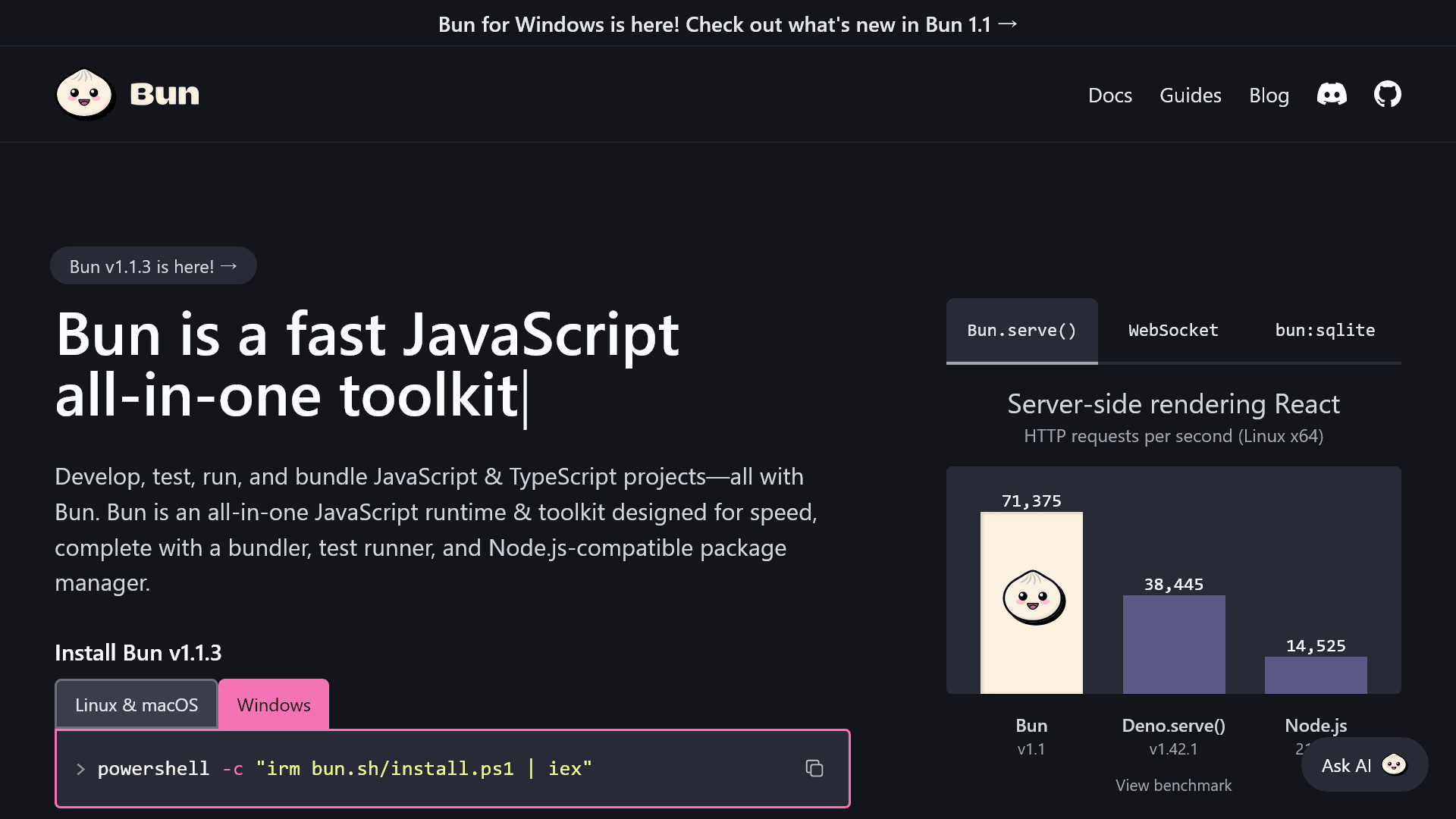
The command to install Bun on Windows is introduced in the following article.
Conclusion
This article explained how to update Bun itself to the latest version, rather than updating dependencies.
If the update fails for some reason, you can update it by running Bun’s installation command.
Share this article
Follow us for updates
Adding us to your preferred sources on Google makes it easier to find our articles on Google. Also, be sure to follow us on X and our RSS feed.


Related articles
-1.png&w=1080&q=75)
I've been using JavaScript more than my native language since birth. I am nowhere and everywhere on the internet.
I build web apps and browser extensions in TypeScript as a web frontend programmer. I released Shadowban Scanner, a tool that detects shadowbans on X, and Restore Link Card, a tool that brings back link cards. Media outlets in Japan and abroad covered both tools. For iGEM 2023, I built the Wiki for Team Japan-United and helped the team win the Grand Prize. On my blog, I cover news about X and social media, test and troubleshoot bugs, and share frontend development insights.




![スマートフォンのホーム画面の[Social]フォルダーを表示した写真。フォルダー内にはFacebook、Instagram、Threads、X、LinkedIn、TikTok、YouTubeのアイコンが配置されている](/_next/image/?url=%2Fapi%2Fmedia%2Ffile%2Ffacebook-instagram-threads-x-twitter-linkedin-tiktok-youtube-mobile-app-unsplash.jpg&w=3840&q=75)




