What is X’s “Under the hood”? How to use the official shadowban checker

On September 19 (JST), X announced that it had expanded access to “Under the hood,” its official tool for checking labels that affect the visibility of your account and posts, along with the information the tool displays. All users who meet the eligibility requirements can now use Under the hood.
In this article, I explain what Under the hood is and how to use it.
Table of Contents
What is Under the hood?
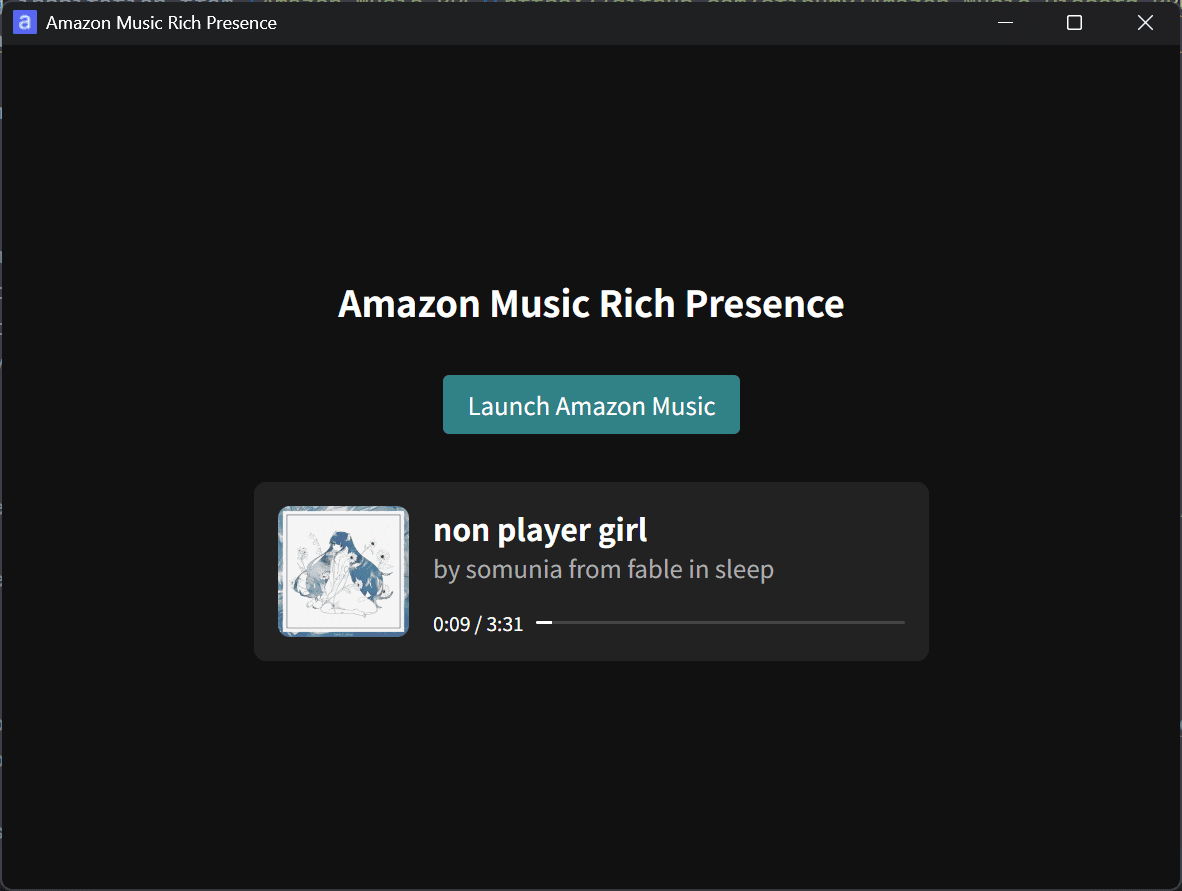
Under the hood is, in practical terms, X’s official shadowban checker.
Readers familiar with shadowban may wonder, “Hasn’t X said that it does not shadowban users?” X does deny shadowban under its own definition of the term, but it has acknowledged practices that fit the broader definition of shadowban since 2018.

Under the hood lets you check labels that affect the visibility of your account and posts, which makes it an official shadowban checker in practical terms.
X first tested Under the hood with a subset of accounts that had existed for more than a year and had published at least 10 posts during the previous month. X has since opened the tool to every user who meets those requirements and added information about legal withholding.

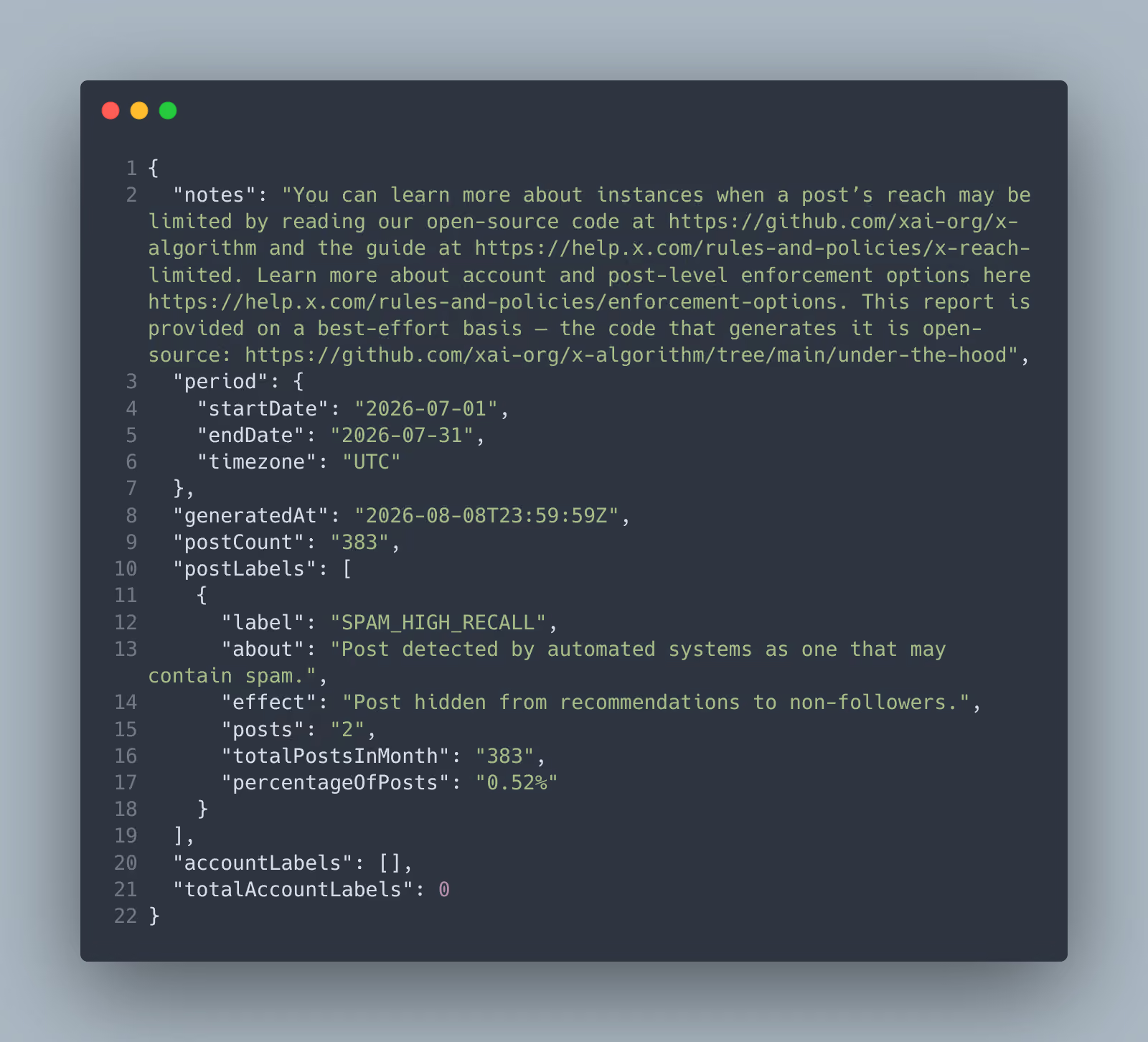
Under the hood shows whether X applied any labels that affect the visibility of your account or posts. If it did, the report shows which labels X applied and how many posts received each label.
How to check whether you can use Under the hood
Before using Under the hood, you can check whether your account meets the eligibility requirements. Open this URL:
If you do not see a download button, your account is either less than one year old or has not published at least 10 posts during the previous month, so you cannot use Under the hood.
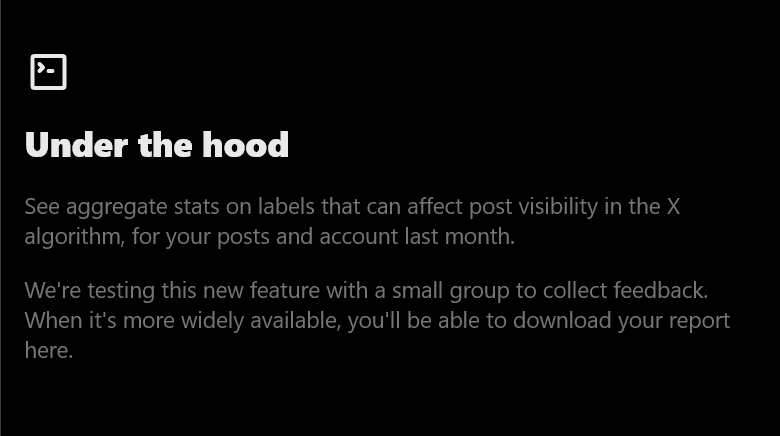
If you see both a button for viewing the report and a download button, you can use Under the hood.
How to use Under the hood
Earlier versions of Under the hood only let you download a file in JSON format, with no easy way to read the report on the page. X later added a more readable report interface after an intern working at X implemented it. You can now understand the report without knowing how to read JSON.
To view the report, click the [View report] button on the Under the hood page.
If both the [Post labels] and [Account labels] sections say [None in this period], X found no applicable labels during the reporting period.
If the report lists labels, as in the screenshot below, X applied those labels to your posts or account. For each detected label, the report shows its name and description, its effect, and the number and percentage of posts that received it.
In this example, [SPAM_HIGH_RECALL] is the label X applied to a post. [What it means] and [Effect on visibility] describe what the label means and how it affects visibility. [SPAM_HIGH_RECALL] means X’s automated systems detected that the post may contain spam, and X appears to exclude affected posts from recommendations shown to non-followers.
The report says [1 of 435 posts · 0.22%], which means X applied the label to one of the 435 posts published during the reporting period, or 0.22% of them.
How can you save the report?
You can save the report by taking a screenshot or downloading the underlying data as a JSON file.
The easiest options are to take a screenshot or save the page as a PDF. On a computer, open the print dialog with Ctrl + P or a similar shortcut, then select [Save as PDF] from the printer options.
You can also download the report’s source data in JSON format using the download button on the Under the hood page. If you want ChatGPT, Grok, or another AI tool to analyze the report, JSON may work better than screenshots.
What are the requirements for using Under the hood?
At the time of writing, your account must be at least one year old and must have published at least 10 posts during the previous month to use Under the hood. Accounts less than one year old and accounts with fewer than 10 posts during the previous month cannot use it.
Suspended accounts may also lose access if enough time has passed since the suspension that they no longer satisfy the posting requirement.
Can you see which posts received labels?
Under the hood shows how many posts you published during the reporting period and how many received each label, but it does not identify the specific posts that received those labels.
The tool also requires an account to be at least one year old and to have published at least 10 posts during the previous month, which makes its eligibility requirements somewhat restrictive. Giving users more detailed information could make it easier to circumvent X’s abuse-prevention systems, so X has reasons to limit what the report reveals.
I also develop a free browser extension called Shadowban Scanner that can identify posts with sensitive-content flags. It uses a different mechanism from X’s Under the hood, so the two tools do not evaluate posts using the same criteria, but you can use it as another reference.

Verification details and sources
Verification environment
- OS: Windows 11
- Browser: Zen Browser 1.22.3b
Verification details
I opened the Under the hood report for my own account and checked what information it provides and what information it does not provide.
Last verification date
Reference links
Share this article
Follow us for updates
Adding us to your preferred sources on Google makes it easier to find our articles on Google. Also, be sure to follow us on X and our RSS feed.


-1.png&w=1080&q=75)
I've been using JavaScript more than my native language since birth. I am nowhere and everywhere on the internet.
I build web apps and browser extensions in TypeScript as a web frontend programmer. I released Shadowban Scanner, a tool that detects shadowbans on X, and Restore Link Card, a tool that brings back link cards. Media outlets in Japan and abroad covered both tools. For iGEM 2023, I built the Wiki for Team Japan-United and helped the team win the Grand Prize. On my blog, I cover news about X and social media, test and troubleshoot bugs, and share frontend development insights.

![Screenshot of [Accessibility, display, and languages] > [Display] > [Font size] in the X settings](/_next/image/?url=%2Fapi%2Fmedia%2Ffile%2Fx-android-font-size-settings-english.png&w=3840&q=75)