Discord messages could appear in Google Search! How to turn off the feature
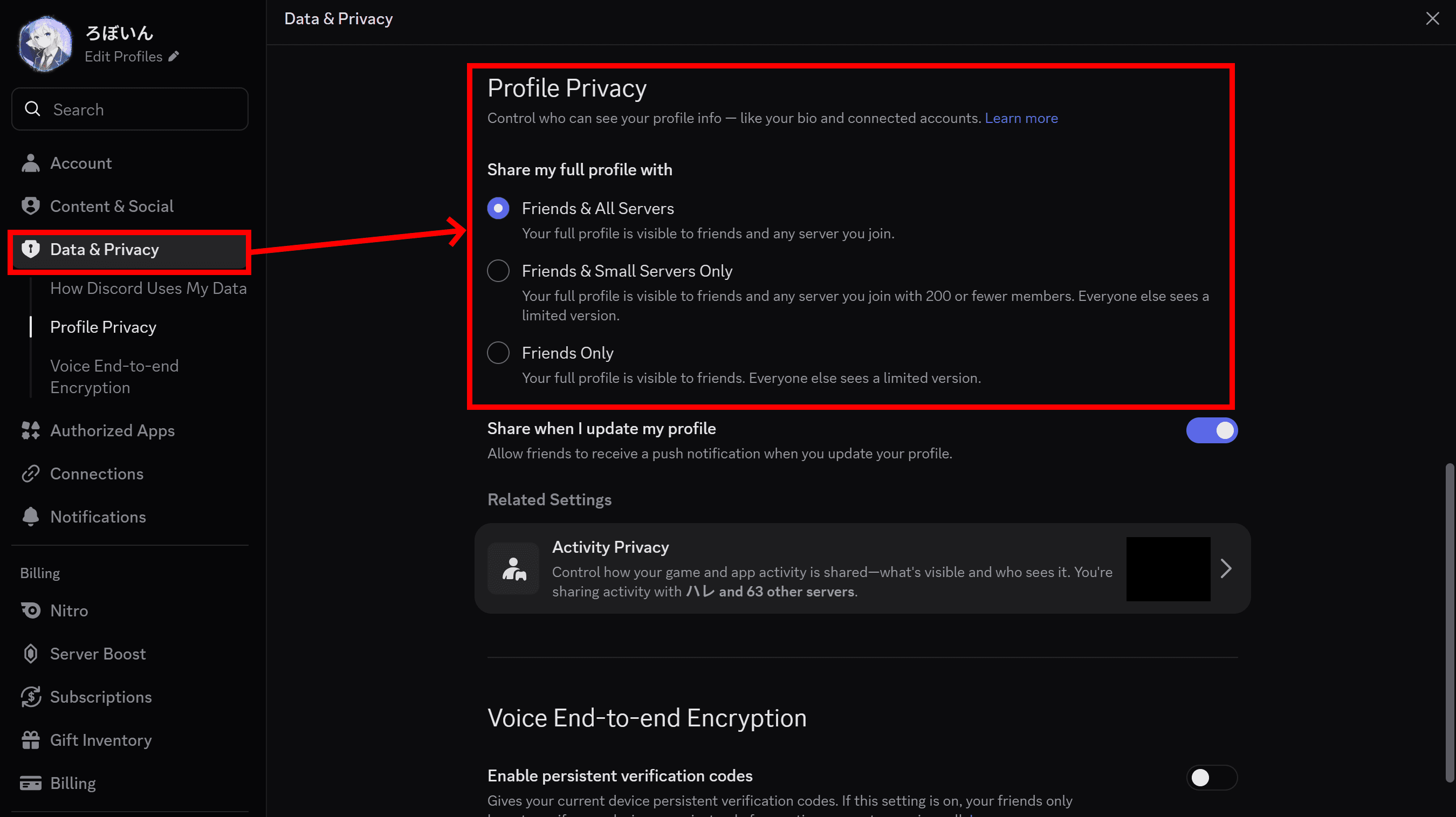
![Screenshot of Discord's settings page, with the [Show my message content from discoverable channels on web pages] option highlighted by a red border in the [Data & Privacy] section.](/_next/image/?url=%2Fapi%2Fmedia%2Ffile%2Fdiscord-message-visibility-setting-english.png&w=3840&q=75)
Starting in mid-December 2026, Discord plans to make some messages from public channels in eligible discoverable servers accessible through Discord's website and search engines like Google. Messages from private servers, direct messages (DMs), and group DMs will remain private. However, anyone may be able to find messages from eligible public channels through Google Search unless you change the relevant settings.
Server administrators can choose which channels appear on the web or exclude all channels. Individual users can also prevent their own messages from appearing on websites and search engines.
Table of Contents
Some Discord messages will appear on websites and search engines starting in mid-December
On October 28 (JST), Discord announced plans to make some messages from public channels in certain servers accessible through search engines like Google and Discord's website. The change applies to discoverable servers that have at least 1,000 members, have existed for at least eight weeks, and meet Discord's activity and safety requirements.
Starting November 16, Discord will create a web page for every discoverable server. Then, in mid-December, some messages from public channels may begin appearing on those pages and in search engine results. Discord has allowed administrators of discoverable servers to create web pages for their communities, but it will begin generating these pages automatically on November 16. The pages may also feature summaries of trending discussions within each server. Private servers, DMs, and group DMs fall outside the scope of this change and will remain private.
Discord explained that it wants to make useful information from conversations on its platform accessible to people across the internet who might otherwise never find it.
Discord stated, "By giving admins the option to make certain channels discoverable from the web, we can help more people find and benefit from the knowledge shared in Discord communities." The company highlighted several potential benefits for different types of communities:
- Fandoms: Making specific channels easier to find can help new players get answers to common questions.
- Content creators: Creators can promote events and new content releases more easily.
- Indie game developers: Developers can use public channels, including forum channels, to share game updates and wiki-style information.
How to prevent your Discord messages from appearing publicly
You can change your settings to prevent Discord from displaying your messages on public web pages.
This change only affects discoverable servers, so messages in other types of servers will not become public. Discord will also exclude servers and channels where administrators have disabled web visibility.
If an administrator enables search engine visibility for a channel in a discoverable server, Discord may display messages from that channel on its website and in search results. To prevent your messages from appearing, you need to change your privacy settings.
In other words, your messages may become publicly accessible only if all four conditions apply:
- You participate in a discoverable server.
- The server administrator has not disabled the setting that allows messages to appear publicly.
- You post a message in a public channel.
- You have not disabled the setting that allows your messages to appear publicly.
You can control this feature through your personal privacy settings or, if you manage a server, through its administration settings.
How to change your personal settings
Follow these steps to prevent messages you post in eligible channels from appearing publicly. You can follow the same steps in the mobile app.
Open Discord's User Settings.
Go to [Data & Privacy]
Turn off [Show my message content from discoverable channels on web pages]
Discord will no longer display messages you post in eligible channels publicly on the web.
How to change server administrator settings
Starting October 27, you may see a pop-up titled "Reach new members on the web" when you first access your server through the Discord desktop app.
Administrators of discoverable servers can control whether Discord displays their server's messages on the web and choose which channels to include.
Open Server Settings.
Go to [Web Presence] and adjust the available settings.
Verification details and sources
Verification environment
PC:
- OS: Windows 11
- Discord version: 652418
Mobile:
- OS: Android 17
- Discord app version: 350.8
Verification details
I confirmed on both PC and mobile that users can change this setting under [User Settings] > [Data & Privacy] > [Show my message content from discoverable channels on web pages]
Last verification date
Reference links
Share this article
Follow us for updates
Adding us to your preferred sources on Google makes it easier to find our articles on Google. Also, be sure to follow us on X and our RSS feed.


-1.png&w=1080&q=75)
I've been using JavaScript more than my native language since birth. I am nowhere and everywhere on the internet.
I build web apps and browser extensions in TypeScript as a web frontend programmer. I released Shadowban Scanner, a tool that detects shadowbans on X, and Restore Link Card, a tool that brings back link cards. Media outlets in Japan and abroad covered both tools. For iGEM 2023, I built the Wiki for Team Japan-United and helped the team win the Grand Prize. On my blog, I cover news about X and social media, test and troubleshoot bugs, and share frontend development insights.