
Shadowban Scanner has been updated to v3.0
Shadowban Scanner has been updated to v3.0. This version includes several new features.
The main changes are as follows. All changes can be viewed on the release page on GitHub.
Also, in the next update, a dialog will appear asking for additional permissions to accommodate changes in Twitter's specifications. For more information, please see the screen displayed when updating to v3.0 or the link provided on the settings page.
🎉New Features
- Added a button to tweet the results. If you don't need it, you can hide it from the settings
- The settings screen has been reorganized
- Added the ability to detect countries that have blocked accounts for legal reasons
- Added initial setup screen. Not shown to existing users
🩹Fixed
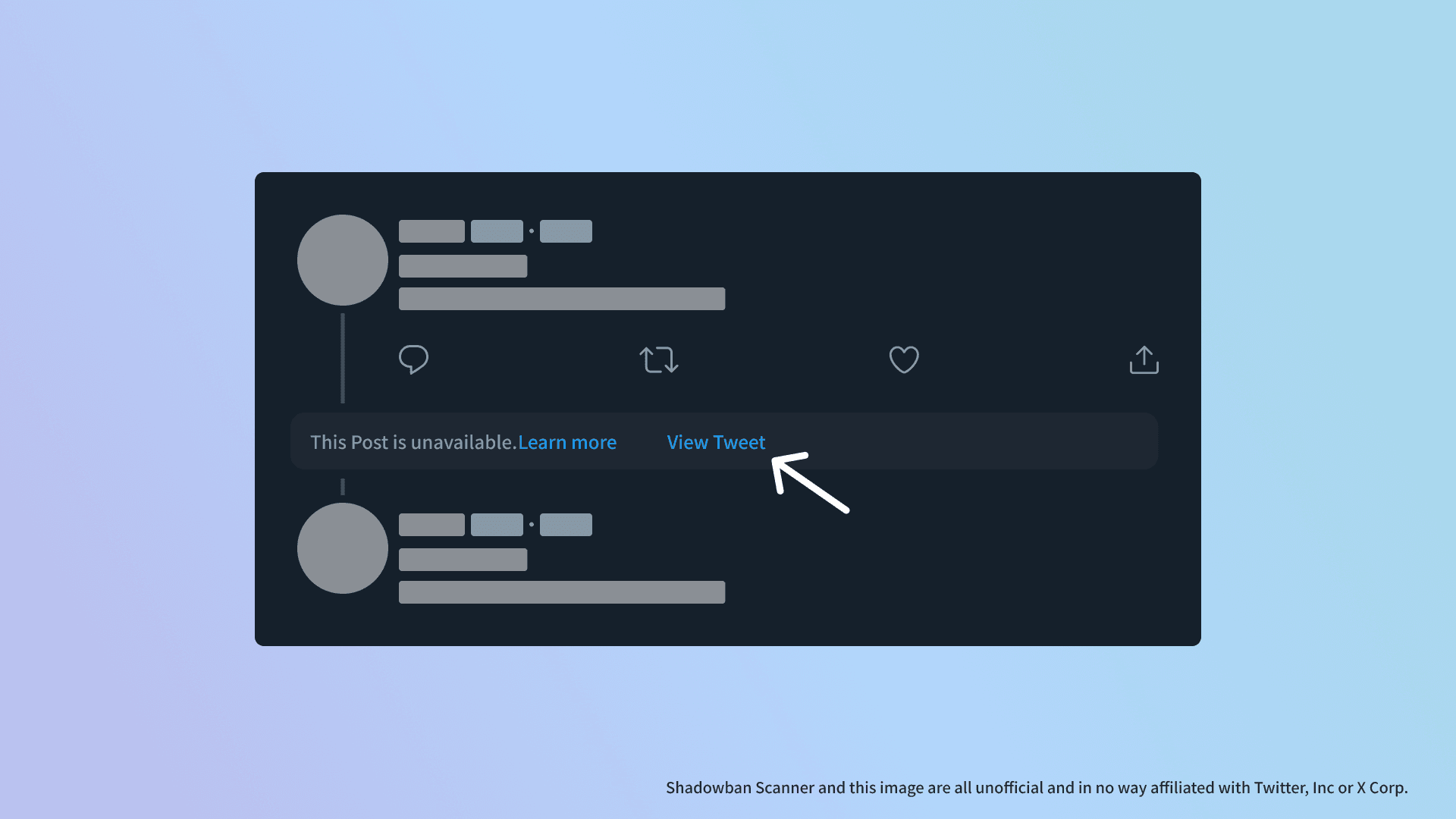
- Fixed a bug where messages were displayed out of place due to a change in Twitter specifications
📝Other
In the next update, a dialog will appear asking for additional permissions to accommodate changes in Twitter's specifications. For more information, please see the screen displayed when updating to v3.0 or the link provided on the settings page.
Approval of additional permissions is not required, but if you do not approve, you will not receive subsequent updates due to browser specifications.
Share this article
Follow us for updates
Adding us to your preferred sources on Google makes it easier to find our articles on Google. Also, be sure to follow us on X and our RSS feed.


-1.png&w=1080&q=75)
I've been using JavaScript more than my native language since birth. I am nowhere and everywhere on the internet.
I build web apps and browser extensions in TypeScript as a web frontend programmer. I released Shadowban Scanner, a tool that detects shadowbans on X, and Restore Link Card, a tool that brings back link cards. Media outlets in Japan and abroad covered both tools. For iGEM 2023, I built the Wiki for Team Japan-United and helped the team win the Grand Prize. On my blog, I cover news about X and social media, test and troubleshoot bugs, and share frontend development insights.



![[新しいXチャットへようこそ]というテキストが画面に大きく表示されており、その下には次の3つの説明が表示されている。[エンドツーエンドの暗号化:メッセージは、端末にかかわらずエンドツーエンドで暗号化されています。][最先端のプライバシー:Xを含め、他の人がメッセージを読むことはできません。][パスコードを設定:メッセージを保護するため、4桁のパスコードを設定してください。]これらの説明の下には、[パスコードを作成]という大きなボタンが配置されている](/_next/image/?url=%2Fapi%2Fmedia%2Ffile%2Fwelcome-to-new-chat.png&w=1920&q=75)


![Xのプロフィールで[Videos]タブの下にドロップダウンメニューが表示されている画像](/_next/image/?url=%2Fapi%2Fmedia%2Ffile%2Fx-lite-videos-tab-dropdown-thumbnail.png&w=3840&q=75)


