
How to enable Codex remote control with only the Codex CLI and no ChatGPT app
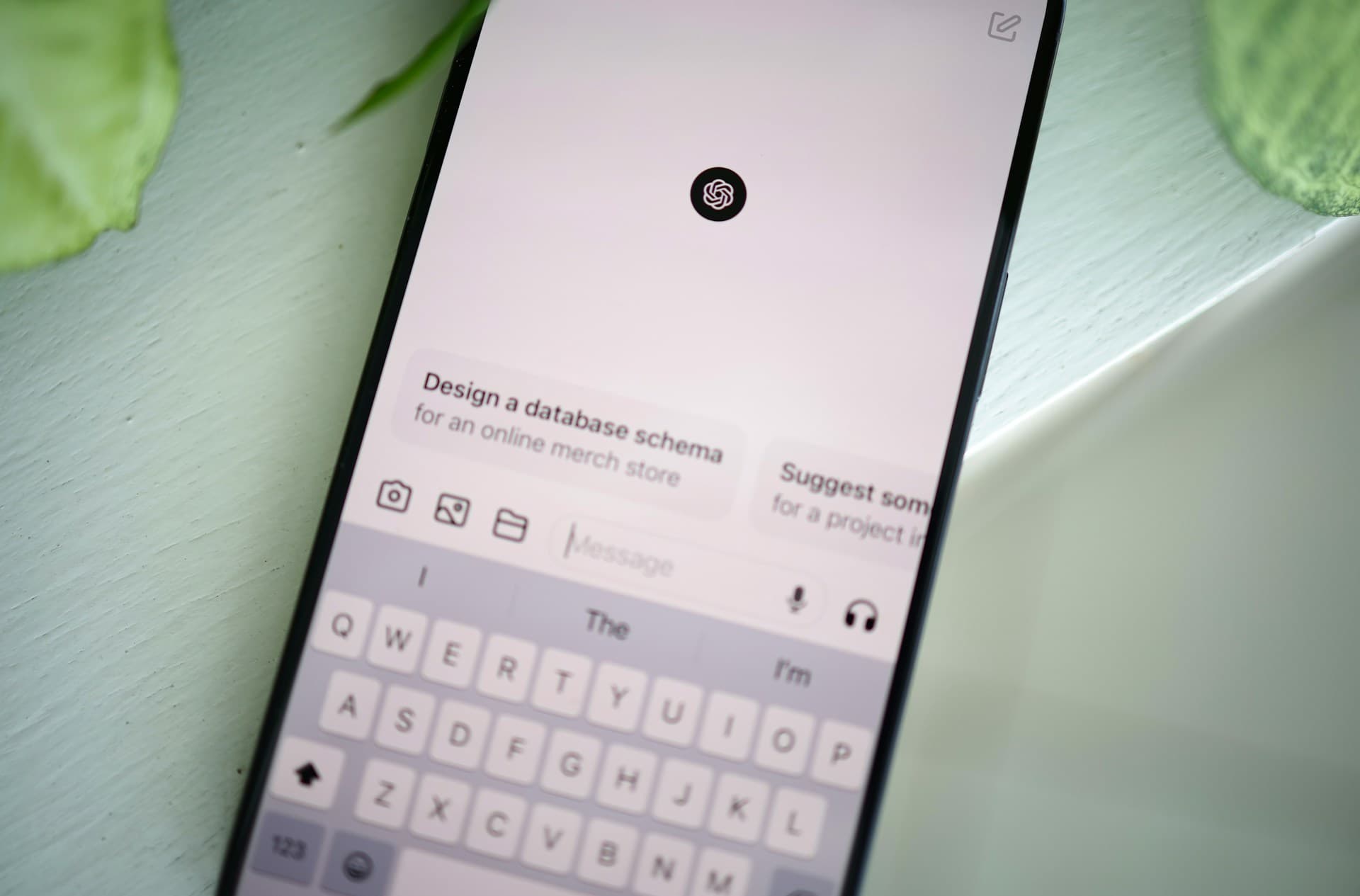
Codex remote control lets you send instructions from your phone to Codex running on your home PC while you're away. To use remote control, you usually need to keep the ChatGPT app running on your PC.
The ChatGPT app has excellent overall quality, but I ran into an issue where my entire PC became much less responsive after I opened the app or launched a project. I ended up uninstalling the ChatGPT app.
You can use a hidden flag to start remote control with the Codex CLI alone, without installing the ChatGPT app.
Command to start remote control from the Codex CLI
Run the following command to start remote control from the Codex CLI.
codex app-server --listen offThis command keeps running, so leave the terminal where you started it open for as long as you want to use remote control. You can then control Codex from the ChatGPT mobile app without installing the ChatGPT app on your PC.
Some articles say you can start remote control with codex remote-control, but this command produced an error on Windows.
$ codex remote-controlStarting app-server daemon with remote control enabled...Error: codex app-server daemon lifecycle is only supported on Unix platformsPairing with only the Codex CLI
Before you can use the remote control command above, you need to pair remote control with the ChatGPT app.
You can pair from the CLI with codex remote-control pair, but this command also fails on Windows with the error Error: codex app-server daemon lifecycle is only supported on Unix platforms.
To pair on Windows, run the following command:
codex app-server --listen ws://127.0.0.1:8765Keep that command running, then open another terminal and run the following commands:
$ws = [Net.WebSockets.ClientWebSocket]::new()$ct = [Threading.CancellationToken]::None$ws.ConnectAsync([Uri]"ws://127.0.0.1:8765", $ct).GetAwaiter().GetResult()
function Send-Json($obj) {    $bytes = [Text.Encoding]::UTF8.GetBytes(        ($obj | ConvertTo-Json -Depth 10 -Compress)    )    $ws.SendAsync(        [ArraySegment[byte]]::new($bytes),        [Net.WebSockets.WebSocketMessageType]::Text,        $true,        $ct    ).GetAwaiter().GetResult()}
function Receive-Json {    $buffer = New-Object byte[] 65536    $ms = [IO.MemoryStream]::new()
    do {        $r = $ws.ReceiveAsync(            [ArraySegment[byte]]::new($buffer),            $ct        ).GetAwaiter().GetResult()
        if ($r.MessageType -eq [Net.WebSockets.WebSocketMessageType]::Close) {            throw "WebSocket closed"        }
        $ms.Write($buffer, 0, $r.Count)    } until ($r.EndOfMessage)
    [Text.Encoding]::UTF8.GetString($ms.ToArray()) | ConvertFrom-Json}
function Wait-Response($id) {    do {        $r = Receive-Json    } until ($r.id -eq $id)
    if ($r.error) {        throw $r.error.message    }
    $r.result}
Send-Json @{    method = "initialize"    id = 1    params = @{        clientInfo = @{            name = "codex_remote_pair"            title = "Codex Remote Pair"            version = "1.0"        }        capabilities = @{            experimentalApi = $true        }    }}
$null = Wait-Response 1
Send-Json @{    method = "initialized"    params = @{}}
# Enable Remote Control persistentlySend-Json @{    method = "remoteControl/enable"    id = 2    params = @{}}
$null = Wait-Response 2
# Generate a pairing codeSend-Json @{    method = "remoteControl/pairing/start"    id = 3    params = @{        manualCode = $true    }}
(Wait-Response 3).manualPairingCode
$ws.Dispose()
The terminal will display a pairing code. On your phone, open the ChatGPT pairing screen, select "Pair manually," and enter the code. Then stop codex app-server --listen ws://127.0.0.1:8765 and run codex app-server --listen off. You can then connect from your phone.
Verification details
Verification environment
- OS: Windows 11
- Codex CLI version 0.147.0
Verification details
On Windows, I confirmed that codex remote-control returns an error, while codex app-server --remote-control --listen off starts remote control without issues.
Last verification date
Changelog
- August 19, 2026, 3:56 a.m.: Published the first version
- August 25, 2026, 2:50 a.m.: Replaced the command from the first version with a more stable command
Share this article
Follow us for updates
Adding us to your preferred sources on Google makes it easier to find our articles on Google. Also, be sure to follow us on X and our RSS feed.


-1.png&w=1080&q=75)
I've been using JavaScript more than my native language since birth. I am nowhere and everywhere on the internet.
I build web apps and browser extensions in TypeScript as a web frontend programmer. I released Shadowban Scanner, a tool that detects shadowbans on X, and Restore Link Card, a tool that brings back link cards. Media outlets in Japan and abroad covered both tools. For iGEM 2023, I built the Wiki for Team Japan-United and helped the team win the Grand Prize. On my blog, I cover news about X and social media, test and troubleshoot bugs, and share frontend development insights.


![Screenshot of a Chrome window with an [Ask Gemini] button and a context menu below it showing an [Unpin] option](/_next/image/?url=%2Fapi%2Fmedia%2Ffile%2Fchrome-gemini-unpin-english.png&w=1080&q=75)





![[新しいXチャットへようこそ]というテキストが画面に大きく表示されており、その下には次の3つの説明が表示されている。[エンドツーエンドの暗号化:メッセージは、端末にかかわらずエンドツーエンドで暗号化されています。][最先端のプライバシー:Xを含め、他の人がメッセージを読むことはできません。][パスコードを設定:メッセージを保護するため、4桁のパスコードを設定してください。]これらの説明の下には、[パスコードを作成]という大きなボタンが配置されている](/_next/image/?url=%2Fapi%2Fmedia%2Ffile%2Fwelcome-to-new-chat.png&w=1920&q=75)


