
Reports surge of screen blackouts on Meta Quest 3/3S; Recent update possibly to blame
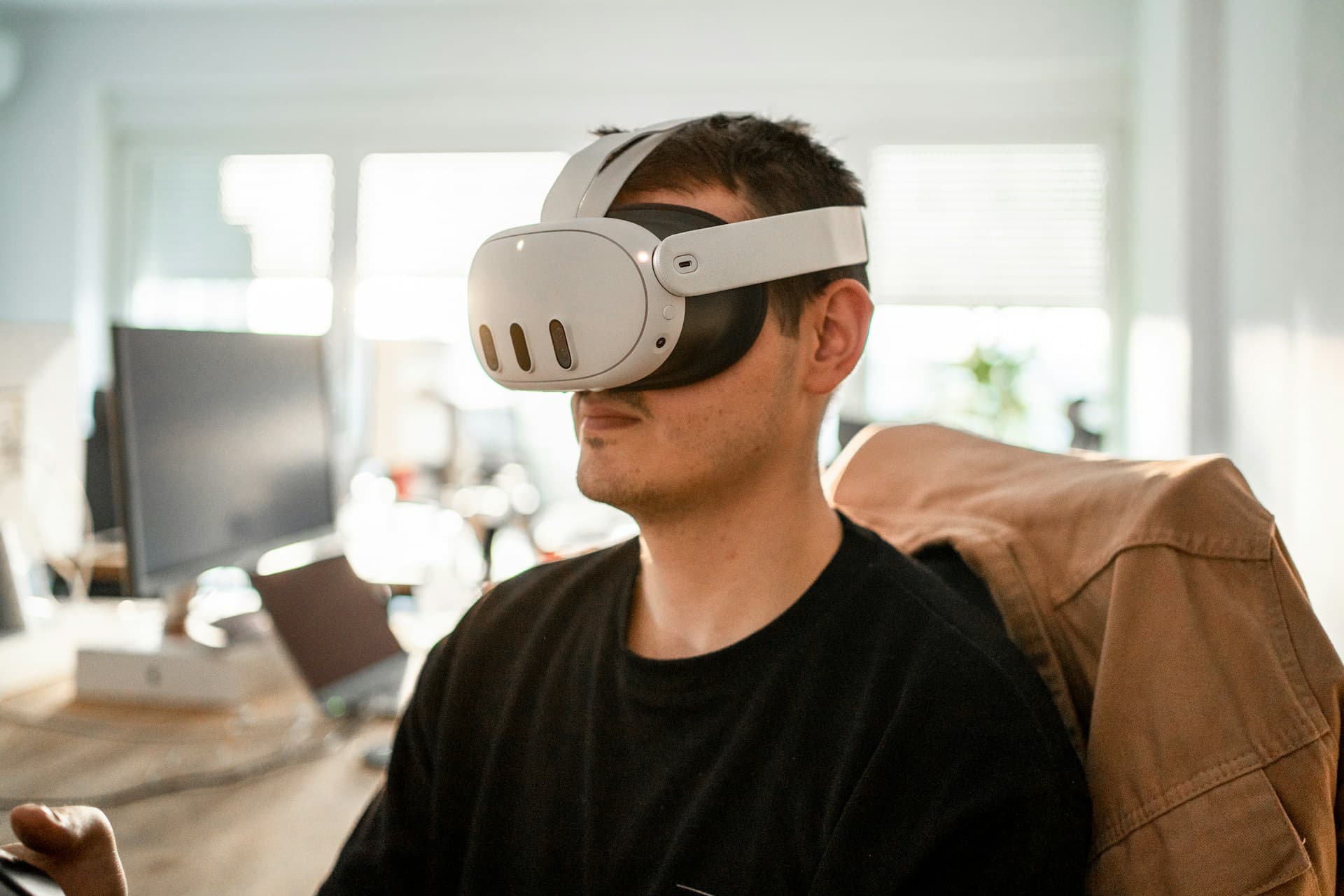
Reports are increasing that, while using the Meta Quest 3 and Meta Quest 3S, the video cuts out for about 1-2 seconds and the screen goes dark, or noise appears when the image returns.
On Reddit’s r/OculusQuest, many posts have been submitted reporting that the image goes dark and returns in about 1-2 seconds.
This issue does not appear to depend on specific apps such as VRChat or SteamVR, and it seems to occur even in the system menu.
In another thread, reports are also increasing that the display blackouts for 1-2 seconds about every 30 minutes, or that white dots blink; multiple users have posted that these problems began after the latest update.
While some posts say it occurs on both the Meta Quest 3 and Meta Quest 3S, it does not appear to occur on the Meta Quest Pro.
On Meta’s community forum, there is also a post saying the screen flickered black almost every second, and that even resetting to factory settings did not fix it.
These issues appear to be occurring on Meta Horizon OS v83.
Meta’s support account advises briefly pressing the power button to put the headset to sleep, waiting 5 minutes, and then turning it back on, but in many cases this does not seem to improve the problem.
As of the time of writing, no workaround has been found, and it is necessary to wait for a fix from Meta.
References
Share this article
Follow us for updates
Adding us to your preferred sources on Google makes it easier to find our articles on Google. Also, be sure to follow us on X and our RSS feed.


-1.png&w=1080&q=75)
I've been using JavaScript more than my native language since birth. I am nowhere and everywhere on the internet.
I build web apps and browser extensions in TypeScript as a web frontend programmer. I released Shadowban Scanner, a tool that detects shadowbans on X, and Restore Link Card, a tool that brings back link cards. Media outlets in Japan and abroad covered both tools. For iGEM 2023, I built the Wiki for Team Japan-United and helped the team win the Grand Prize. On my blog, I cover news about X and social media, test and troubleshoot bugs, and share frontend development insights.









![Istagramのログイン画面で[ログインできません][何らかのエラーが発生島した。もう一度ログインしてください。]というダイアログが表示されているスクリーンショット](/_next/image/?url=%2Fapi%2Fmedia%2Ffile%2Finstagram-unable-to-login.png&w=1920&q=75)

![An image showing a drawer titled [Scheduled post] with a calendar on X’s post screen](/_next/image/?url=%2Fapi%2Fmedia%2Ffile%2Fx-ios-scheduled-post-thumbnail.png&w=3840&q=75)