
Explaining why emojis on X get garbled or turn into the camera emoji, and how to fix it
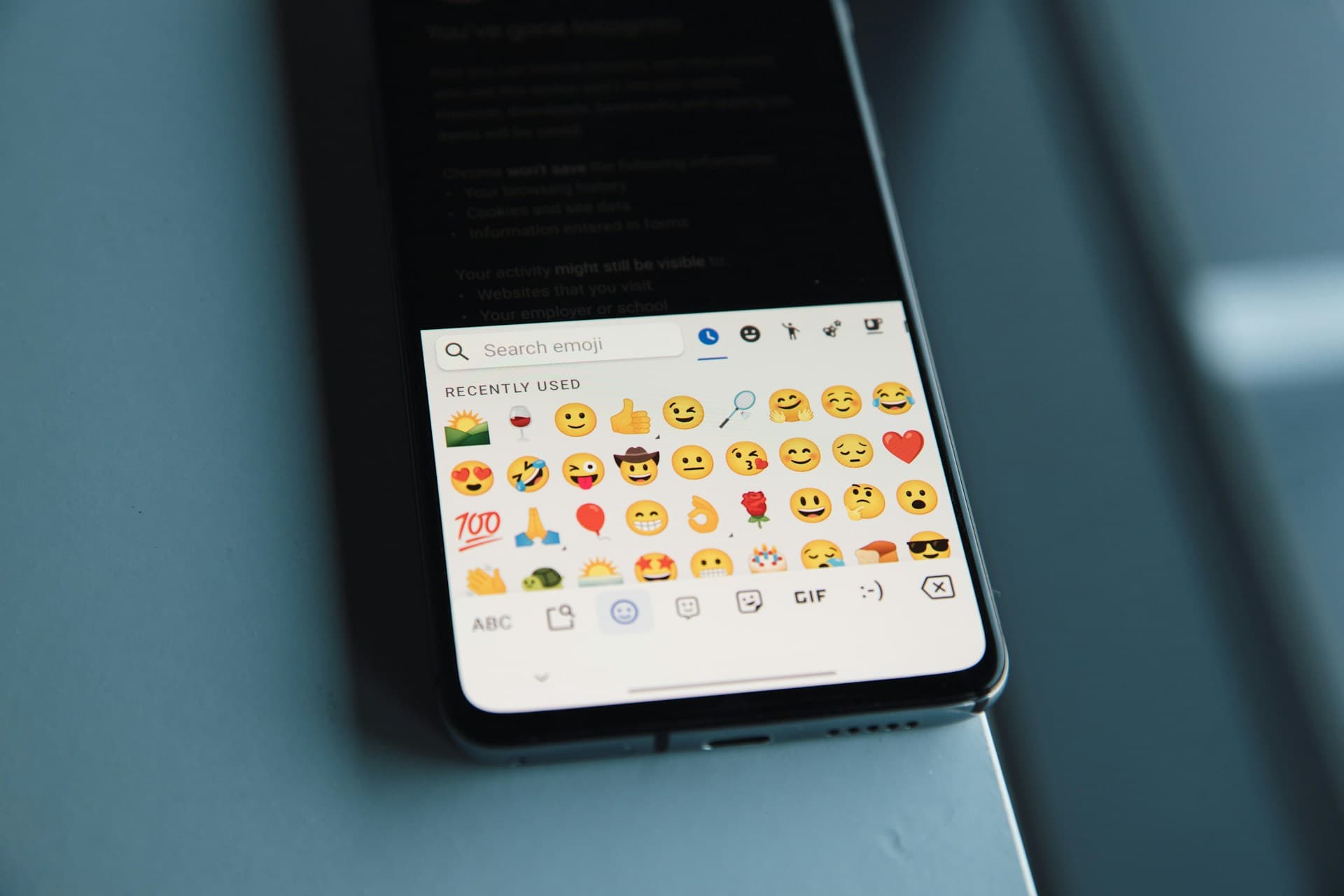
On X (Twitter), emojis may sometimes become garbled and appear as square symbols, or they may turn into the camera emoji.
In this article, I will clearly explain the causes and solutions for emojis becoming garbled or appearing as the camera emoji on X.
Table of Contents
Whether emojis are visible depends on the environment
First, as a basic premise, emojis are defined by a common standard called Unicode, and are not something that X, Apple, Google, or others add arbitrarily.
It is precisely because emojis are standardized in Unicode that the same emojis can be displayed without issue on both Android smartphones and iPhones.
New emojis are added to Unicode from time to time, but whether to actually support those new emojis, and what they should look like if they are supported, is left to each manufacturer's discretion.
In other words, even if the sender's environment could display an emoji without any problem, the recipient's environment may be too old or may follow a policy of not supporting that newer emoji, in which case it may not be displayed.
If the recipient's environment cannot display that emoji, it may turn into a square symbol and become garbled.
The situation differs between the X web client and the mobile app
In the X mobile app, the basic mechanism is to use the emojis built into the OS, so whether an emoji can be displayed depends on whether the OS you are using supports that emoji.
By contrast, the web client of X uses its own emoji images called Twemoji instead of the emojis built into the OS, which allows it to display emojis that the OS itself does not support.
After a new emoji is added to Unicode, it takes some time before operating systems and the web client of X begin supporting it, and the timing of that support varies.
In general, major operating systems support the latest emojis, but even if you are using the latest version of an OS, it may still not support some newer emojis yet, and there are also cases where an emoji displays correctly on a smartphone but does not display in the web client of X.
Why emojis on X become garbled or turn into the camera emoji
The most common reason emojis become garbled on X is that the viewer's OS does not yet support that emoji.
In particular, as mentioned above, newly added emojis may or may not display depending on the environment.
The next most common cause is a compatibility issue between X's display format and copy and paste.
When you copy and paste text on X, emojis may turn into the camera emoji, and when you copy text containing emojis from X and paste it into other software, the emoji portion may be treated as an oversized image.
This problem occurs because the web client of X handles emojis as images, which makes it work poorly with copy and paste.
Solutions
Update the OS
As mentioned above, the timing of when new emojis are implemented differs depending on the environment, but if emoji-related problems are occurring in the X app and the version of the OS you are using is old, try updating to the latest OS.
If you are using an older OS that does not support new emojis, the app will not be able to display those newer emojis, so updating the OS may allow you to display the latest emojis.
If they change into the camera emoji, paste as plain text
Text copied from the web client of X is copied as formatted text, and this may cause some emojis to be replaced with the camera emoji when pasted.
In such cases, rather than pasting the copied text as is, you can prevent it from turning into the camera emoji by pasting it as unformatted text (plain text).
The method for converting text into plain text varies depending on the environment, but you can convert it into plain text by pasting it once into an environment that does not support formatting, such as Notepad, and then copying it again.
For example, in Windows, you can convert it into plain text by pasting it into the standard Notepad app, or by clicking the menu button for the relevant item in the clipboard history shown with Win + V and using [Paste as text].
Windows Notepad basically does not support formatting, so it can be used to convert text into plain text.
Some note-taking apps on other operating systems, as well as non-standard note apps on Windows, may occasionally support formatting, so be aware that in such cases they cannot be used to convert text into plain text.
Conclusion
On X, emojis may sometimes become garbled and appear as square symbols, or they may turn into the camera emoji.
I have explained the causes and solutions for emojis becoming garbled or turning into the camera emoji.
Updating the OS or pasting as plain text may resolve the problem.
Share this article
Follow us for updates
Adding us to your preferred sources on Google makes it easier to find our articles on Google. Also, be sure to follow us on X and our RSS feed.


-1.png&w=1080&q=75)
I've been using JavaScript more than my native language since birth. I am nowhere and everywhere on the internet.
I build web apps and browser extensions in TypeScript as a web frontend programmer. I released Shadowban Scanner, a tool that detects shadowbans on X, and Restore Link Card, a tool that brings back link cards. Media outlets in Japan and abroad covered both tools. For iGEM 2023, I built the Wiki for Team Japan-United and helped the team win the Grand Prize. On my blog, I cover news about X and social media, test and troubleshoot bugs, and share frontend development insights.

![スマートフォンのホーム画面の[Social]フォルダーを表示した写真。フォルダー内にはFacebook、Instagram、Threads、X、LinkedIn、TikTok、YouTubeのアイコンが配置されている](/_next/image/?url=%2Fapi%2Fmedia%2Ffile%2Ffacebook-instagram-threads-x-twitter-linkedin-tiktok-youtube-mobile-app-unsplash.jpg&w=3840&q=75)
![Screenshot of the dialog that says [Snooze Topics] [Select topics you don’t want to see for 24 hours]](/_next/image/?url=%2Fapi%2Fmedia%2Ffile%2Fx-snooze-topic-dialog-english.png&w=1920&q=75)








