How to see who liked your posts on X and where to find the list
On X, you can see who liked your own posts, but you can't see who liked someone else's posts.
In the mobile app, you can check by long-pressing the Like button or selecting [View Post Interactions] from the menu. On the web, you can find the list by selecting [View post activity] from the menu.
Table of Contents
You can't see who liked other people's posts
X lets you see who liked your own posts, but you can't see who liked posts from other users.
In 2024, X changed its privacy settings to make likes private. Since then, users have been unable to see other people's Likes tabs or who liked their posts.
X keeps both lists private, and there's no way to access them.

How to see who liked your posts
The steps for checking who liked your posts differ between the X mobile app and the web version. Here's how to find the list on each platform.
On the mobile app
Open your post to see who liked it.
Long-press the Like button.
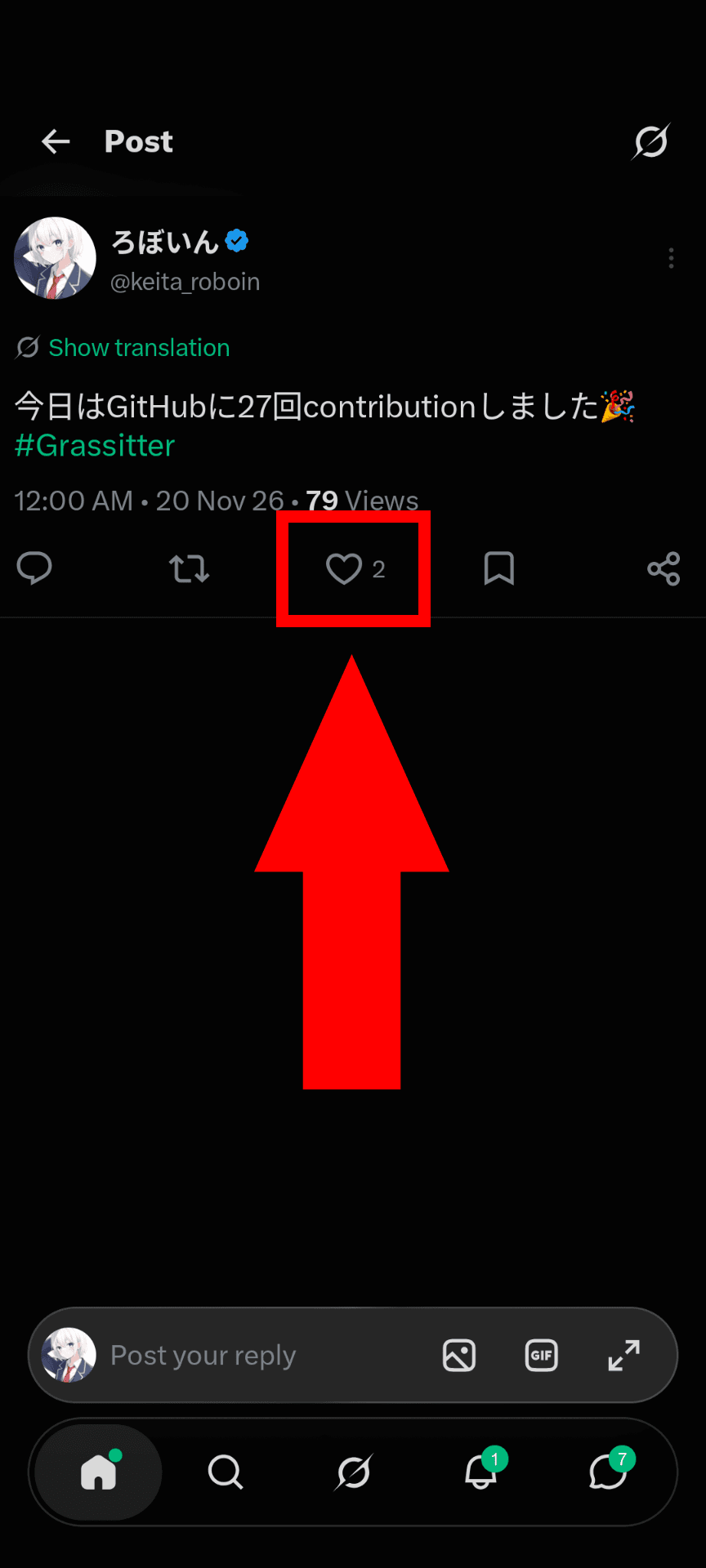
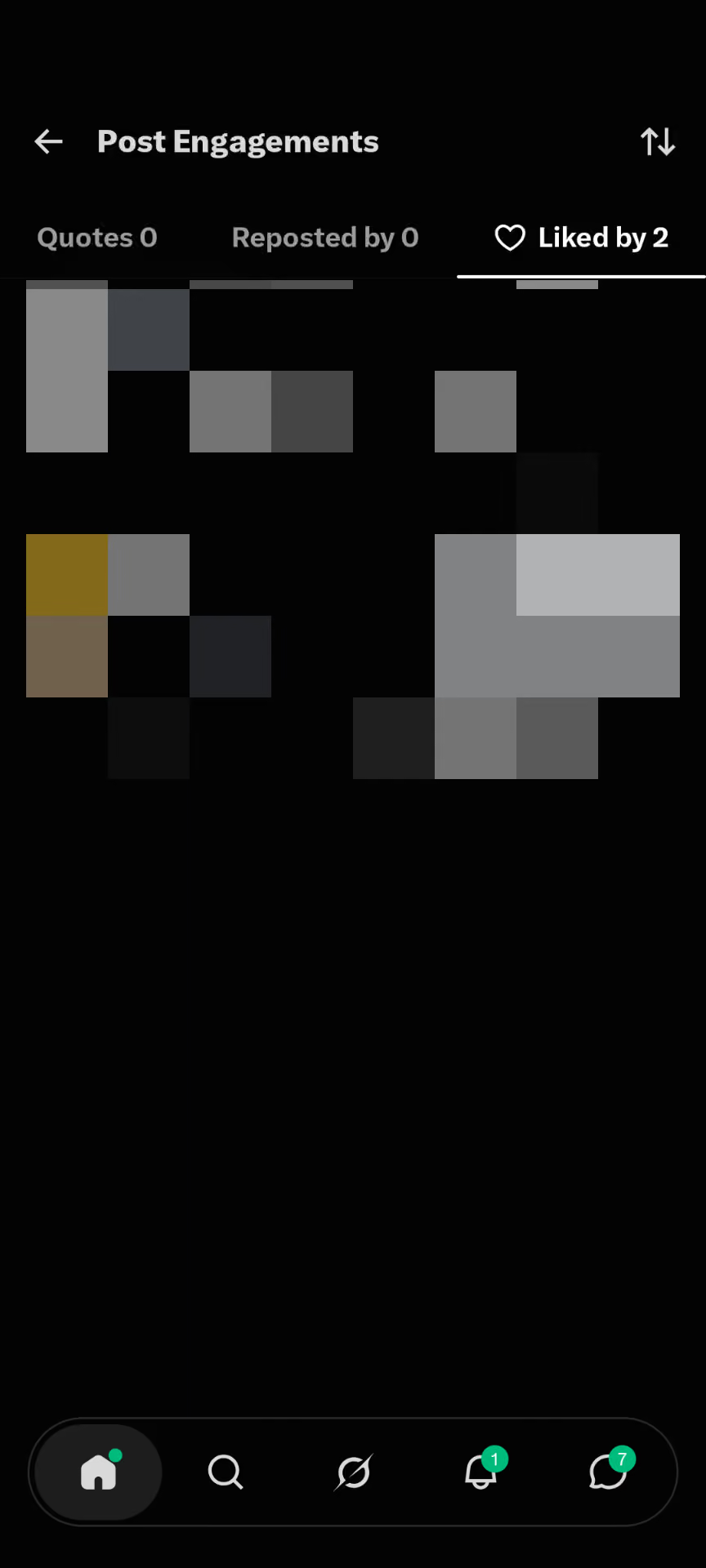
You'll see a list of users who liked your post.
On the web
Open your post to see who liked it.
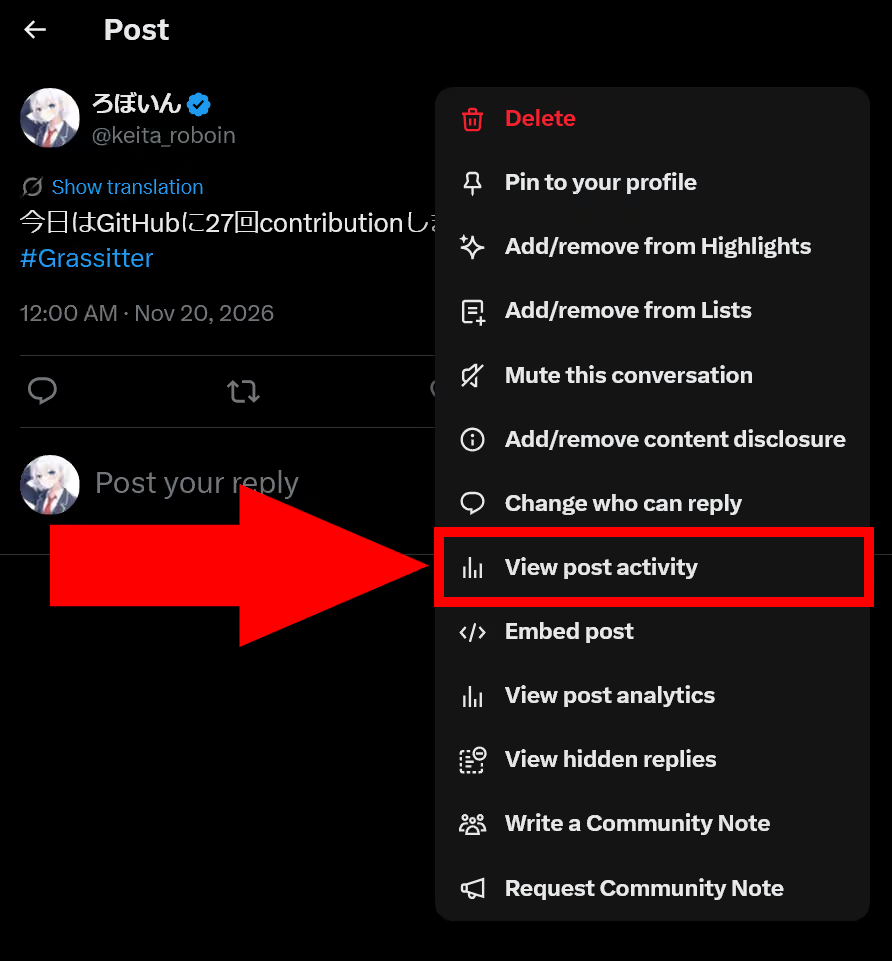
Click the menu button in the top-right corner of the post and select [View post activity].
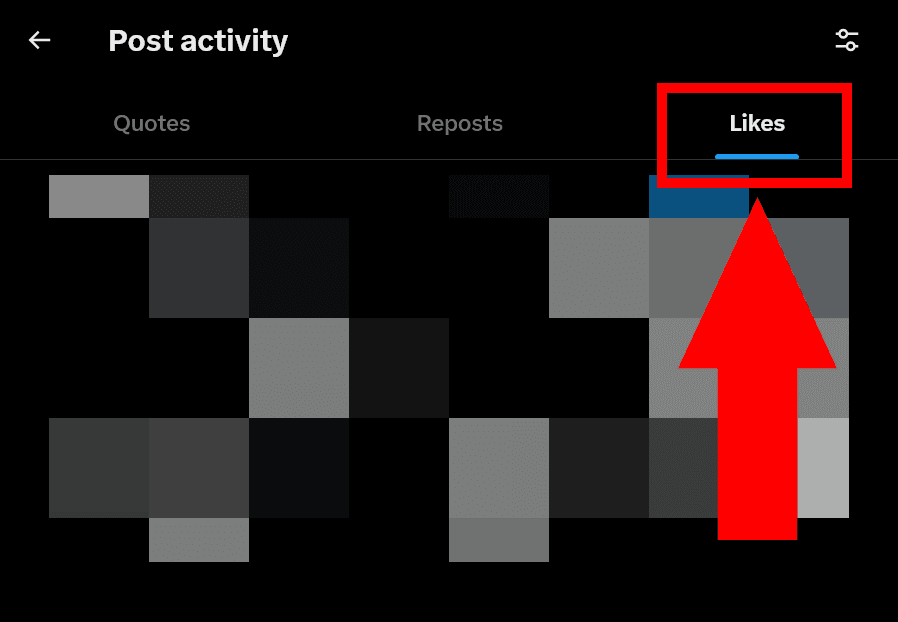
You'll see three tabs: [Quotes], [Reposts], and [Likes]. Open the [Likes] tab.
You'll see a list of users who liked your post.
Conclusion
I've explained how to check who liked your posts on X. You can see who liked your own posts, but X doesn't let you see who liked other people's posts.
Verification details
Verification environment
PC:
- OS: Windows 11
- Browser: Zen Browser version 1.24.1b
Smartphone:
- OS: Android 17
- Device: Google Pixel 8
- App: X version 12.45.0-alpha.03
Verification details
I tested the steps for viewing who liked a post on both the web and mobile versions of X using actual devices. I also confirmed that I couldn't view who liked other people's posts.
Last verification date
Changelog
- June 13, 2024, 6:03 PM: Initial publication
- November 20, 2026, 2:10 AM: Updated with the latest information and added instructions for the mobile app
Share this article
Follow us for updates
Adding us to your preferred sources on Google makes it easier to find our articles on Google. Also, be sure to follow us on X and our RSS feed.
Related articles

I've been using JavaScript more than my native language since birth. I am nowhere and everywhere on the internet.
I build web apps and browser extensions in TypeScript as a web frontend programmer. I released Shadowban Scanner, a tool that detects shadowbans on X, and Restore Link Card, a tool that brings back link cards. Media outlets in Japan and abroad covered both tools. For iGEM 2023, I built the Wiki for Team Japan-United and helped the team win the Grand Prize. On my blog, I cover news about X and social media, test and troubleshoot bugs, and share frontend development insights.