
[Notice] Please add this site to Google’s Preferred sources
Thank you for reading this site.
Since last month, Google Search has let you add this site to “Preferred sources.”
When you add this site to Google’s Preferred sources, you can find Roboin Blog articles more easily in Google search results.
Google is more likely to show my articles when you search for the topics I mainly cover on this site, including news, how-to guides, and bug reports for web services and apps, with a focus on X.
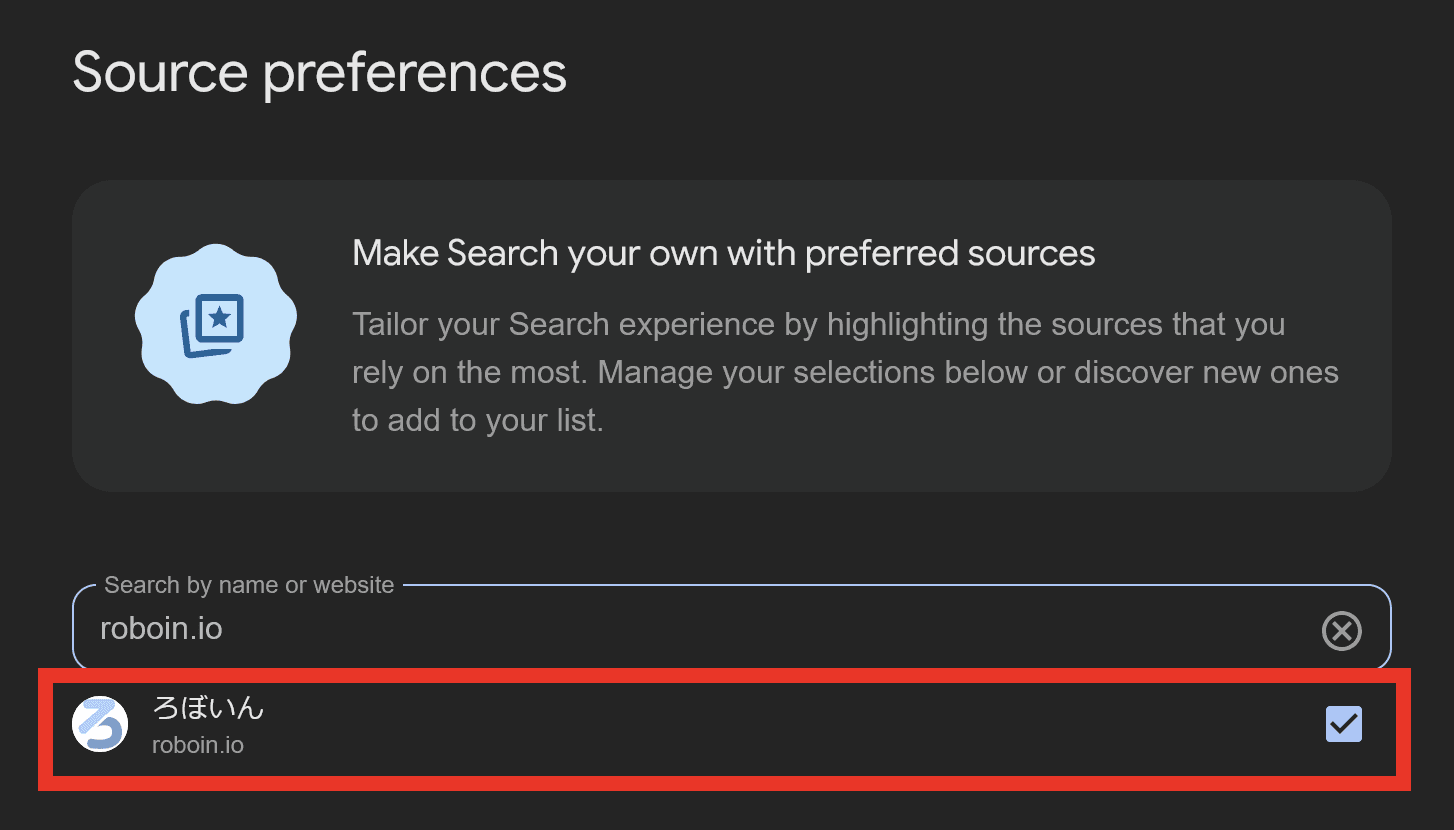
Please use the [Add as a preferred source on Google] button at the end of the article to add this site to Google’s Preferred sources.
Google saves Preferred sources settings for each Google Account, so you need to sign in to Google to configure it.
Click the [Add as a preferred source on Google] button
Check the checkbox for [roboin.io]
Roboin Blog will appear more often in your search results
In addition to adding this site to Google’s Preferred sources, I’d appreciate it if you also followed the RSS feed and X account. Every follow and registration gives me strong motivation to keep writing.
I’ll keep publishing accurate, timely, and readable articles. Thank you for your continued support.
Share this article
Follow us for updates
Adding us to your preferred sources on Google makes it easier to find our articles on Google. Also, be sure to follow us on X and our RSS feed.


Related articles
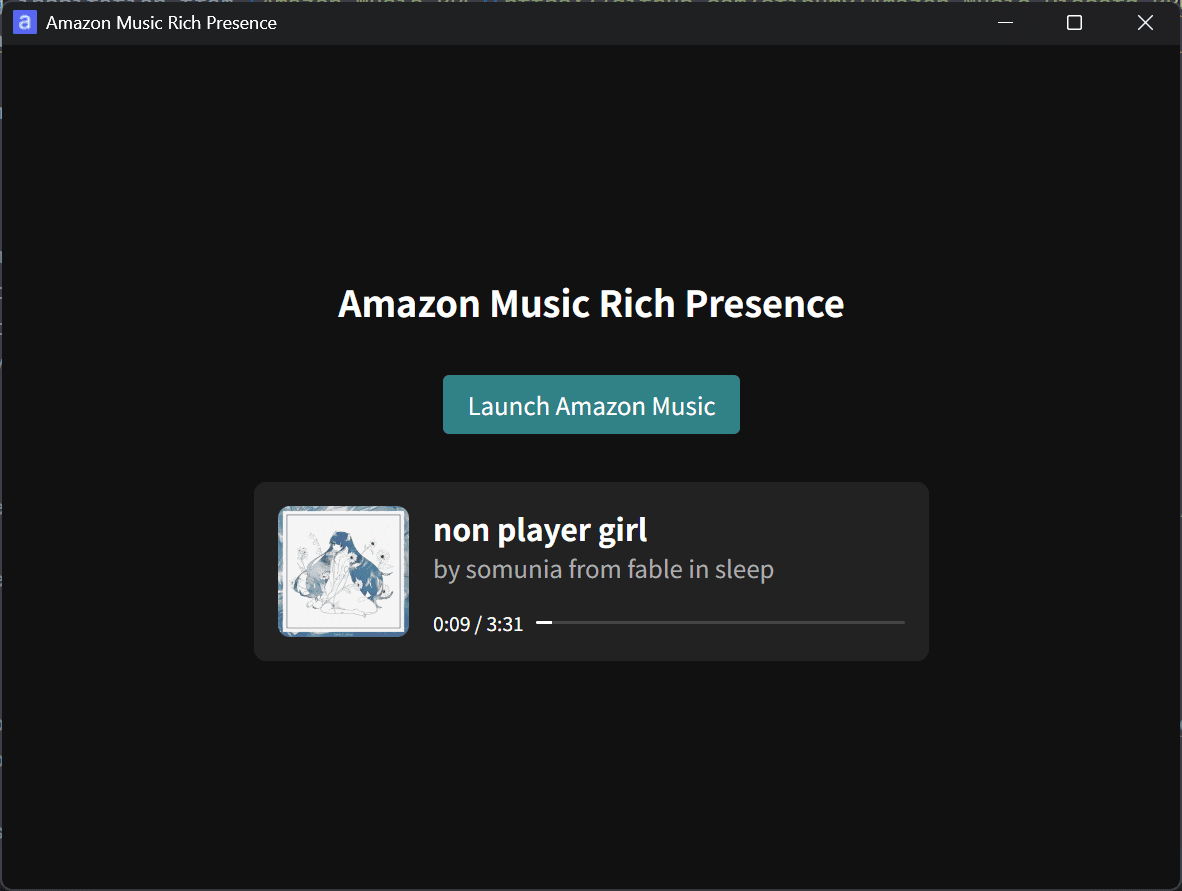
- I released Amazon Music Rich Presence to show your current Amazon Music track on Discord
- Use passkeys with Payload CMS through payload-passkey
- How to fix Prettier and Oxfmt conflicts in VS Code and Zed
- X login outage affected some third-party apps, issue now resolved
- X in-app browser user agent strings in 2026
-1.png&w=1080&q=75)
I've been using JavaScript more than my native language since birth. I am nowhere and everywhere on the internet.
I build web apps and browser extensions in TypeScript as a web frontend programmer. I released Shadowban Scanner, a tool that detects shadowbans on X, and Restore Link Card, a tool that brings back link cards. Media outlets in Japan and abroad covered both tools. For iGEM 2023, I built the Wiki for Team Japan-United and helped the team win the Grand Prize. On my blog, I cover news about X and social media, test and troubleshoot bugs, and share frontend development insights.






![チャットの入力画面のテキストボックスに[暗号化されていないメッセージ]と表示されている画像](/_next/image/?url=%2Fapi%2Fmedia%2Ffile%2FScreenshot_20260109-162030.png&w=1920&q=75)
![Screenshot of Discord's settings page, with the [Show my message content from discoverable channels on web pages] option highlighted by a red border in the [Data & Privacy] section.](/_next/image/?url=%2Fapi%2Fmedia%2Ffile%2Fdiscord-message-visibility-setting-english.png&w=3840&q=75)

