How to configure GitHub Copilot not to train on your code
GitHub Copilot includes various features that can greatly improve productivity, such as code autocompletion and agent mode.
However, GitHub Copilot may collect code snippets written by users and use them to improve its models.
In this article, I explain how to opt out so that GitHub Copilot data is not used for AI training.
Data collection in GitHub Copilot
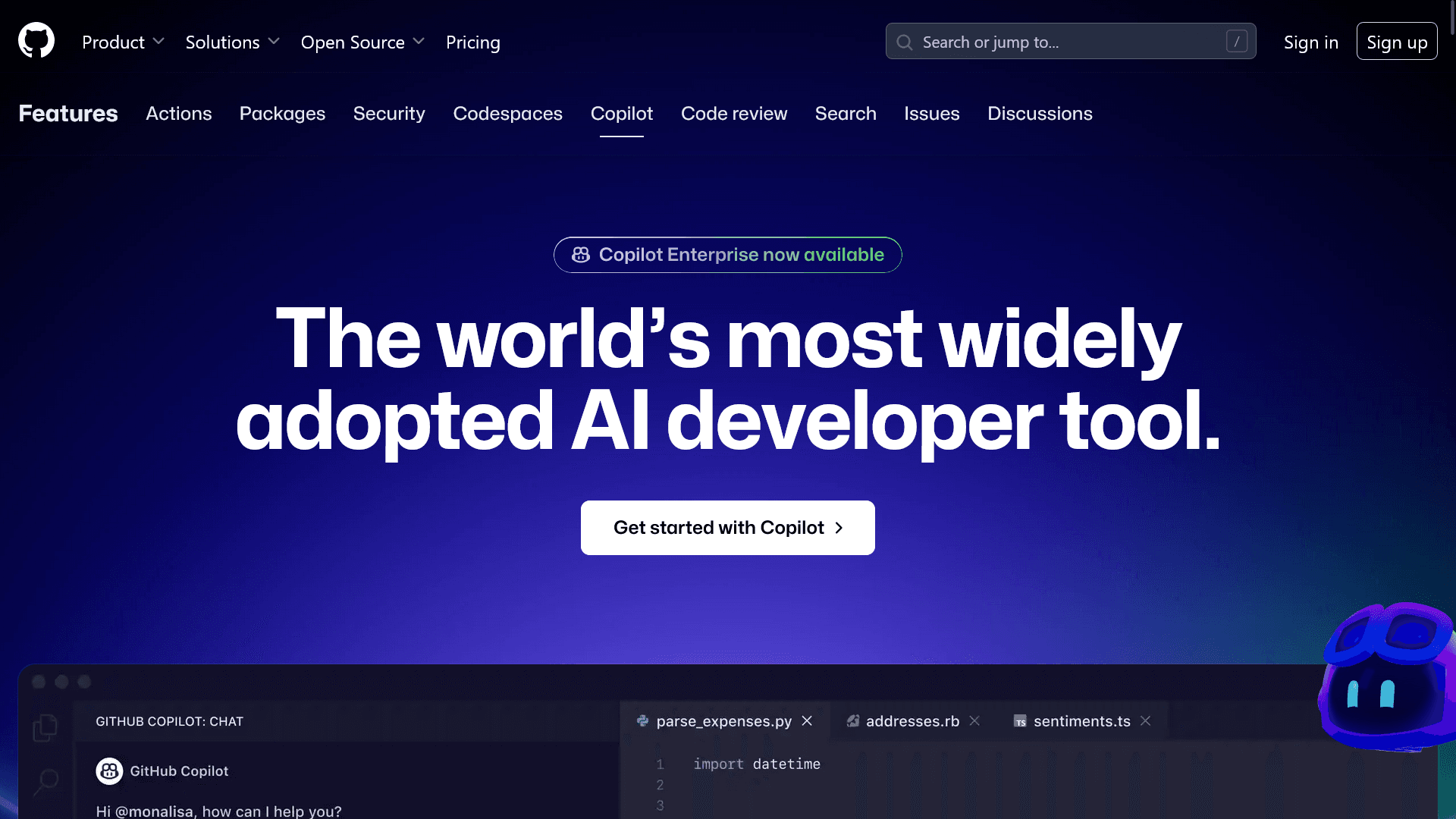
First, I explain how GitHub Copilot collects and uses data. GitHub Copilot is built into IDEs and editors or runs as an extension.
GitHub says it does not claim direct ownership over code written by users in IDEs and editors, but data such as Copilot suggestions, inputs and code snippets sent to Copilot, and interactions with Copilot are used for AI training.
I introduce what specific kinds of data are used for training in the following article.

Opt-out steps
You can opt out of GitHub Copilot data collection by following these steps.
Click your profile image shown in the upper-right corner of GitHub, and open [Copilot settings]
![GitHubのプロフィールアイコンの下にメニューが表示されており、その中に[Copilot settings]という項目が含まれている](/_next/image/?url=%2Fapi%2Fmedia%2Ffile%2Fcopilot-settings-in-github-profile-menu.png&w=1080&q=75)
Scroll down and set [Allow GitHub to use my data for AI model training] in the [Privacy] section to [Disabled]
![設定の[Privacy]セクションに[Allow GitHub to use my data for AI model training]という項目が表示されているスクリーンショット](/_next/image/?url=%2Fapi%2Fmedia%2Ffile%2Fgithub-copilot-training-optout-settings.png&w=3840&q=75)
Conclusion
I explained how to exclude your code from GitHub Copilot model training.
You can exclude your code by changing the data collection setting from the GitHub Copilot settings screen, so use this article as a reference and change the setting as needed.
References
- Configuring GitHub Copilot settings on GitHub.com - GitHub Docs
- GitHub Terms for Additional Products and Features - GitHub Docs
Update history
- March 26, 2026: Updated with the latest information
Share this article
Follow us for updates
Adding us to your preferred sources on Google makes it easier to find our articles on Google. Also, be sure to follow us on X and our RSS feed.


-1.png&w=1080&q=75)
I've been using JavaScript more than my native language since birth. I am nowhere and everywhere on the internet.
I build web apps and browser extensions in TypeScript as a web frontend programmer. I released Shadowban Scanner, a tool that detects shadowbans on X, and Restore Link Card, a tool that brings back link cards. Media outlets in Japan and abroad covered both tools. For iGEM 2023, I built the Wiki for Team Japan-United and helped the team win the Grand Prize. On my blog, I cover news about X and social media, test and troubleshoot bugs, and share frontend development insights.


![YouTubeハイライトのスクリーンショットが3つ並んだ画像。左のスクリーンショットには[2025 YOUTUBE RECAP]と書かれており、中央のスクリーンショットには[Your top interests]と書かれている。右のスクリーンショットにはもっとも視聴したチャンネルとして[Rene Ritchie]が挙げられている](/_next/image/?url=%2Fapi%2Fmedia%2Ffile%2Fyoutube-recap-thumbnail.png&w=3840&q=75)