YouTube picture-in-picture stops working for many iPhone users
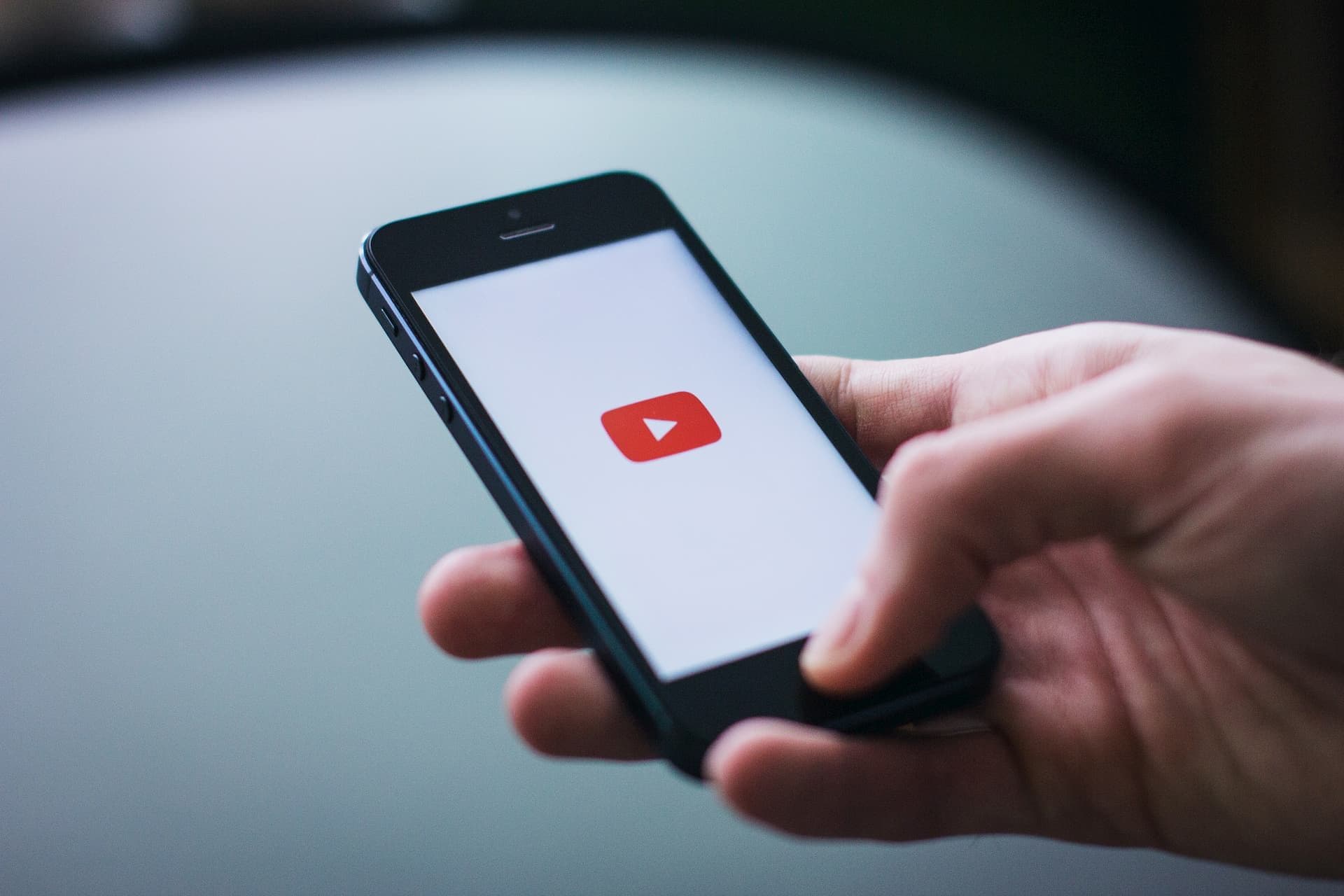
YouTube’s picture-in-picture (PiP) feature lets you keep a video playing in a small floating player after you return to the Home Screen and use another app.
Many users can no longer access picture-in-picture. YouTube has acknowledged the issue, and iPhone and iPad users account for most reports.
Table of Contents
YouTube picture-in-picture fails to launch
When affected users return to the Home Screen while a video plays in the YouTube app, picture-in-picture does not launch.
Most reports come from users of the iOS YouTube app, though some Android users have reported the same issue.
I do not own an iOS device, so I could test the issue only on Android. I could not reproduce it on my device, where I use a YouTube Premium subscription.
Google has acknowledged the issue and says its team is investigating. At the time of writing, Google has not shared any progress updates or an estimated fix date.
How to check your picture-in-picture settings
Before you determine whether this issue affects your device, check your picture-in-picture settings.
You can check the settings on iOS and Android by following the steps below. The Android steps may differ by device.
How to check picture-in-picture settings on iPhone
On an iPhone or iPad, you need to enable picture-in-picture in both iOS and the YouTube app.
Follow these steps to check your iPhone settings.
Open [Settings] on your iPhone
Tap [General]
Tap [Picture in Picture]
Turn on [Start PiP Automatically]
After you check your iPhone settings, check the YouTube app settings.
Open the YouTube app
Tap your profile picture in the upper-right corner
Tap the gear icon in the upper-right corner
Tap [Playback]
Turn on [Picture-in-picture]
How to check picture-in-picture settings on Android
As with iOS, you need to enable picture-in-picture in both Android and the YouTube app.
Follow these steps to check your Android settings.
Open [Settings] on your Android device
Tap [Apps]
Select [YouTube]
Tap [Picture-in-picture]
Turn on [Allow picture-in-picture]
After you check your Android settings, check the YouTube app settings.
Open the YouTube app
Tap your profile picture
Tap the gear icon
Tap [Playback]
Turn on [Picture-in-picture]
Conclusion
YouTube users have reported an issue that prevents them from using picture-in-picture in the app.
Most affected users have reported the issue on iOS, though some Android users have encountered it as well.
At the time of writing, Google has acknowledged the issue and says its team is investigating. Users will need to wait for an app update that fixes the problem.
Verification details and sources
Verification environment
- OS: Android 17
- Device: Google Pixel 8
- App: YouTube app version 21.28.204
Verification details
I confirmed that I could not reproduce the issue on my Android device with a YouTube Premium subscription.
Last verification date
Reference links
Share this article
Follow us for updates
Adding us to your preferred sources on Google makes it easier to find our articles on Google. Also, be sure to follow us on X and our RSS feed.


Related articles
- Why reposts and replies do not appear on X and how to find them in the new Android and iOS profiles
- ALT text missing in X for iOS? Cause and fixes
- Why X DMs show someone as “Member,” how to fix it, and how to check who you were chatting with
- Why birthday balloons do not appear on X and how to fix the issue
- X adds synced drafts between iOS and the Web, coming to Android soon
-1.png&w=1080&q=75)
I've been using JavaScript more than my native language since birth. I am nowhere and everywhere on the internet.
I build web apps and browser extensions in TypeScript as a web frontend programmer. I released Shadowban Scanner, a tool that detects shadowbans on X, and Restore Link Card, a tool that brings back link cards. Media outlets in Japan and abroad covered both tools. For iGEM 2023, I built the Wiki for Team Japan-United and helped the team win the Grand Prize. On my blog, I cover news about X and social media, test and troubleshoot bugs, and share frontend development insights.








![[新しいXチャットへようこそ]というテキストが画面に大きく表示されており、その下には次の3つの説明が表示されている。[エンドツーエンドの暗号化:メッセージは、端末にかかわらずエンドツーエンドで暗号化されています。][最先端のプライバシー:Xを含め、他の人がメッセージを読むことはできません。][パスコードを設定:メッセージを保護するため、4桁のパスコードを設定してください。]これらの説明の下には、[パスコードを作成]という大きなボタンが配置されている](/_next/image/?url=%2Fapi%2Fmedia%2Ffile%2Fwelcome-to-new-chat.png&w=1920&q=75)