Why reposts and replies do not appear on X and how to find them in the new Android and iOS profiles

X has redesigned profiles in its Android and iOS apps, changing how users view replies and reposts.
When the [Posts] tab on a profile does not show reposts or replies, check the new [Replies] and [Reposts] tabs.
Table of Contents
Why reposts, replies, and Highlights do not appear on X
X has redesigned profiles in its Android and iOS apps.
Benji Taylor, a designer at X, wrote that X had refined its profile design and made header images visible without cropping.
X’s design team wrote on its official X account that the team had started rolling out the new profiles on iOS and Android.
As part of the redesign, X changed how profiles group posts, replies, reposts, and Highlights.
In my tests, I saw the new profile design in the X Lite app for Android and in the X app with [New X Android] enabled. I could not test the iOS app because I do not own an iPhone.
We are beginning to roll out a newly refined design to profiles on 𝕏. A lot of work has gone into making them look and feel great. One of the best small wins: headers are now fully visible with no crop! pic.twitter.com/rSQcvsoUWu
— Benji Taylor (@benjitaylor) July 16, 2026
How to find reposts, replies, and Highlights in the new design
In previous versions of the X app, the [Posts] tab grouped original posts, reposts, and replies to your own posts (threads). X showed replies to other users in a separate [Replies] tab.
With the new design, X groups profile content as follows:
- Posts: Original posts
- Replies: Replies to your own posts (threads) and replies to other users
- Reposts: Posts you have reposted
X now places every reply in the dedicated [Replies] tab, whether you replied to your own post or another user. X also places reposts in the [Reposts] tab, so the [Posts] tab contains your own posts other than replies.
X no longer shows the [Highlights] tab by default. While viewing [Posts], tap [Posts] to open the drop-down menu, then select [Highlights].
How to show replies and reposts together
Under the previous design, you could trace related posts with less effort when you added context through a reply to one of your earlier posts or published a separate comment after reposting something. Under the new design, X makes those relationships harder to follow.
X does not offer a setting that restores the previous profile layout.
To view replies to your own posts and reposts together as before, use the web version of X instead of the app.
X may bring the same profile layout to the web version in the future. At the time of writing, I could view posts under the previous grouping in the web version.
Android users may be able to restore the previous design
On Android, X keeps the previous design in the older app. The app shows the new profile design when you enable [New X Android].
If the sidebar in the X app for Android includes [Original X], select it to disable [New X Android] and return to the previous profile design.
X plans to roll out the new Android app to all users this month, so this workaround may stop working before the month ends.
What can replace “> RT”?
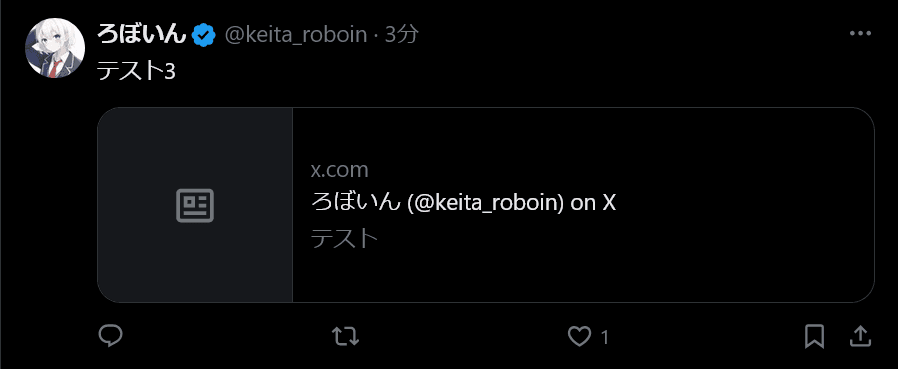
Some users in Japan, including me, have commented on a post they had just reposted by creating a separate post and adding “> RT” or “> RP” at the end to show the connection.
X notifies the author of the original post when someone publishes a quote post. You could use this method when you wanted to mention the reposted content without sending a notification to the other user.
Under the new profile design, X shows reposts in a separate tab, so readers cannot tell which repost “> RT” or “> RP” refers to.
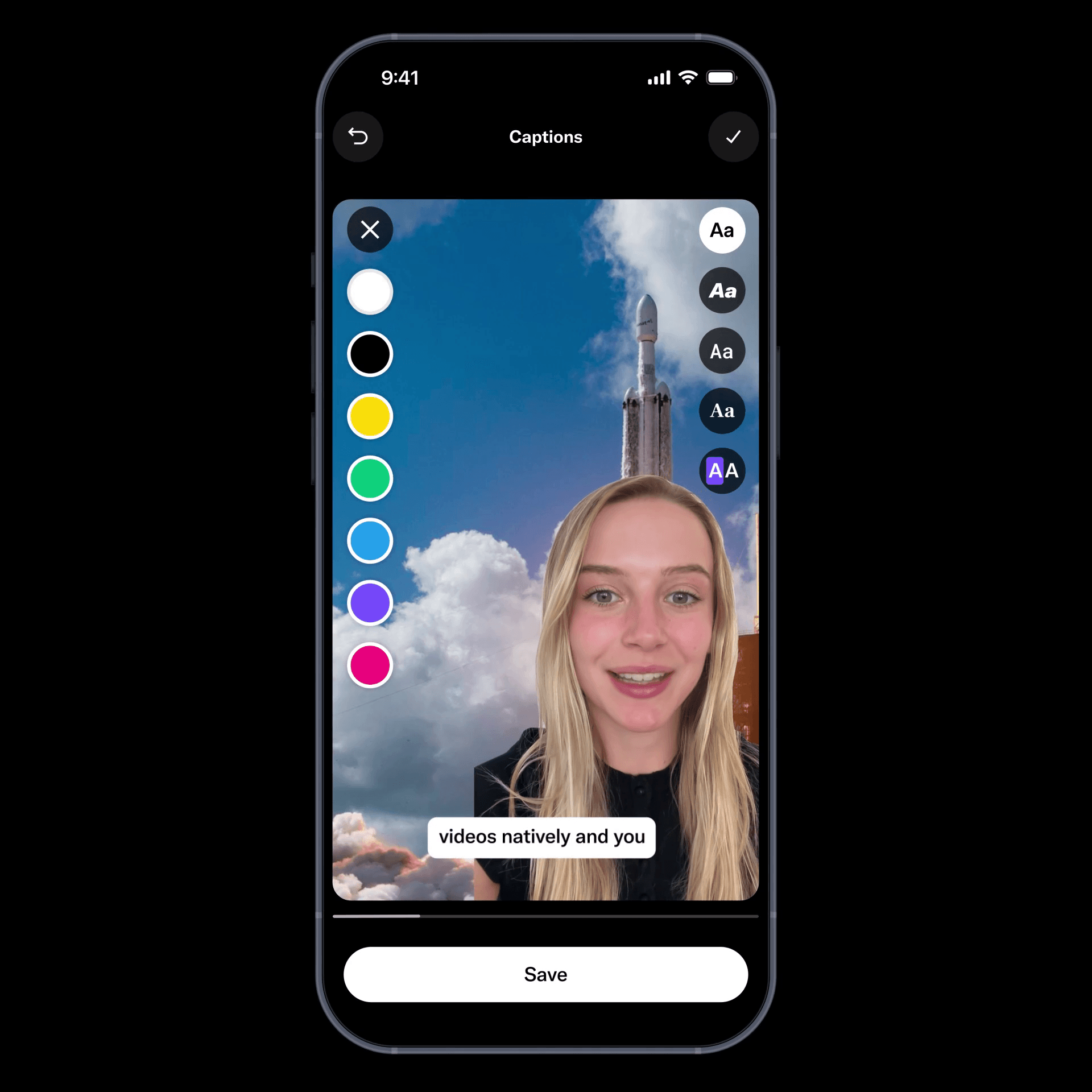
By modifying the URL when you create a quote post, you can prevent X from notifying the other user.
I explain the method in the article below. It requires a few extra steps, but I recommend using it in place of “> RT” or “> RP.”
Conclusion
In its Android and iOS apps, X moved replies and reposts into separate tabs as part of the profile redesign.
Use [Replies] to view threads that include replies to your own posts and [Reposts] to view posts you reposted. To view Highlights, tap [Posts] and select [Highlights] from the drop-down menu.
Verification details and sources
Verification environment
Mobile
- OS: Android 17
- Device: Google Pixel 8
- Apps: X version 12.9.0-beta.1 and X Lite version 12.8.3-release.01
Desktop
- OS: Windows 11
- Browser: Zen Browser version 1.21.7b
Verification details
I confirmed the new profile design in the X app for Android with [New X Android] enabled and in the X Lite app. I saw the previous tab structure in the web version of X.
Last verification date
Changelog
Reference links
Share this article
Follow us for updates
Adding us to your preferred sources on Google makes it easier to find our articles on Google. Also, be sure to follow us on X and our RSS feed.


-1.png&w=1080&q=75)
I've been using JavaScript more than my native language since birth. I am nowhere and everywhere on the internet.
I build web apps and browser extensions in TypeScript as a web frontend programmer. I released Shadowban Scanner, a tool that detects shadowbans on X, and Restore Link Card, a tool that brings back link cards. Media outlets in Japan and abroad covered both tools. For iGEM 2023, I built the Wiki for Team Japan-United and helped the team win the Grand Prize. On my blog, I cover news about X and social media, test and troubleshoot bugs, and share frontend development insights.






![Xのプロフィールで[Videos]タブの下にドロップダウンメニューが表示されている画像](/_next/image/?url=%2Fapi%2Fmedia%2Ffile%2Fx-lite-videos-tab-dropdown-thumbnail.png&w=3840&q=75)