How to deal with a slow first load after launching Firefox

Firefox is a privacy-conscious browser that, among other things, uses less memory than Chrome, but the first load at startup can sometimes be slow.
This article explains how to address cases where the first page load after launching Firefox is slow.
Check the issue
First, check the issue in detail.
If a specific web page loads slowly regardless of whether it is the first load after launch, the cause may be different from the issue described in this article.
If specific web pages are slow to load, or if all web pages are slow to load regardless of whether it is the first load, please refer to this article.
Although the title of this article says "Firefox for Android," the content applies beyond Android as well.
If the first page load after launching Firefox is slow regardless of which web page you load, proceed to the next section.
In my case, the first page load after launch took several seconds, while from the second time onward it loaded in about 1 second.
Check extensions
If only the first page load after launching takes abnormally long, there is a possibility that an extension installed in Firefox is the cause.
In my case, the ad blocker uBlock Origin installed in Firefox for Android was the cause.
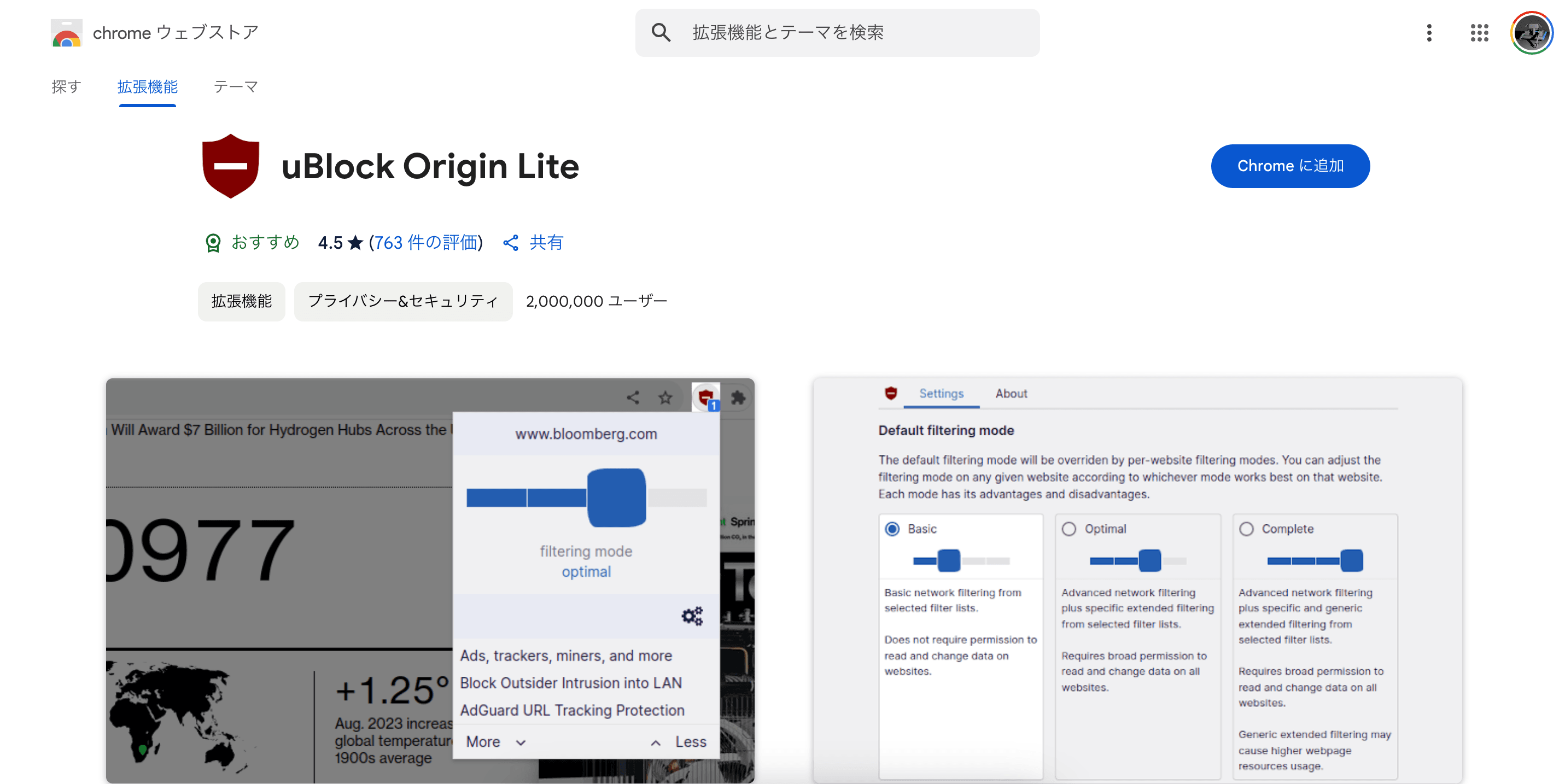
This is a guess, but during the first page load after launching Firefox, uBlock Origin is performing some processing (such as updating or loading filters), which likely affects page load speed.
Disabling uBlock Origin improves the speed of the first load.
Although I did not measure strictly, I did not notice any change in first-load speed even when I reduced the number of uBlock Origin filters.
It is possible that enabling an extremely large number of filters makes it slower, but reducing filters does not seem to affect first-load speed.
Therefore, you will have to choose either to use uBlock Origin and have the first load at startup be slow, or to disable uBlock Origin and have the first load at startup be fast.
Other extensions besides uBlock Origin may also affect load speed due to processing that runs when the browser starts.
Even if you do not have uBlock Origin installed, it is a good idea to disable all extensions once and check whether the issue improve.
Conclusion
In Firefox for Android, the first page load after launching can sometimes take time.
If pages are always slow to load or only specific pages are slow, several reasons are possible, but if only the first load after launching is slow, an extension may be the cause.
In my case, uBlock Origin was the cause.
Since extensions other than uBlock Origin may also be the cause, I recommend disabling all extensions once to check.
Share this article
Follow us for updates
Adding us to your preferred sources on Google makes it easier to find our articles on Google. Also, be sure to follow us on X and our RSS feed.


Related articles
- How to Use "Shadowban Scanner" to Monitor Twitter Shadowbans in Real Time
- Why some websites show “polyfill.io requires a username and password,” and what to do: do not enter any information
- Bug in X DMs (X Chat) showing "Unable to communicate with server" Causes of the error and how to fix it when an error occurs even after entering the passcode
- How to fix the issue where passkeys cannot be used in Firefox for Android
- How to delete Grok conversation history and what happens when you delete it
-1.png&w=1080&q=75)
I've been using JavaScript more than my native language since birth. I am nowhere and everywhere on the internet.
I build web apps and browser extensions in TypeScript as a web frontend programmer. I released Shadowban Scanner, a tool that detects shadowbans on X, and Restore Link Card, a tool that brings back link cards. Media outlets in Japan and abroad covered both tools. For iGEM 2023, I built the Wiki for Team Japan-United and helped the team win the Grand Prize. On my blog, I cover news about X and social media, test and troubleshoot bugs, and share frontend development insights.