What does "Made with AI" on X posts mean and when does it show up? Here's a clear explanation
![Xのポストの投稿画面に[Made with AI]というラベルが表示されているスクリーンショット](/_next/image/?url=%2Fapi%2Fmedia%2Ffile%2Fx-made-with-ai-label.png&w=1920&q=75)
On X (Twitter), a label such as "Made with AI" may sometimes appear at the bottom of a post (tweet).
In this article, I explain in an easy-to-understand way what "Made with AI" labels mean, and the conditions under which they are displayed.
Table of Contents
The meaning of "Made with AI"
The "Made with AI" label shown under a post on X is a label indicating that content included in the post was created or modified using AI tools such as generative AI.

In recent years, with the spread of generative AI, so-called low-quality mass-generated content known as "AI slop", as well as fake images and fake videos, have come to be seen as problems on X.
In addition, in fields such as art, there are users who prefer works created by humans over content generated by generative AI.
In this situation, the "Made with AI" label can be used as a factor to consider when viewing content.
This label only indicates the fact that AI was involved in producing the content, and it does not mean that all of the content included in the post was generated by AI.
For example, even if an AI label has been applied, possible cases include using AI to create a first draft of the text, or modifying only part of an image with AI, and there are various possibilities regarding the extent to which AI was used.
Also, because this label is something the content author sets themselves, the absence of the label does not necessarily mean that no AI was used at all, and conversely, the presence of the label does not necessarily mean that AI was actually used.
Note that, separately from the "Made with AI" label, if X determines that "Synthetic and Manipulated Media" is deceptive and causes harm to people, X may apply a special label or limit its visibility.
Under what conditions is the label displayed?
The "Made with AI" labels are displayed when the author sets them themselves.
These labels are not applied automatically, and the author can set them before or after posting.
A detailed method for setting the "Made with AI" label is introduced in this article.
Share this article
Follow us for updates
Adding us to your preferred sources on Google makes it easier to find our articles on Google. Also, be sure to follow us on X and our RSS feed.


Related articles
- Can’t host an X Space on Android? Why the option disappeared and how to work around it
- Don’t use X block checker. They can get your account hacked
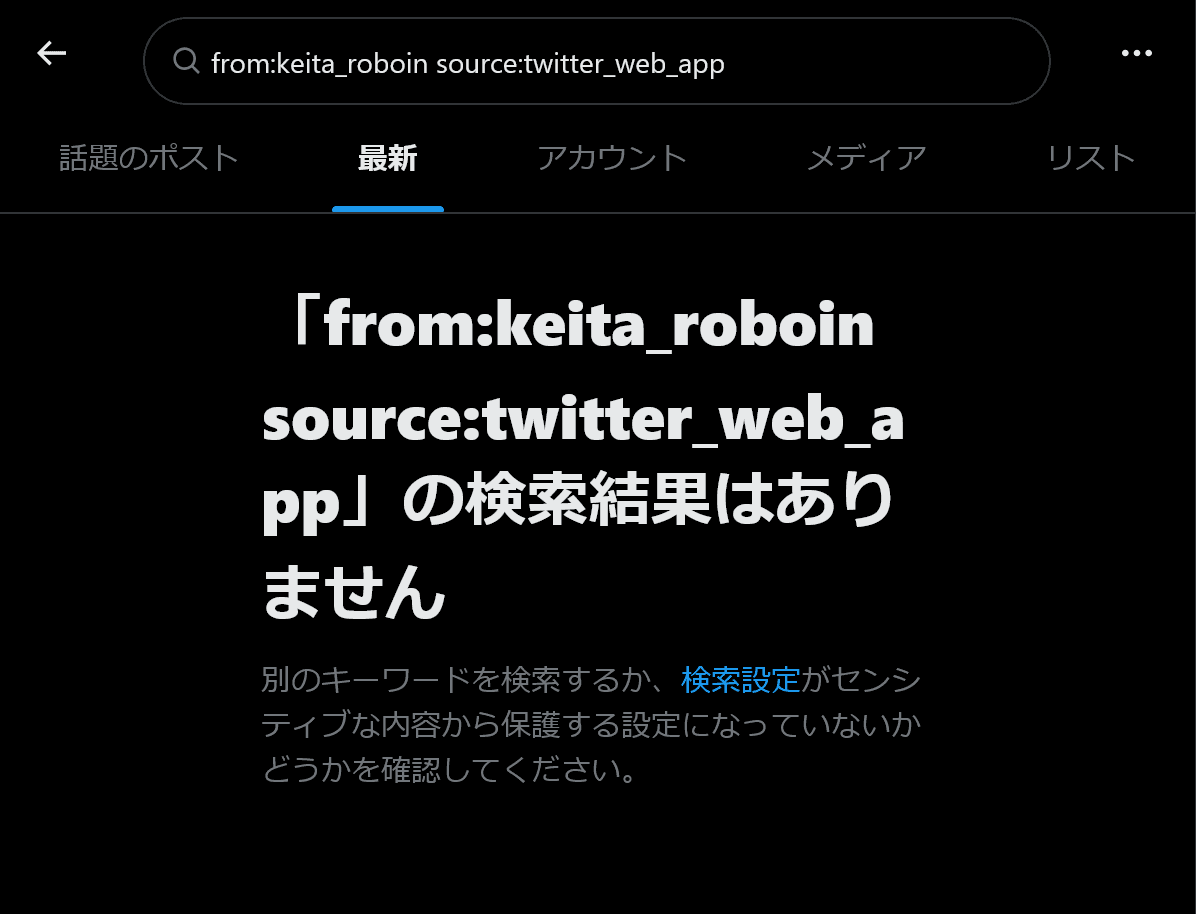
- Bug with X search source: command not working correctly and how to work around it
- Why your X poll might not be showing up, and what to do if the vote count seems low
- Is X preventing your posts? How to delete accumulated unsent drafts
-1.png&w=1080&q=75)
I've been using JavaScript more than my native language since birth. I am nowhere and everywhere on the internet.
I build web apps and browser extensions in TypeScript as a web frontend programmer. I released Shadowban Scanner, a tool that detects shadowbans on X, and Restore Link Card, a tool that brings back link cards. Media outlets in Japan and abroad covered both tools. For iGEM 2023, I built the Wiki for Team Japan-United and helped the team win the Grand Prize. On my blog, I cover news about X and social media, test and troubleshoot bugs, and share frontend development insights.

![ブロックユーザー確認ツール あなたをブロックしているユーザーを特定できます。あなたは何人ものユーザーに持続的な影響力や反響を与えているのか調べてみましょう。※本ツールはX(旧Twitter)社の**公式API**を利用して情報を取得します。 [Xにログインして確認を開始]](/_next/image/?url=%2Fapi%2Fmedia%2Ffile%2Fx-block-checker-phishing-campaign.png&w=3840&q=75)