X for iOS to adopt Liquid Glass as iOS 27 beta users see the first UI changes
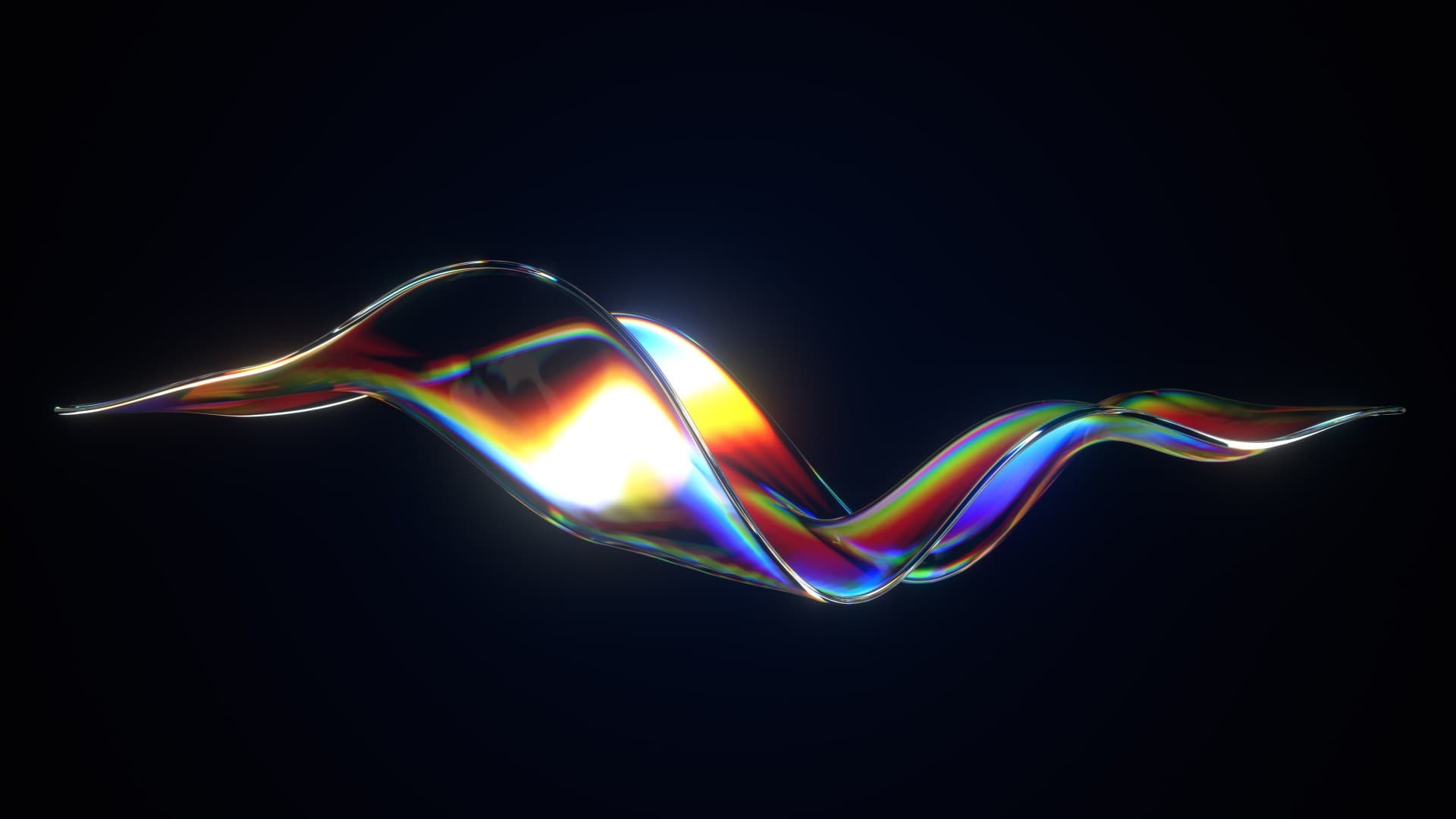
Benji Taylor, a designer at X and xAI, said the company plans to bring Apple’s Liquid Glass design system to X for iOS.
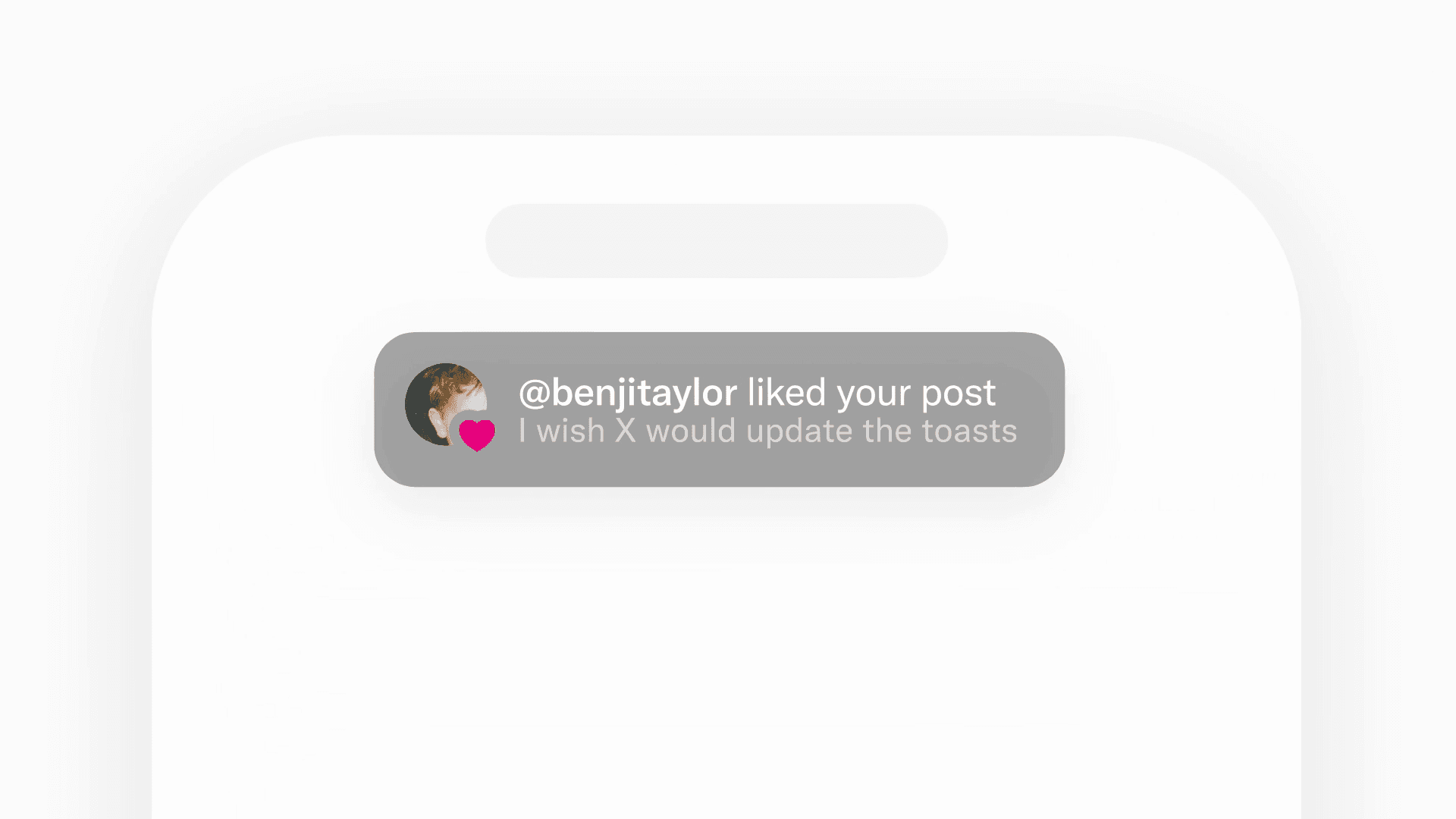
Some users running the iOS 27 beta have begun seeing Liquid Glass-style visuals in parts of the X app.
Table of Contents
X previews Liquid Glass support for its iOS app
Benji Taylor wrote that the X team plans to bring Liquid Glass to the iOS app but will avoid rushing the release because the designers want to get every detail right.
Apple introduced Liquid Glass as a new design system in 2025. Apple’s designers gave it the appearance of translucent liquid glass and made UI elements change shape based on screen state and user input while reflecting background content and surrounding colors.
Taylor gave no release date for the Liquid Glass version of the X app. His comments suggest that his team continues to tailor the design for X.
iOS 27 beta users see changes to parts of the X interface
Some users running the iOS 27 beta see Liquid Glass styling in parts of the X interface.
Since April 28, 2026, Apple has required developers to build iOS and iPadOS apps submitted through App Store Connect with the iOS 26 SDK, the iPadOS 26 SDK, or a later version.
According to Apple’s developer documentation, developers cannot preserve the previous design with the UIDesignRequiresCompatibility compatibility setting when they build apps for iOS 27 or later.
The X team may have triggered Liquid Glass styling in parts of the interface by building the app for iOS 27.
What does this mean
X’s designers pack text, images, buttons, and other elements into a small screen. If they set Liquid Glass to a high transparency level, users may see post content through the buttons and struggle to distinguish text and icons.
Taylor said he wants to apply Liquid Glass with close attention to detail, so I expect his team to adapt the design to X’s dense interface.
Taylor wants to avoid a rushed, half-finished implementation. Apple gives developers no way to retain compatibility mode with the iOS 27 SDK, which may leave his team with limited time.
Users and developers remain divided over Apple’s Liquid Glass, with much of the debate focused on legibility and processing demands. Users may still regard greater visual consistency across apps as an improvement.
Sources
Reference links
Share this article
Follow us for updates
Adding us to your preferred sources on Google makes it easier to find our articles on Google. Also, be sure to follow us on X and our RSS feed.


-1.png&w=1080&q=75)
I've been using JavaScript more than my native language since birth. I am nowhere and everywhere on the internet.
I build web apps and browser extensions in TypeScript as a web frontend programmer. I released Shadowban Scanner, a tool that detects shadowbans on X, and Restore Link Card, a tool that brings back link cards. Media outlets in Japan and abroad covered both tools. For iGEM 2023, I built the Wiki for Team Japan-United and helped the team win the Grand Prize. On my blog, I cover news about X and social media, test and troubleshoot bugs, and share frontend development insights.
![An image showing a drawer titled [Scheduled post] with a calendar on X’s post screen](/_next/image/?url=%2Fapi%2Fmedia%2Ffile%2Fx-ios-scheduled-post-thumbnail.png&w=3840&q=75)

![[Draw blur]と表示されたXの新しい画像エディター画面のスクリーンショット。上部に戻る、切り抜き、テキスト、描画、ぼかし、保存の各アイコンが並んでいる](/_next/image/?url=%2Fapi%2Fmedia%2Ffile%2Fx-new-photo-editor.jpeg&w=3840&q=75)



![Xのポストの投稿画面に[Made with AI]というラベルが表示されているスクリーンショット](/_next/image/?url=%2Fapi%2Fmedia%2Ffile%2Fx-made-with-ai-label.png&w=1920&q=75)