
Users report X Chat/DM not loading and showing "Oops! An unexpected error occurred."

It appears that in some X environments, when trying to open X Chat (formerly DMs), an error message saying [Oops! An unexpected error occurred. Try restarting the app.] is displayed, preventing chats from being opened.
Table of Contents
What is X Chat (formerly DMs)?
Last December, X's DMs were integrated into a new chat service called X Chat.
X Chat includes encryption, disappearing messages after a certain period of time (vanish mode), and file transfer functionality, improving both security and convenience.
There are also settings that let you assign nicknames visible only to yourself for the person you are chatting with, and prevent screenshots.
Overall, X Chat has stronger security and privacy than DMs, and convenient features have also been added.

Over the past few days, the integration of X and X Chat has progressed even further.
In the mobile app, the icon, which had remained unchanged since the DM era, has been replaced with a dedicated icon.
Details of the issue
Since around April 4 (JST), there appears to be an issue where, when trying to open X Chat, an error message saying [Oops! An unexpected error occurred. Try restarting the app.] is displayed, preventing chats from being opened.
This is not occurring in the my environment, but on X there have been one report after another saying that X Chat cannot be opened because of an error.
It seems to be occurring especially in the mobile app, and when this error appears, the problem does not seem to be resolved even after restarting the app or smartphone, or reinstalling the app.
There are also posts saying the error began appearing after updating the app, so there is a possibility that the cause is an app bug.
Other issues are also occurring related to X Chat, such as a bug where the number shown for message requests is greater than the number of requests actually displayed, and issues where requests cannot be seen.
Workarounds
Because the cause may be an app issue, there is currently no fundamental workaround that users can take on their side.
However, in many cases it seems that X Chat can be viewed without problems on the X web client, so if the error is displayed in the X app, it may be worth trying the web.
Also, if you have not set a passcode after DMs and X Chat were integrated, that may be the reason you are unable to view messages, so try setting a passcode.
![[新しいXチャットへようこそ]というテキストが画面に大きく表示されており、その下には次の3つの説明が表示されている。[エンドツーエンドの暗号化:メッセージは、端末にかかわらずエンドツーエンドで暗号化されています。][最先端のプライバシー:Xを含め、他の人がメッセージを読むことはできません。][パスコードを設定:メッセージを保護するため、4桁のパスコードを設定してください。]これらの説明の下には、[パスコードを作成]という大きなボタンが配置されている](/_next/image/?url=%2Fapi%2Fmedia%2Ffile%2Fwelcome-to-new-chat.png&w=1920&q=75)
If that still does not resolve it, you will need to wait until the issue is fixed or temporarily use another means of communication.
If you report it in X's official community for bug reports, there is also a chance the issue may be resolved sooner.
Conclusion
Currently, in some X environments, when trying to open X Chat, an error message saying [Oops! An unexpected error occurred. Try restarting the app.] is displayed, preventing chats from being opened.
Because it appears to be a bug in the X mobile app, it would be best to use the web version until a fix is released.
Share this article
Follow us for updates
Adding us to your preferred sources on Google makes it easier to find our articles on Google. Also, be sure to follow us on X and our RSS feed.


Related articles
- X brings scheduled posts to iOS, with Android support absent
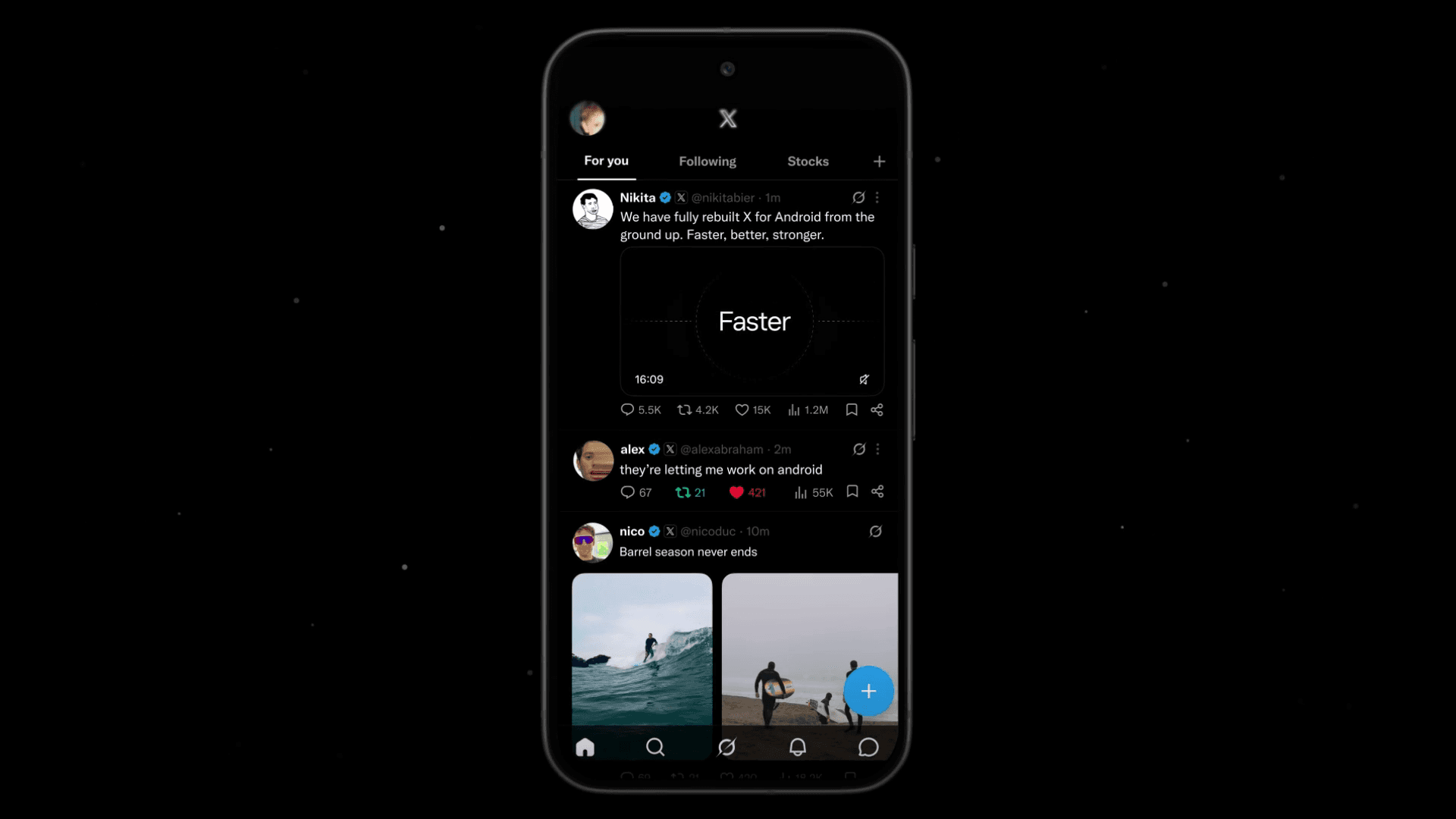
- X launches rebuilt Android app and details the changes
- X strengthens shared post display and reactions in Spaces on Android, while host-side sharing remains in development
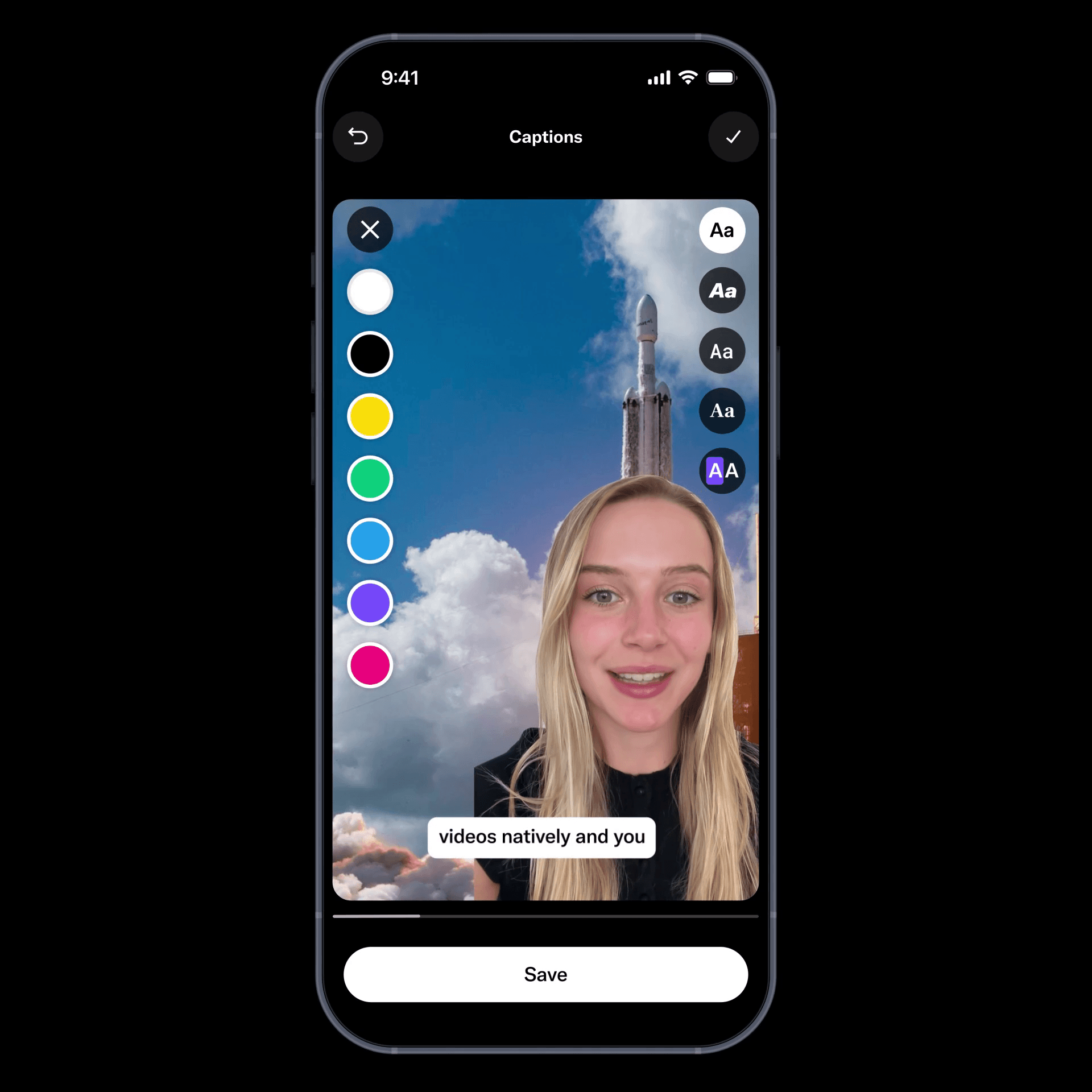
- X launches new video editor on iOS, with new Android app set to reach all users this month
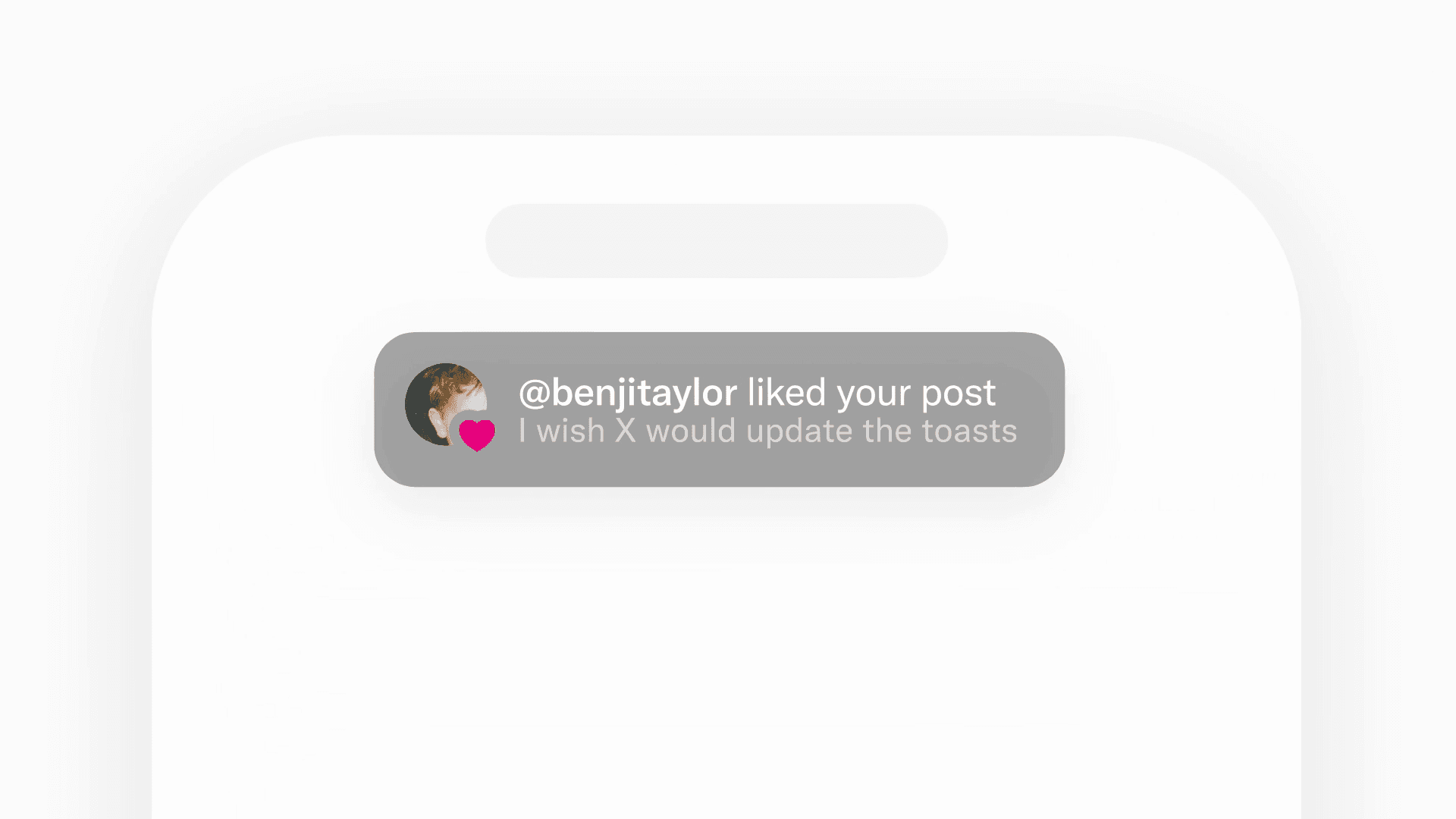
- X updates its in-app notification design with a simpler, more readable style
-1.png&w=1080&q=75)
I've been using JavaScript more than my native language since birth. I am nowhere and everywhere on the internet.
I build web apps and browser extensions in TypeScript as a web frontend programmer. I released Shadowban Scanner, a tool that detects shadowbans on X, and Restore Link Card, a tool that brings back link cards. Media outlets in Japan and abroad covered both tools. For iGEM 2023, I built the Wiki for Team Japan-United and helped the team win the Grand Prize. On my blog, I cover news about X and social media, test and troubleshoot bugs, and share frontend development insights.
![An image showing a drawer titled [Scheduled post] with a calendar on X’s post screen](/_next/image/?url=%2Fapi%2Fmedia%2Ffile%2Fx-ios-scheduled-post-thumbnail.png&w=3840&q=75)
![スマートフォンのホーム画面の[Social]フォルダーを表示した写真。フォルダー内にはFacebook、Instagram、Threads、X、LinkedIn、TikTok、YouTubeのアイコンが配置されている](/_next/image/?url=%2Fapi%2Fmedia%2Ffile%2Ffacebook-instagram-threads-x-twitter-linkedin-tiktok-youtube-mobile-app-unsplash.jpg&w=3840&q=75)

![Screenshot of the dialog that says [Snooze Topics] [Select topics you don’t want to see for 24 hours]](/_next/image/?url=%2Fapi%2Fmedia%2Ffile%2Fx-snooze-topic-dialog-english.png&w=1920&q=75)




