
X launches rebuilt Android app and details the changes
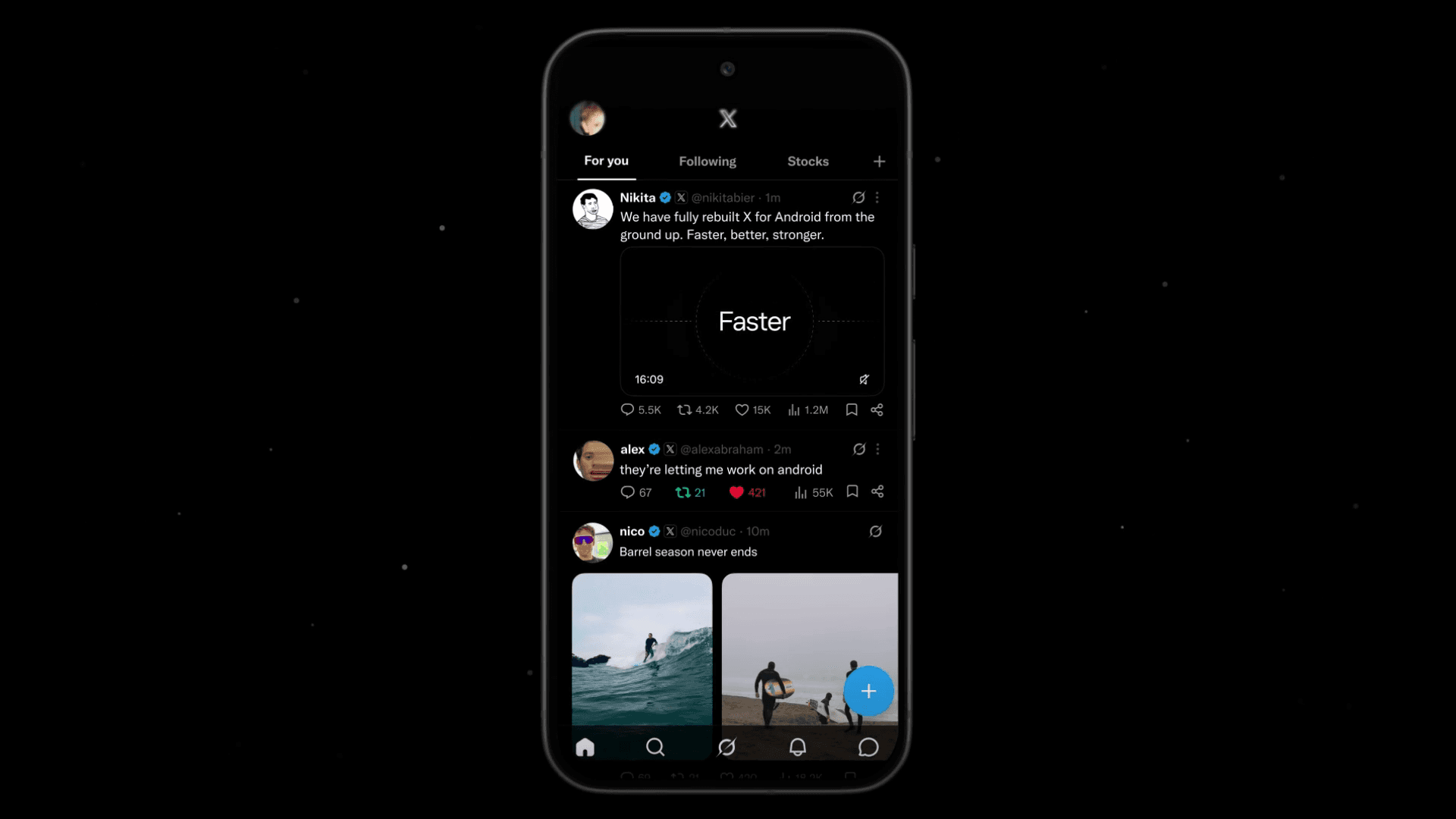
X has launched its rebuilt Android app. The company describes the new app as “faster, smoother and way more reliable,” while X Head of Product Nikita Bier says the new foundation will help the company build features at a faster pace.
Table of Contents
X launches its new Android app
On July 21, 2026, Japan time, X announced through its official account that it had rebuilt the Android app to make it faster, smoother, and more reliable.
X Head of Product Nikita Bier said the company rebuilt the Android app from scratch and called the effort “one of the largest engineering projects in the company's history.” He added that the new foundation would let the company ship features at “lightning speed.”
Bier said the large-scale project took more than a year, but he acknowledged that the app still needs work. His team has focused on adding the ability to host Spaces and improving performance on older devices.
The new Android app lets users listen to Spaces, but it does not support hosting, which means creating and speaking in a Space. Bier recommended hosting Spaces through the web version until X adds the feature in the coming days.
Today we're announcing the completion of one of the largest engineering projects in the company's history:
— Nikita Bier (@nikitabier) July 20, 2026
We rebuilt the X Android app from scratch
It's faster, smoother and more reliable. But most of all: it will enable us to build new features at lightning speed. pic.twitter.com/N6X2X5CEft
What changed in the new app?
X describes the new Android app as “faster, smoother and way more reliable.” The official promotional video uses the phrase “Faster, Better, Stronger.”
X developed the new Android app under the name X Lite. For more than a year, the company gave a subset of X Premium subscribers access to a test version. I joined the test during its early stages.

Based on my experience with the app, these changes have had the greatest impact:
- Smoother performance
- A modern design
- More features
Smoother performance
The first version of X Lite supported only a small set of core X features. It also ran too slowly for daily use. Over time, X added more features and reduced the app’s resource demands.
Navigation in the current Android app feels smooth. The app supports newer Android technologies such as predictive back gesture navigation, which Google introduced with Android 13, and X has added a wide range of animations.
Those animations make the interface feel fluid and give the app a more enjoyable feel.
A modern design
X had left the Android app’s design unchanged for some time. Compared with other modern apps, the previous interface had begun to look dated.
The new Android app uses translucency and blur effects to create a modern design similar to the X website. The redesigned profile layout that drew attention a few days ago, despite mixed reactions, also comes from the new Android app.

You can also choose light blue, yellow, pink, purple, orange, or green as the accent color under [Settings and privacy] > [Accessibility, display, and languages] > [Display]. The X website has supported custom accent colors for some time, but the previous Android app did not. Android users can now adjust the interface to match their preferred color.
Green is my favorite. While taking the screenshots, I also noticed that X has removed the Dim theme, as it did on the web.
![Screenshot of X’s [Display] settings. Users can choose [System], [Day], or [Night] as the theme, with font size and accent color settings shown below.](/_next/image/?url=%2Fapi%2Fmedia%2Ffile%2Fx-lite-color-scheme-settings.png&w=1920&q=75)
More features
Since the Twitter era, X has often introduced features in the iOS app and on the web before bringing them to Android. In some cases, the company never added those features to the Android app.
X has added most features from the previous Android app to the rebuilt version. The new app also includes several features that the company had introduced on iOS or the web but never added to the old Android app.
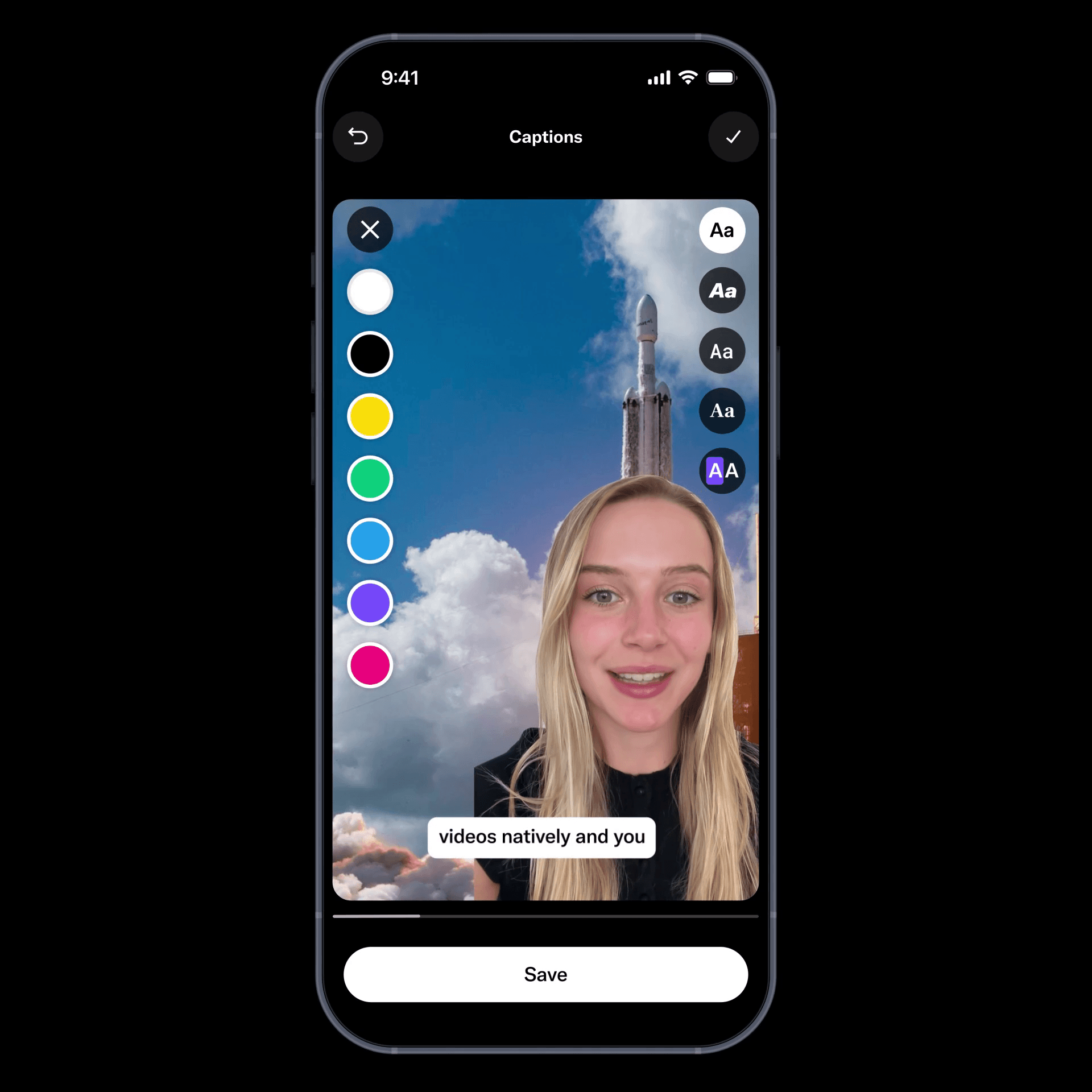
Examples include an interface that helps posts with links gain more visibility, video reactions to other users’ posts, and the new image editor. The new Android app supports the first feature. X has limited the other features to X Lite users and has not given them a broad release.
The app also includes Grok-powered post proofreading, custom timelines, and topic snoozing. Custom timelines let you pin topic-based feeds generated with Grok. Topic snoozing hides posts about a selected topic for a set period.
![Screenshot of the dialog that says [Snooze Topics] [Select topics you don’t want to see for 24 hours]](/_next/image/?url=%2Fapi%2Fmedia%2Ffile%2Fx-snooze-topic-dialog-english.png&w=1920&q=75)
X plans to add more features
As noted above, Bier said X has focused on adding Space hosting and improving performance on older devices. The new Android app runs smoothly on my device, but some users on X have reported poor performance. X’s work on performance should help address those complaints.
Bier said the company plans to bring React with Video, which X Lite users can access, and the new video editor to the new Android app in the near future.
He also wrote that X would release many upcoming features on Android first, suggesting that the company plans a steady stream of additions. Bier had said that X planned to bring the new Android app to all users in July, after which the company could release new features alongside the iOS version or within a similar timeframe.
The new Android app uses a different design and layout from the previous version, and users may need time to adjust. In my view, the new app offers an excellent experience once you become familiar with it. X also appears set to add more features over time.
Verification details and sources
Verification environment
- OS: Android 17
- Device: Google Pixel 8
- Apps: X version 12.10.0-beta.1 and X Lite version 12.9.2-release.01
Verification details
I used both the previous and new Android versions of X as part of my daily routine for more than a year and checked which features each app supported or lacked.
Last verification date
Reference links
Share this article
Follow us for updates
Adding us to your preferred sources on Google makes it easier to find our articles on Google. Also, be sure to follow us on X and our RSS feed.


-1.png&w=1080&q=75)
I've been using JavaScript more than my native language since birth. I am nowhere and everywhere on the internet.
I build web apps and browser extensions in TypeScript as a web frontend programmer. I released Shadowban Scanner, a tool that detects shadowbans on X, and Restore Link Card, a tool that brings back link cards. Media outlets in Japan and abroad covered both tools. For iGEM 2023, I built the Wiki for Team Japan-United and helped the team win the Grand Prize. On my blog, I cover news about X and social media, test and troubleshoot bugs, and share frontend development insights.
![スマートフォンのホーム画面の[Social]フォルダーを表示した写真。フォルダー内にはFacebook、Instagram、Threads、X、LinkedIn、TikTok、YouTubeのアイコンが配置されている](/_next/image/?url=%2Fapi%2Fmedia%2Ffile%2Ffacebook-instagram-threads-x-twitter-linkedin-tiktok-youtube-mobile-app-unsplash.jpg&w=3840&q=75)

![ポップアップに[Save post? You can save this to send later from your drafts.]と表示され、[Save]ボタンと[Discard]ボタンがある](/_next/image/?url=%2Fapi%2Fmedia%2Ffile%2Fx-save-thread-feature-update-thumbnail.jpg&w=3840&q=75)







