X may have removed Undo post and custom navigation from Premium; users can no longer access either feature
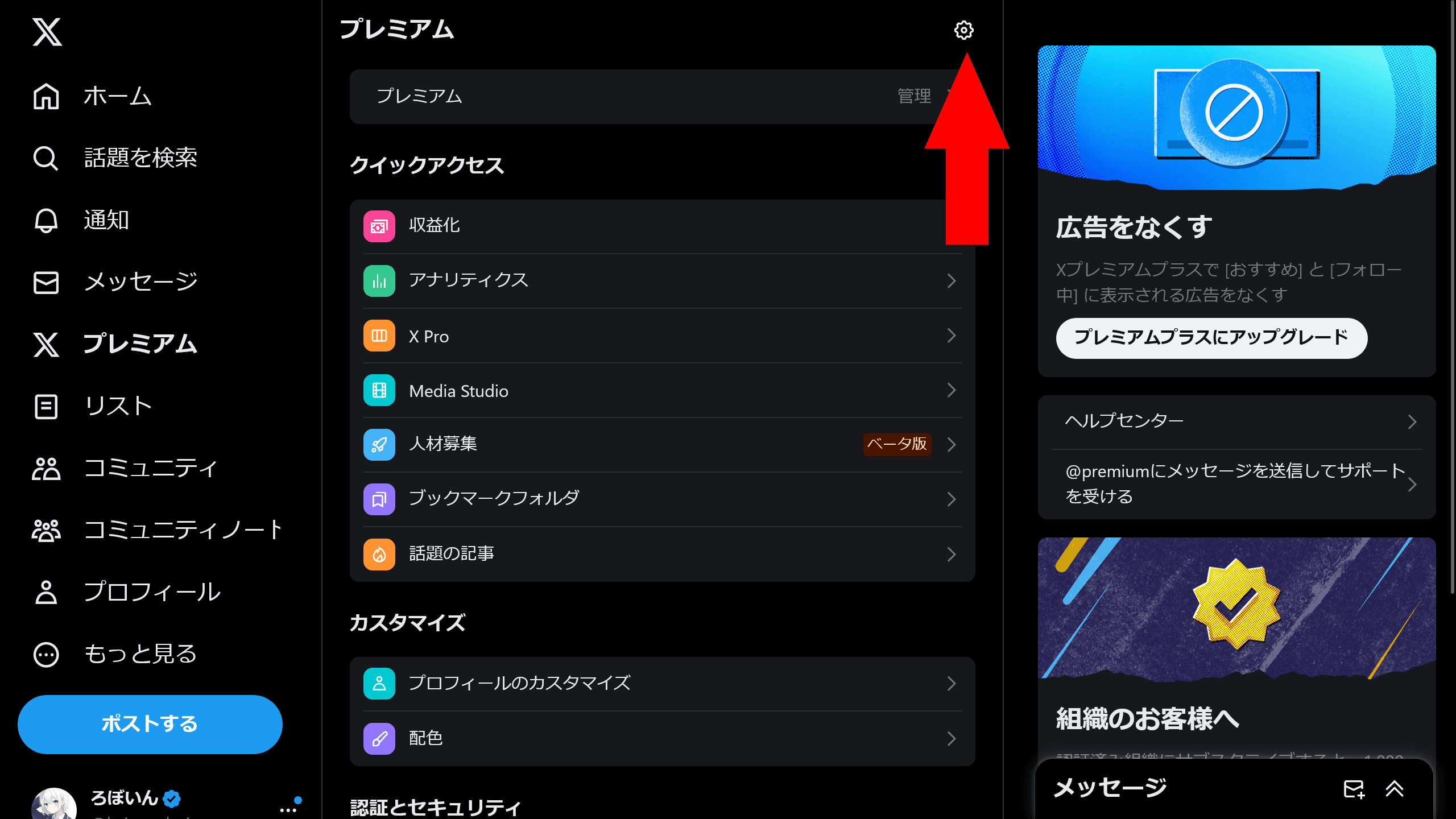
X offers various extra features through its paid subscription service, X Premium. Users can no longer access two of those features, “Undo post” and “Custom navigation,” which suggests X may have removed them.
X may have removed “Undo post” and “Custom navigation”
“Undo post” works much like Gmail’s Undo send feature on the web. It delays sending a post for a set amount of time, allowing you to cancel it after you press the send button and before X publishes it.
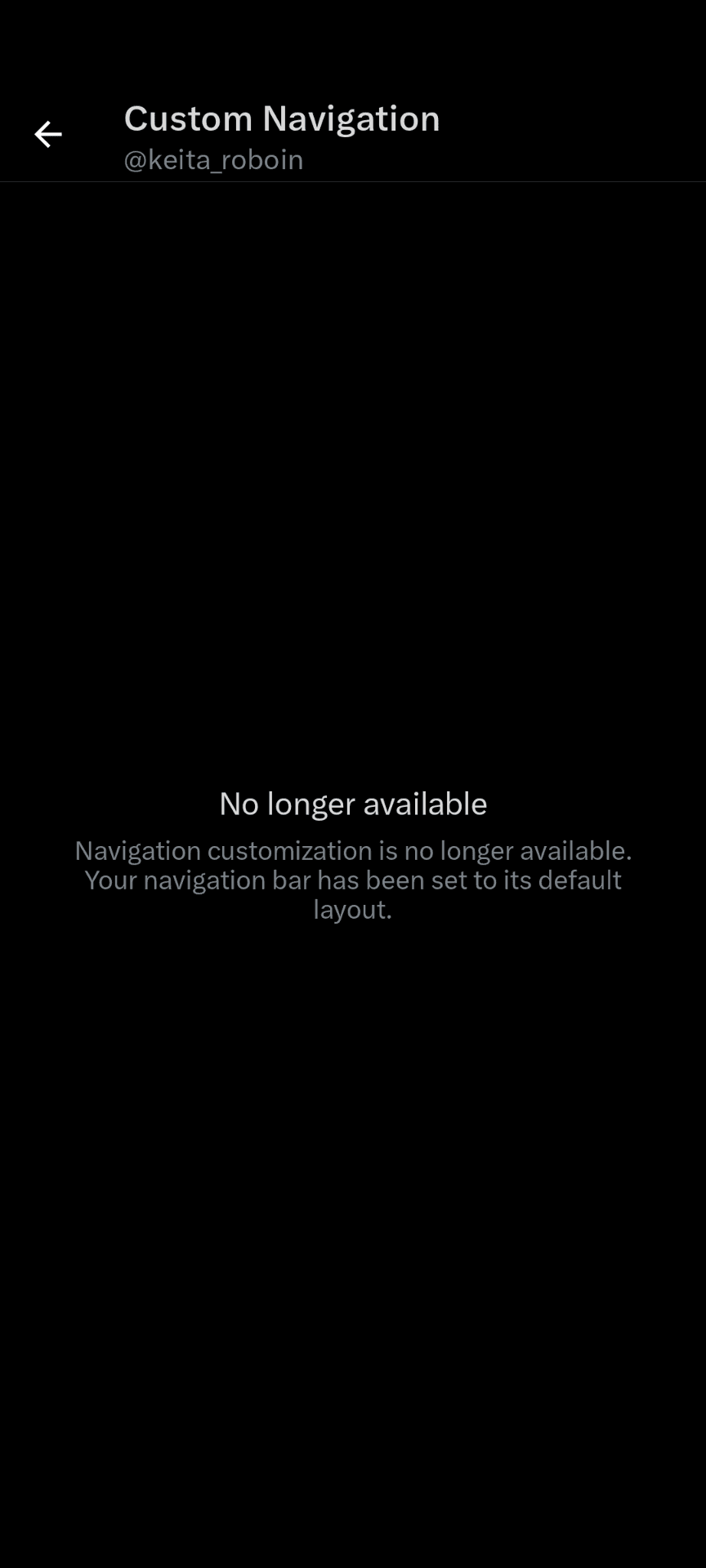
Custom navigation lets you change the items that appear in the navigation bar at the bottom of the X app.
I checked both features and found that users can no longer access either one in the Android version of the X app or the Android version of the X Lite app.
In the Android version of the X app, X has removed the settings for “Undo post.”
The custom navigation settings page still exists, but when you open it, X now shows the message: “Navigation customization is no longer available. Your navigation bar has been set to its default layout.”
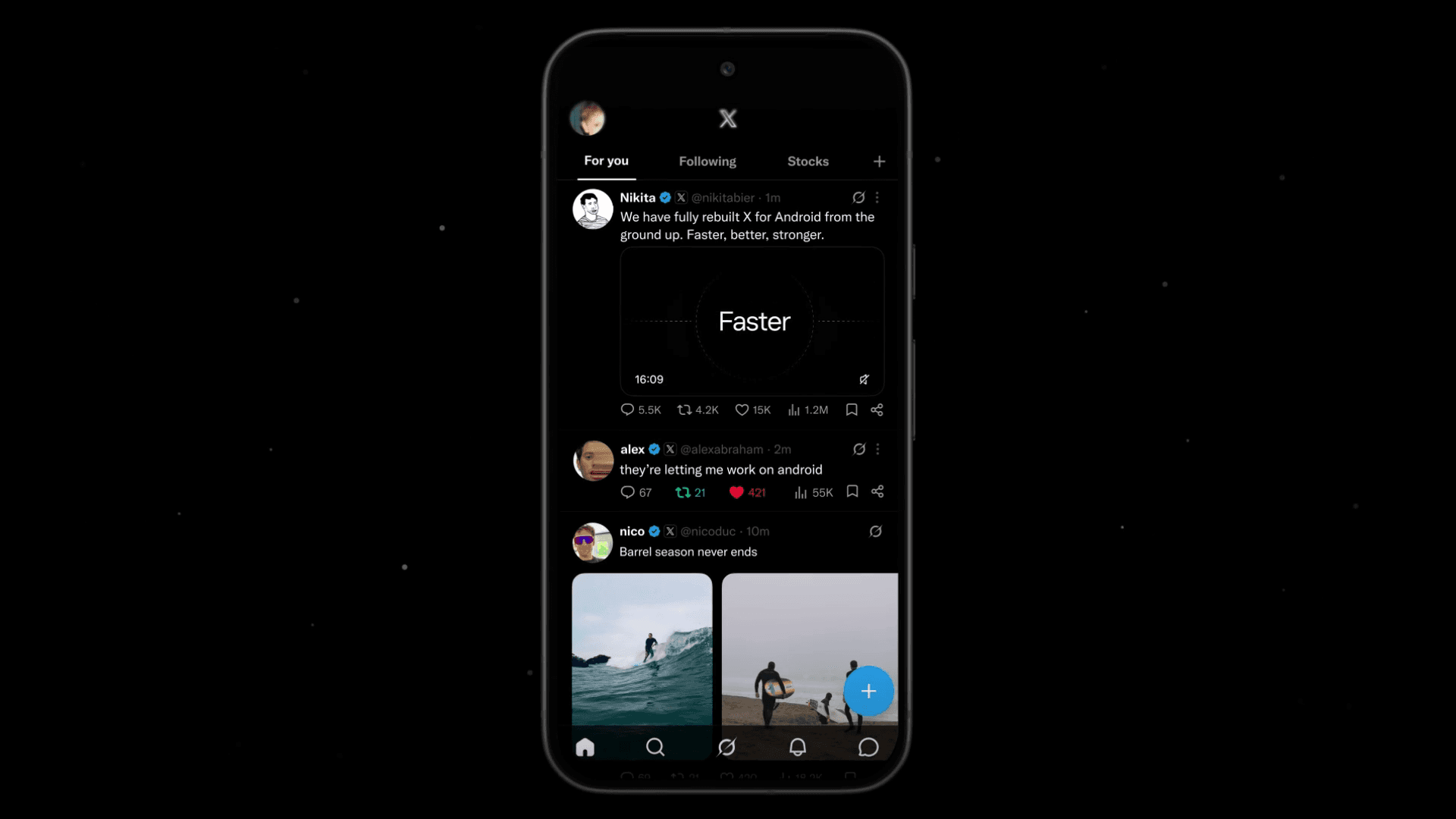
X has also removed the settings for “Undo post” from the Android version of the X Lite app. In the Android version of X Lite, the “Undo post” setting had existed for some time but did not work; posts sent at once regardless of the setting, and this had continued for several months.
Custom navigation had not been implemented in the Android version of X Lite.
X still lists “Undo post” and “Custom navigation” on the X Premium help page, but it has removed them from the X Premium subscription page.
X has not made an official announcement on whether it plans to bring these features back or has removed them for good.
Verification details and sources
Verification environment
- OS: Android 17
- Device: Google Pixel 8
- App: X app for Android version 11.98.0-beta.0 and X Lite for Android version 11.98.3-release.01
Verification details
I confirmed that users can no longer enable these features from settings in the Android versions of the X app and X Lite app. For custom navigation, the setting still remains in the X app, but the app now shows the message: “Navigation customization is no longer available. Your navigation bar has been set to its default layout.”
Last verification date
Reference links
Share this article
Follow us for updates
Adding us to your preferred sources on Google makes it easier to find our articles on Google. Also, be sure to follow us on X and our RSS feed.


-1.png&w=1080&q=75)
I've been using JavaScript more than my native language since birth. I am nowhere and everywhere on the internet.
I build web apps and browser extensions in TypeScript as a web frontend programmer. I released Shadowban Scanner, a tool that detects shadowbans on X, and Restore Link Card, a tool that brings back link cards. Media outlets in Japan and abroad covered both tools. For iGEM 2023, I built the Wiki for Team Japan-United and helped the team win the Grand Prize. On my blog, I cover news about X and social media, test and troubleshoot bugs, and share frontend development insights.
![スマートフォンのホーム画面の[Social]フォルダーを表示した写真。フォルダー内にはFacebook、Instagram、Threads、X、LinkedIn、TikTok、YouTubeのアイコンが配置されている](/_next/image/?url=%2Fapi%2Fmedia%2Ffile%2Ffacebook-instagram-threads-x-twitter-linkedin-tiktok-youtube-mobile-app-unsplash.jpg&w=3840&q=75)

![ポップアップに[Save post? You can save this to send later from your drafts.]と表示され、[Save]ボタンと[Discard]ボタンがある](/_next/image/?url=%2Fapi%2Fmedia%2Ffile%2Fx-save-thread-feature-update-thumbnail.jpg&w=3840&q=75)

![Xのプロフィールで[Videos]タブの下にドロップダウンメニューが表示されている画像](/_next/image/?url=%2Fapi%2Fmedia%2Ffile%2Fx-lite-videos-tab-dropdown-thumbnail.png&w=3840&q=75)
![[新しいXチャットへようこそ]というテキストが画面に大きく表示されており、その下には次の3つの説明が表示されている。[エンドツーエンドの暗号化:メッセージは、端末にかかわらずエンドツーエンドで暗号化されています。][最先端のプライバシー:Xを含め、他の人がメッセージを読むことはできません。][パスコードを設定:メッセージを保護するため、4桁のパスコードを設定してください。]これらの説明の下には、[パスコードを作成]という大きなボタンが配置されている](/_next/image/?url=%2Fapi%2Fmedia%2Ffile%2Fwelcome-to-new-chat.png&w=1920&q=75)