[Android] Why X images do not change when you tap and hold and how to fix it
Many posts on X now feature images that change when you tap and hold them. In the Android app, however, the image may appear in its post-tap-and-hold state from the start, with no change when you tap and hold it.
The image resolution setting used during loading causes this issue. In this article, I explain how to check and change the relevant settings.
Table of Contents
Why images do not change when you tap and hold
Since around July 23, many posts on X have featured images that change when you tap and hold them. In these posts, the initial image shows only part of the full picture, while the app’s background color covers the rest. When you tap and hold the image, the hidden parts appear in the areas that matched the background color.
On Android devices, however, X may show the full image from the start. As a result, nothing changes when you tap and hold it.
An incompatible combination of image resolution and device settings causes this behavior.
X loads different-resolution versions of an image when it appears in the timeline, when you tap and hold it, and when you tap the post. Images that change when you tap and hold use this mechanism. Some combinations of device and image resolution settings prevent the effect from working.
Settings that may make tap and hold work
Changing the resolution setting for loaded images may hide part of the image in its initial state and reveal it when you tap and hold. You also need the new Android app that X rebuilt from scratch for this image effect to work.
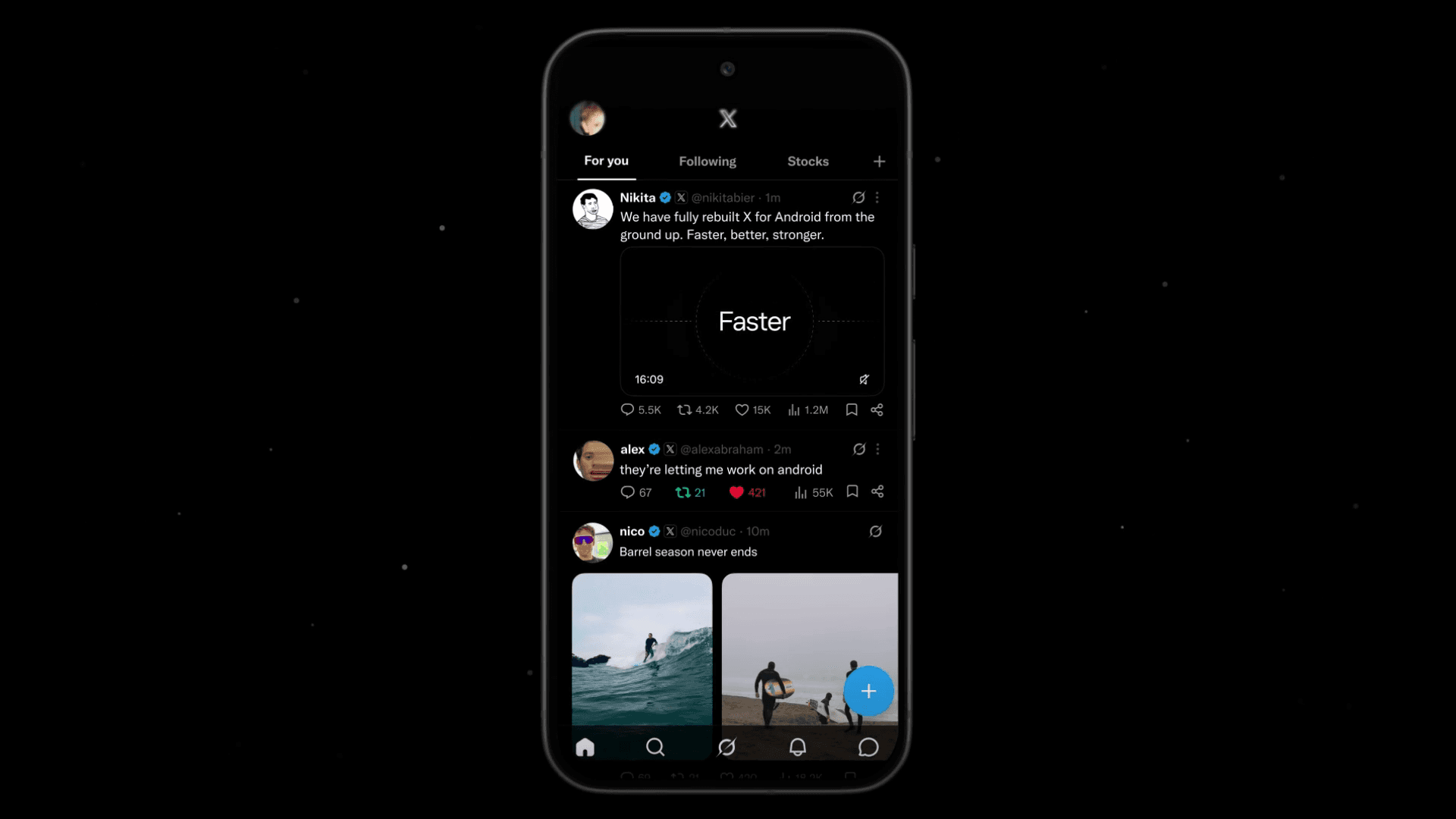
Follow these steps to change the image resolution setting.
Open the X app for Android
Open [Settings and privacy] from the sidebar
Open [Accessibility, display, and languages] > [Data usage]
If [Data saver] is on, turn it off. If it is off, turn it on
If switching Data saver on or off does not fix the issue, change [High-quality images] to a setting other than the current one: [Never], [Wi-Fi only], or [Mobile data & Wi-Fi]
![Screenshot of X’s settings screen showing the options under [Accessibility, display, and languages] > [Data usage]](/_next/image/?url=%2Fapi%2Fmedia%2Ffile%2Fx-data-saver-high-resolusion-image-settings-english.png&w=3840&q=75)
Could tap and hold images put monetization at risk?
Despite the steps above, I do not recommend posting images that change when you tap and hold, especially from accounts that participate in X’s Creator Revenue Sharing program.
In its Content Monetization Policies, X prohibits engagement bait that asks users to interact with content through artificial means. X Head of Product Nikita Bier has said that X may remove accounts from Creator Revenue Sharing after three or more attempts to solicit engagement with tactics such as “I’ll follow everyone who replies.” X may also suspend those accounts in some cases.
X has not clarified whether posts that ask users to tap and hold an image count as engagement bait. To minimize risk to your account, I do not recommend posting this type of content, especially from accounts that participate in Creator Revenue Sharing.
Verification details
Verification environment
- OS: Android 17
- Device: Google Pixel 8
- Apps: X app version 12.11.0-beta.0 and X Lite app version 12.9.7-release.01
Verification details
I confirmed that images changed as intended when I tapped and held them in the verification environment.
Last verification date
Changelog
- July 25, 2026, 2:00 a.m.: Initial publication
- July 28, 2026, 2:20 p.m.: Added information about X reducing the visibility of tap-and-hold images in the timeline
Share this article
Follow us for updates
Adding us to your preferred sources on Google makes it easier to find our articles on Google. Also, be sure to follow us on X and our RSS feed.


-1.png&w=1080&q=75)
I've been using JavaScript more than my native language since birth. I am nowhere and everywhere on the internet.
I build web apps and browser extensions in TypeScript as a web frontend programmer. I released Shadowban Scanner, a tool that detects shadowbans on X, and Restore Link Card, a tool that brings back link cards. Media outlets in Japan and abroad covered both tools. For iGEM 2023, I built the Wiki for Team Japan-United and helped the team win the Grand Prize. On my blog, I cover news about X and social media, test and troubleshoot bugs, and share frontend development insights.

![Screenshot of [Accessibility, display, and languages] > [Display] > [Font size] in the X settings](/_next/image/?url=%2Fapi%2Fmedia%2Ffile%2Fx-android-font-size-settings-english.png&w=3840&q=75)

![Xアプリの上部に[ポストを送信できません][View draft]と表示されているようす](/_next/image/?url=%2Fapi%2Fmedia%2Ffile%2Fnew-x-android-unable-to-send-post.png&w=3840&q=75)